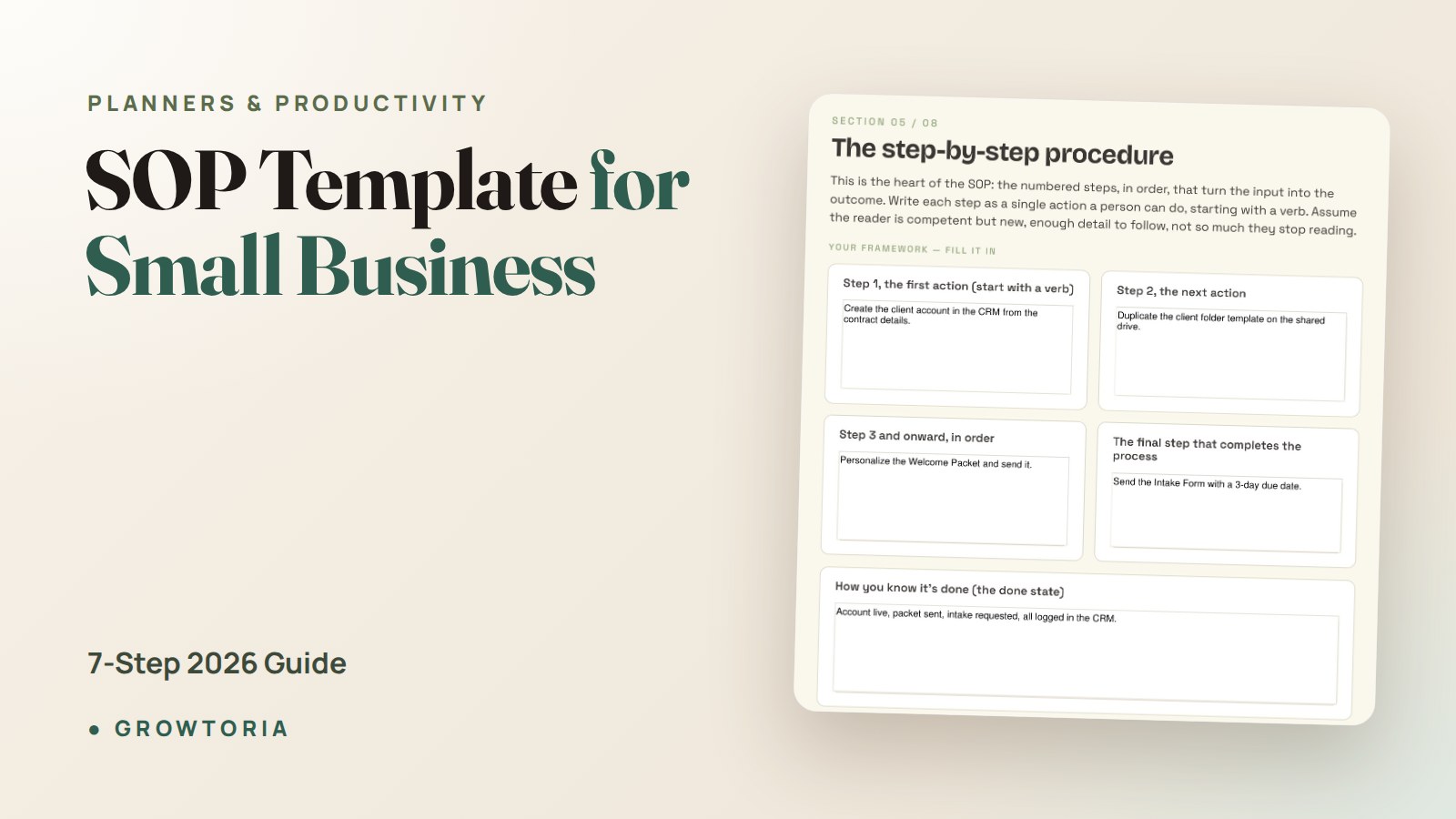
SOP Template for Small Business: 7-Step 2026 Guide
An SOP template for small business only works if a real human — a new hire, a virtual assistant, your sister covering the shop — can pick it up and get the same result you would. Most templates fail that test. They’re either 40-page PDFs no one reads, or three vague bullets that leave every decision to the reader.
This guide gives you a lean, practical SOP structure, seven steps to fill it in, and real examples for the tasks small businesses actually document first. By the end, you’ll have a repeatable format you can use across your whole company — and a way to stop being the only person who knows how anything runs.
Why every small business eventually needs an SOP template
Standard Operating Procedures aren’t a corporate luxury. The moment a second person touches your work — a contractor, an employee, a family member — you’re either writing SOPs or repeating yourself forever.
The U.S. Small Business Administration lists documented processes as a core operating fundamental for growing companies, right alongside bookkeeping and cash flow. It’s not glamorous. It’s what separates a business from a job.
A good SOP template for small business does four things:
- Turns tribal knowledge into a written asset the business owns.
- Cuts training time for new hires from weeks to days.
- Makes quality consistent — the customer gets the same experience whether you or a new team member handles the task.
- Frees the owner from being the bottleneck for every decision.
If you’ve ever thought “it’s faster if I just do it myself,” that’s the exact tax an SOP removes.
What a great small business SOP actually looks like
Forget the corporate template that opens with “1.0 Purpose, 1.1 Scope, 1.2 Definitions.” Nobody reads that. A working SOP has six sections and fits on 1-2 pages:
- Title & owner — what this SOP is, and who to ask if it breaks.
- When to use it — the trigger (a new order arrives, a client signs, a customer complains).
- Prerequisites — tools, logins, or info you need before you start.
- Steps — numbered, in the order they happen, with the exact tool or link.
- Definition of done — how the person knows they finished correctly.
- Common mistakes — the 2-3 things people get wrong the first time.
That’s it. If you can’t fit a task into that structure, the task itself is probably too big and needs to be broken into two SOPs.
The two-page rule
Any SOP longer than two pages will not be followed. If a process needs more, split it into linked SOPs (“Onboarding — Part 1: Contract” and “Onboarding — Part 2: Kickoff”). Length is the enemy of adoption.
The 7 steps to build your SOP template for small business
Here’s the exact sequence I use with small business owners. Do it in this order — skipping steps is why most SOP projects stall.
Step 1: List every repeatable task in your business
Open a spreadsheet. For one week, write down every task you do more than once. Don’t judge, don’t sort. Just capture. You’ll end up with 30-80 items.
Step 2: Rank by pain × frequency
For each task, score two things 1-5: how often it happens (frequency) and how much it hurts when it goes wrong (pain). Multiply. The top 10 are your first SOPs. Everything else waits.
Step 3: Record before you write
Don’t write from memory — you’ll skip steps you do on autopilot. Instead, record yourself doing the task once (Loom, phone video, whatever). Then transcribe the steps. This catches the “obvious” moves your brain hides from you.
Step 4: Draft in the 6-section template
Use the structure above. Keep steps to one action per line. Use the actual button labels (“Click Save Draft“) not vague verbs (“save your work”).
Step 5: Test with a stranger
Hand the SOP to someone who has never done the task and watch them try. Every question they ask is a gap. Fix the gap. Don’t answer the question — the SOP should.
Step 6: Store it where work happens
The best SOP dies if it lives in a folder no one opens. Link SOPs directly from where the work is done — in your project template, at the top of your intake form, pinned in the relevant Slack channel.
Step 7: Review quarterly, not never
Put a 15-minute quarterly recurring calendar block called “SOP tune-up.” Ask two questions: What broke this quarter that we can add? What SOP does no one use anymore?
SOP template vs no template: the real business impact
Owners tend to underestimate what documentation actually changes. Here’s what shifts when you go from “it’s all in my head” to a real SOP library:
| Area | No SOPs (all in your head) | With SOP template in use |
|---|---|---|
| New hire ramp-up | 4-8 weeks of shadowing | 3-7 days of guided practice |
| Owner time per repeated task | Full task, every time | Review only when SOP breaks |
| Quality consistency | Depends who’s on shift | Same result across the team |
| Vacation risk | Business slows or stops | Team keeps shipping |
| Sale/valuation impact | Buyer sees a job, not a business | Documented ops raise multiple |
| Time to write an SOP | — | ~45-60 min per process |
The last row is the objection every owner raises: “I don’t have an hour.” But you’re already spending that hour — you spend it re-explaining, correcting mistakes, and doing the task yourself because it’s “faster.” SOPs move that hour to the front once, instead of paying it every week forever.
The first 5 SOPs every small business should write
Start narrow. These five cover 80% of the “I have to do it myself” pain in most small businesses:
- Client/customer onboarding — from signed to first delivery. If you run a service business, this is your #1 SOP. A structured client onboarding system plugs straight in here.
- Invoicing and payment follow-up — when to send, what to send, what happens if unpaid at 14/30/60 days.
- Weekly bookkeeping — the exact 20-minute Friday routine that keeps your books current. Pair it with a small business expense tracker so the SOP has one home.
- Customer complaint handling — the first response template, escalation path, and refund authority limits.
- Content or lead-gen publishing — the checklist that gets one social post, email, or blog live consistently.
Once those five are running, you’ll feel the shift. New SOPs will start writing themselves because you’ll notice the pattern every time you say “okay, so what I usually do is…”
Common mistakes when writing SOPs (and how to avoid them)
Writing for your future self, not a beginner
You know your business. The person reading the SOP doesn’t. Assume zero context. Include the login URL, the folder path, the tab to click.
Skipping the “why”
People follow rules they understand and break rules they don’t. Add one line of context per section: “We send the welcome email within 4 hours because engagement drops 40% after day one.”
Trying to boil the ocean
Writing 40 SOPs in one weekend is a fantasy. Write one this week. Test it. Write another next week. Momentum beats ambition.
Storing SOPs in a graveyard
A Google Drive folder called “SOPs” that nobody opens is worse than no SOPs — it creates the illusion of documentation. Link SOPs from inside the workflow, not from a directory.
The done-for-you shortcut
If you’d rather not build the template from scratch, our SOP Template for Small Business gives you a pre-built editable structure — the 6-section format above, plus example SOPs for onboarding, invoicing, bookkeeping, and complaint handling that you can adapt in an afternoon.
It’s the version I wish I’d had when I started documenting my own business — and it pairs naturally with the wider systematization playbook if you want to build out beyond the first five SOPs.
Frequently asked questions
What is an SOP template for a small business?
An SOP (Standard Operating Procedure) template is a reusable document structure that captures how a specific task is done in your business — the trigger, the tools, the steps, and how you know it’s finished. For small businesses, the goal is a lean 1-2 page format that a new team member can actually follow, not a corporate compliance document.
How long should a small business SOP be?
One to two pages, ideally. If a process needs more, split it into linked SOPs. The reason is behavioural: SOPs longer than two pages rarely get read, which means they rarely get followed. Length is the enemy of adoption.
What software should I use to write SOPs?
Whatever you already use daily — Google Docs, Notion, Word, or a dedicated tool like Trainual or Process Street. The tool matters less than the structure. Start with the 6-section template in a doc you already open every day, then move to purpose-built software only once you have 15-20 SOPs and multiple team members using them.
How often should I update SOPs?
Do a 15-minute quarterly review of every SOP in active use. Update immediately anytime a process changes materially (new tool, new step, new law). SOPs decay fast — an out-of-date SOP followed literally is worse than no SOP at all.
Do I really need SOPs if I’m a solo business?
Yes — and arguably more than a team does. Solo SOPs let you delegate to contractors instantly, take a vacation without the business grinding to a halt, and (crucially) sell the business someday for more than the value of your own labour. According to ISO’s guidance on documented processes, consistent output — the whole point of an SOP — is the foundation of any quality system, at any company size.
The takeaway
An SOP template for small business is not a document — it’s a shortcut for future decisions. Every SOP you write is a decision you make once instead of every week.
Start with the 6-section format. Write your first SOP this week — pick the task that annoys you most when you have to explain it. Test it with someone else. Store it where the work actually happens. In 90 days, you’ll have a business that runs whether you’re at the desk or not.