Free Invoice Template for Small Business: 7 Fast Steps
A free invoice template for small business is the fastest way to look professional and get paid without buying software you don’t need yet. The problem isn’t finding a template — it’s knowing which seven fields actually matter, how to number your invoices, and how to word payment terms so clients don’t sit on your bill for 45 days.
This guide walks you through exactly what to include, where to grab a template for free, and how to fill it out step by step. If you’ve never sent an invoice before, start here; if you already have, use it as a checklist to plug the leaks that slow down your cash.
Quick answer: A free invoice template for small business should include your business details, the client’s details, a unique invoice number, an itemized list of work, the total due, clear payment terms, and how to pay. Fill those seven fields, save as a PDF, and you have a professional invoice ready to send in minutes.
What should a free invoice template for small business include?
Every valid invoice comes down to seven core fields. Miss one and you invite a delayed payment or a confused client. Here’s the non-negotiable list:
- Your business details — name, address, email, phone, and logo if you have one. Sole traders can use their own name.
- The client’s details — the correct legal name and billing contact. Wrong name, wrong accounts-payable inbox, slow payment.
- A unique invoice number — sequential (INV-0001, INV-0002). This is how you and the client track what’s paid.
- Invoice date and due date — spell out the actual calendar date payment is due, not just “Net 30.”
- An itemized list — description, quantity, rate, and line total for each item or service.
- The totals — subtotal, any tax, and the final amount due in bold.
- Payment terms and methods — how to pay, by when, and any late fee.
In the UK and many regions, the word “invoice,” your details, and a clear amount are legally expected on a business bill. The official GOV.UK guide to invoicing and taking payment is a solid reference for what a compliant invoice must show. In the US, keep a copy of every invoice for your records — the IRS recordkeeping guidance treats invoices as primary income documents.
Where can you get a free invoice template for small business?
You have four realistic options, and the right one depends on how many invoices you send. A one-off invoice can live in a Word doc; a business sending five a week needs something that numbers and totals automatically.
| Option | Best for | Cost | Auto-totals? | Watch out for |
|---|---|---|---|---|
| Word / Google Docs template | Your very first invoice | Free | No | Manual math errors, no numbering |
| Excel / Google Sheets template | A few invoices a month | Free | Yes (with formulas) | Formatting breaks when you edit |
| Online invoice generator | Regular invoicing | Free–low | Yes | Some lock PDF export behind a paywall |
| Full accounting app | High volume + bookkeeping | Monthly fee | Yes | Overkill and subscriptions if you send under 10/month |
If you’re just starting, a document template is fine. Once you send more than a couple a week, the manual math and numbering become the thing that causes mistakes. That’s the point to move up to a generator — our offline invoice & quote generator fills in your details, auto-calculates tax and totals, and exports a clean PDF with no subscription. Prefer to buy where you already shop? You can also grab our tools on our Etsy shop.
How do you fill out an invoice step by step?
Once you have a template, filling it out takes under five minutes. Follow this order every time so nothing gets skipped:
- Add your header. Business name, logo, and contact details at the top.
- Assign the invoice number. Continue your sequence — never reuse a number.
- Enter both dates. Today’s date plus the exact due date (e.g. “Due 12 October 2026”).
- List the client. Correct company name and the person who approves payment.
- Itemize the work. One line per deliverable: description, quantity, rate, line total.
- Calculate totals. Subtotal, tax, and the bold amount due. If you charge sales tax, our free sales tax calculator by state gets the rate right.
- Add payment instructions. Bank details or payment link, terms, and any late fee.
- Export as PDF and send. Always PDF — never an editable file a client could alter.
Need the full breakdown with wording examples? Our step-by-step walkthrough on the best way to create an invoice pairs perfectly with this template guide.
How do you set payment terms that actually get you paid?
Clear, specific terms are the single biggest lever on how fast you get paid. Vague terms invite delay; concrete ones set an expectation.
- Use a real date, not jargon. “Payment due by 12 October 2026” beats “Net 30” — most clients don’t want to do the math.
- Shorten the window. Net 14 or “due on receipt” gets you paid weeks faster than Net 30 for small jobs.
- State a late fee. A simple “1.5% per month on overdue balances” line nudges timely payment.
- Take a deposit on bigger jobs. For anything sizeable, bill part upfront — see our deposit invoice template.
- Make paying frictionless. Add a payment link or your bank details directly on the invoice.
According to widely cited small-business surveys, a large share of invoices are paid late — and the businesses that get paid on time are almost always the ones with the clearest terms and the fastest follow-up.
Should you use a template or an invoice generator?
Use a template when you send a handful of invoices; use a generator when invoicing becomes a weekly task. The tipping point is usually around five invoices a month — that’s when manual numbering and totals start costing you time and creating errors.
If you’re a freelancer juggling multiple clients, the bigger risk isn’t creating the invoice — it’s losing track of which ones are unpaid. A freelancer invoice tracker logs every invoice, flags what’s overdue, and shows exactly who owes you what. Pair it with a small business cash flow template so you can see the money landing before you need it.
Quoting a job before you invoice it? Nail the estimate first with our guide on the best way to quote a job, then convert the accepted quote straight into an invoice.
Common invoice mistakes to avoid
Most late or disputed payments trace back to a handful of avoidable errors:
- Reusing or skipping invoice numbers — it breaks your records and confuses clients.
- Sending an editable Word/Excel file — always convert to PDF.
- No due date — “pay whenever” means “pay eventually.”
- Vague line items — “consulting” invites questions; “3 hrs strategy call, 12 Sep” doesn’t.
- Wrong client contact — an invoice sent to the wrong inbox is an invoice that never gets paid.
- Forgetting to follow up — a polite reminder two days after the due date works more often than people expect.
Frequently asked questions
Is a free invoice template legally valid?
Yes. An invoice is valid as long as it contains the required information — your business details, the client, a unique number, an itemized total, and the amount due. A free template that includes those fields is just as legally sound as one from paid software. Check your local rules, like the GOV.UK invoicing guide, for region-specific requirements.
What’s the best free format for a small business invoice?
Create the invoice in a spreadsheet or generator so totals calculate automatically, then export and send it as a PDF. PDF locks the numbers so a client can’t accidentally (or intentionally) change them, and it opens cleanly on any device.
Do I need to charge tax on my invoices?
It depends on your location, registration status, and what you sell. Many small businesses and freelancers must add sales tax or VAT once registered. When you do charge it, show the tax as its own line, and use a tool like a sales tax calculator to apply the correct rate for the client’s state.
How do I number my invoices?
Use a simple sequential system such as INV-0001, INV-0002, and so on. Never reuse a number and never skip one — a clean sequence makes bookkeeping, tax filing, and chasing overdue payments far easier.
How soon should I send an invoice after finishing work?
Send it the same day you deliver, or within 24 hours. The sooner the invoice lands while the work is fresh in the client’s mind, the faster it gets approved and paid.
Start invoicing today
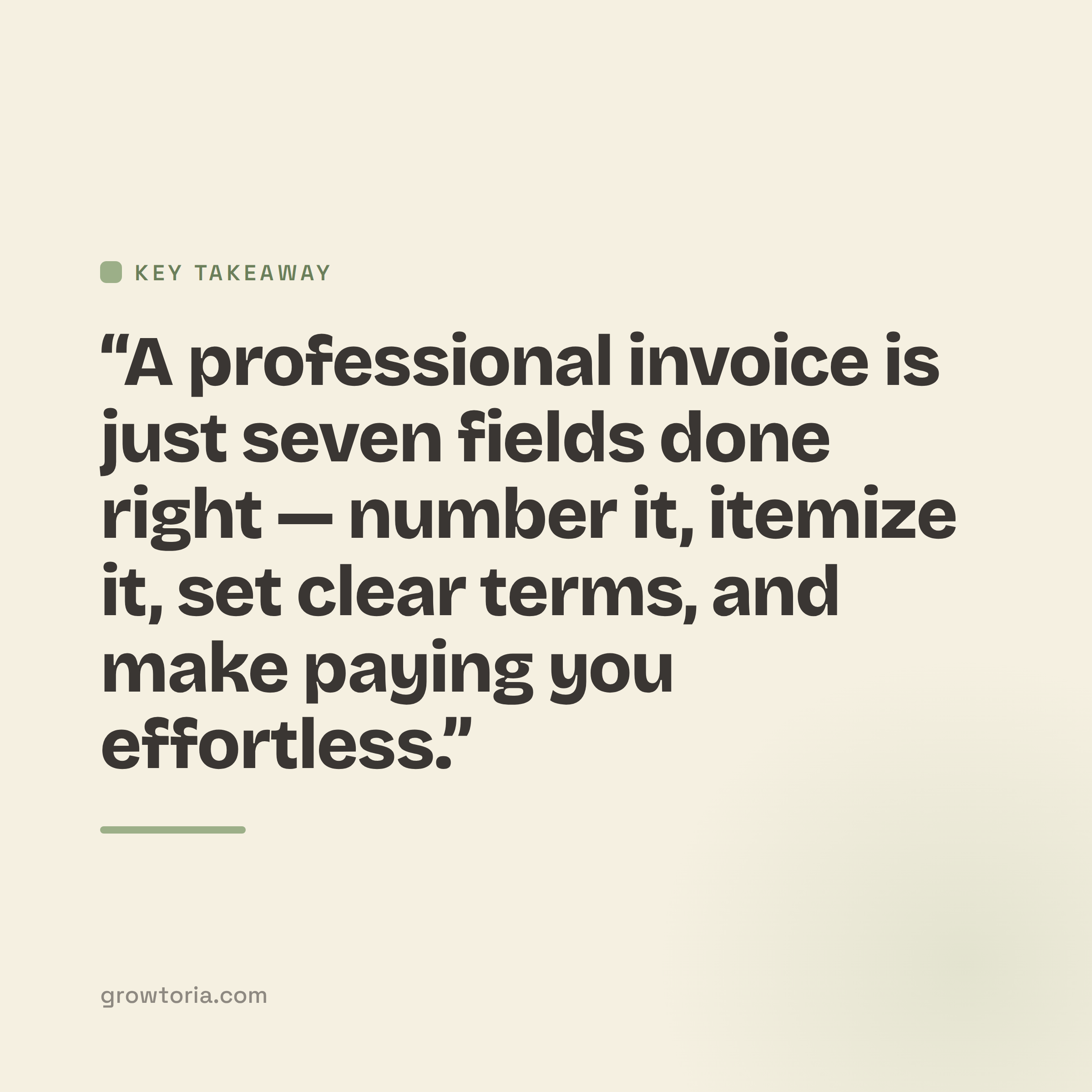
A clean invoice is just seven fields done right: your details, the client, a number, dates, itemized work, totals, and payment terms. Get those correct and you’ll look professional and get paid faster — no subscription required.
Ready to stop building invoices from scratch? Skip the setup with our offline invoice generator, keep every unpaid bill in view with the freelancer invoice tracker, or browse the rest of our free small business tools to run the money side of your business with less friction.