Best SOP Format: What Actually Works in 2026
If you’re searching for the best SOP format, you probably want three things: a layout that works, a clear idea of what goes on the cover page, and formatting rules your whole company can share. This 2026 guide covers all three. It compares the main SOP formats, shows what a simple cover page should include, lists the formatting rules that make a procedure easy to follow, and explains how to choose a template so you don’t have to build one yourself.
I’ve helped a lot of small teams write down how they work. What I keep seeing is that the format matters more than the wording. A perfect procedure in the wrong layout still gets ignored. The aim is a document a new hire can follow on day one.

Quick answer: The best SOP format is the simplest one your team will actually use. Use numbered steps for linear tasks, a checklist for routine recurring jobs, and a flowchart for work with lots of decisions. Whichever you pick, put a short header at the top (title, purpose, scope, owner, date) and keep each step to one concrete action.
What is the best SOP format for a small business?
For most small businesses, the best SOP format is a numbered step-by-step document with a short header block. It’s fast to write and easy to scan. It also covers most of the tasks you’ll ever document: onboarding a client, closing the shop, processing a refund, publishing a post.
A standard operating procedure (SOP) is a set of written instructions for doing a recurring task the same way every time. The “best” format is the one that makes the steps impossible to misunderstand. That almost always means plain language, one action per line, and no jargon a new hire wouldn’t know.
Don’t over-engineer it. I’ve seen owners build 20-page SOPs with branded cover pages that nobody opens. A single page people can scan beats a polished binder every time.
SOP formats: the 4 main types compared
There are four common SOP formats: step-by-step (numbered), checklist, flowchart, and hierarchical. Each one suits a different kind of task, so pick the format that fits the job instead of forcing everything into one mold.
| SOP format | Best for | Example task | Time to write |
|---|---|---|---|
| Step-by-step (numbered) | Linear tasks with a clear start and end | Onboarding a new client | Low |
| Checklist | Routine, repeatable jobs where nothing can be skipped | Opening/closing checklist | Very low |
| Flowchart | Decision points and “if this, then that” branches | Handling a customer complaint | Medium |
| Hierarchical | Complex, multi-stage processes with sub-steps | Month-end bookkeeping close | High |
Step-by-step (numbered) format
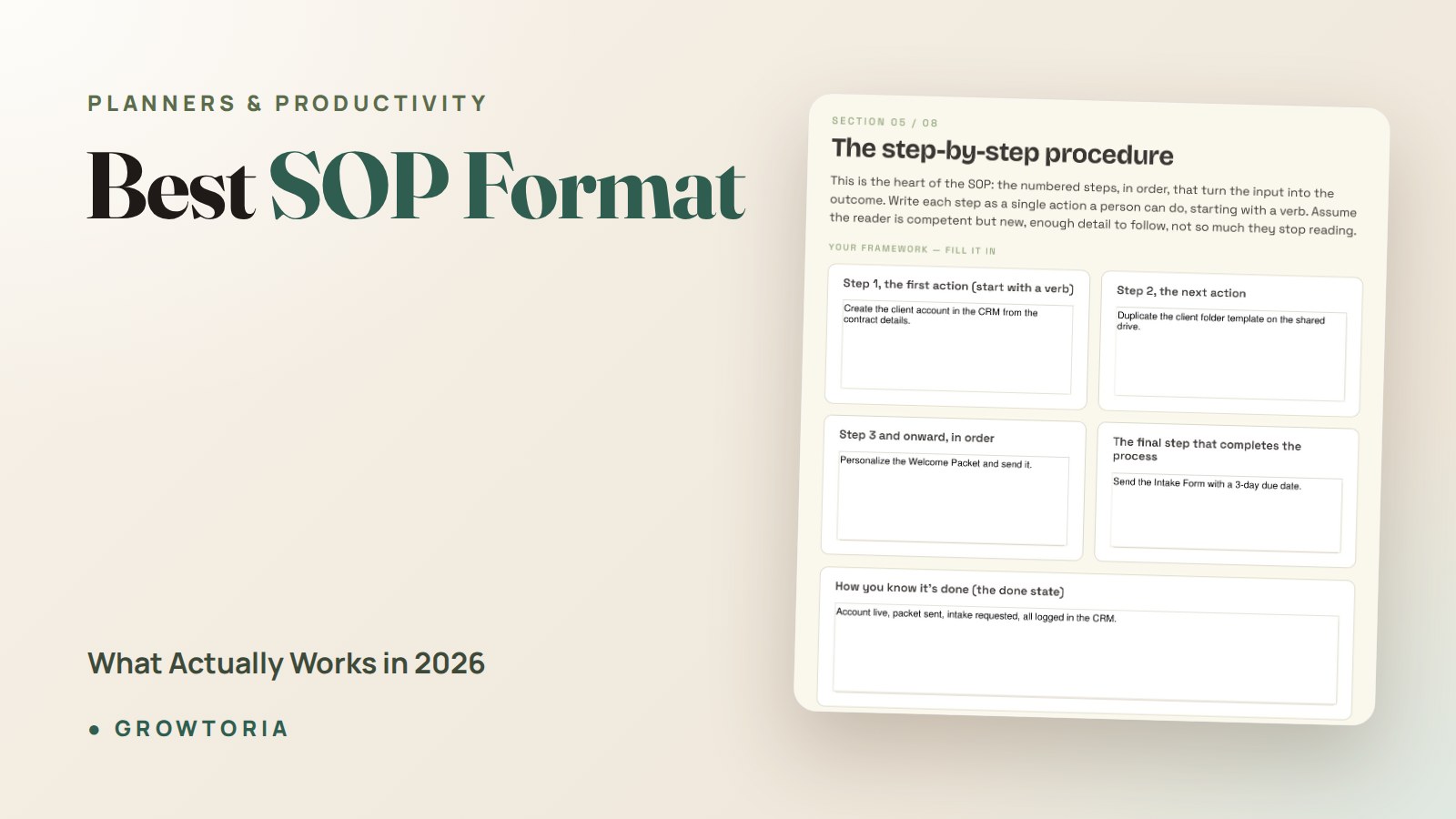
This is the default for good reason. You number each action in order, and the reader follows from top to bottom. Use it when a task has a clear sequence and few decisions. If you only learn one SOP format, learn this one.
Checklist format
A checklist is a step-by-step SOP cut down to the essentials, where each line is a box to tick. It works best for frequent tasks where the risk is skipping a step, not doing it wrong. Opening a café, shipping an order, and a pre-publish content check all fit here.
Flowchart format
When the answer to “what next?” is “it depends,” use a flowchart. It maps decisions and branches visually, so the reader can see where a path splits. Use it for refunds, escalations, and support triage, or anywhere the next step changes based on an answer.
Hierarchical format
For long, multi-stage processes, a hierarchical SOP groups steps under numbered headings (1, 1.1, 1.2). It handles complexity without turning into a wall of text, but it takes the longest to write. Save it for processes that really are involved, like a bookkeeping close or a product launch.
What header does every SOP format need?
Whatever layout you choose, every SOP needs the same short header block at the top. Most people skip this part, and that’s why their documents go stale. Include these five fields:
- Title: name the task plainly (“How to onboard a new cleaning client”).
- Purpose: one sentence on why this SOP exists.
- Scope: who and what it covers, and what it doesn’t.
- Owner: the person responsible for keeping it current.
- Last updated: a date, so readers know they can still trust it.
That header turns loose instructions into a document people can rely on. Our free SOP generator builds this header and your numbered steps in a minute. The U.S. Environmental Protection Agency’s guidance for preparing standard operating procedures recommends the same core elements (purpose, scope, and version control), which is a good sign you’re on solid ground.
What should an SOP cover page include?
An SOP cover page needs only a few things: the SOP title, a document or SOP number, the version number, the effective date, the owner or author, and an approval line. Keep it to one simple page or a block at the top, and save the branding for somewhere else.
Here’s a simple SOP cover page layout you can copy:
- SOP title: the plain-language name of the task.
- SOP number: a short ID such as “OPS-004” so documents are easy to reference.
- Version: 1.0, 1.1, 2.0, raised every time the procedure changes.
- Effective date: when this version takes effect.
- Owner / author: who wrote it and who keeps it current.
- Approved by: name and date of whoever signed it off.
- Revision history (optional): a small table of version, date, and what changed.
Do small businesses need a separate SOP cover page?
Usually not. For a short SOP of one or two pages, put the cover-page details into the header block at the top of page one. A full separate cover page makes sense when you work in a regulated field, share SOPs with auditors or clients, or keep a formal printed manual. Otherwise it’s one more page that people skip.
SOP formatting: rules that make any procedure easy to follow
Good SOP formatting comes down to consistency and scannability. Use the same header, numbering style, fonts, and step structure in every SOP so readers always know where to look. These rules work for any format:
- One action per step. Start each step with a verb: “Email the welcome packet,” not “The welcome packet should be sent.”
- Number the steps, don’t use bullets, whenever order matters. Use 1, 1.1, 1.2 only for hierarchical SOPs.
- Short paragraphs and plenty of white space. Dense blocks of text get skimmed or skipped.
- Bold the important things, such as warnings, deadlines, and the exact name of a button or field.
- Use a readable font and size. A standard sans-serif at a normal body size, the same across all documents.
- Add screenshots or photos only where a step is hard to describe in words.
- Put notes and warnings where they apply, next to the step, not in a footnote at the end.
- Include the version and date in the header or footer of every page.
When you write each step, picture someone who has never done the task. Spell out logins, file locations, and tool names. If a step makes the reader ask “where?” or “which one?”, it needs more detail.
How do you set a company SOP format?
A company SOP format is one standard layout that every team uses for its procedures: the same header fields, numbering system, naming convention, and storage location. Set it up once, write it down as your “SOP for writing SOPs,” and every new procedure will look and work the same way.
To set a company-wide standard:
- Pick a default format. Make numbered step-by-step the default, and allow checklists and flowcharts where the task needs them.
- Fix the header fields. Title, SOP number, purpose, scope, owner, version, and last updated, in the same order every time.
- Choose a naming convention. For example, department code plus number (HR-001, OPS-004) plus a plain title.
- Decide where SOPs live. Keep them in one shared folder or workspace that everyone can reach, not in personal drives.
- Set a review schedule. Give each SOP an owner and a yearly review date.
- Start from one master template. Copy it for each new SOP so the format never drifts.
A consistent company format pays off as you grow. New hires learn one layout and can then read every procedure in the business. It also gives you a head start if you ever work toward a formal quality system.
How do you choose the best SOP format for each task?
Choose the format based on the shape of the task, not a house style. Ask three quick questions before you write a single step:
- Is the task linear? If it runs from start to finish with no branches, use step-by-step.
- Does it repeat often, with no room to skip a step? Use a checklist.
- Does the next step depend on a decision? Use a flowchart.
You can also mix formats in one document. A client-onboarding SOP might open with a checklist of what to collect, then switch to numbered steps for setup. The goal is that people understand it, not that every page looks the same.
Write every step so it starts with a verb and covers one action. Active, direct steps are easier to follow and harder to misread. For a fuller walkthrough of the writing process, our 7-step SOP template guide covers how to draft, test, and roll out a procedure.
What are the most common SOP format mistakes?
Even the best SOP format fails if you make these mistakes, so watch for them:
- Cramming several actions into one step. “Log in, pull the report, and email it” is three steps, not one.
- Writing for yourself instead of a beginner. Assume the reader has never done the task. Spell out logins, locations, and tool names.
- No owner or date. After six months, nobody trusts an undated SOP.
- Hiding it where no one looks. Store SOPs where the work happens, not in a forgotten folder.
- Making it too long. If a procedure runs past two pages, split it or switch to a hierarchical format.
- Inconsistent formatting between teams. If every department invents its own layout, readers have to relearn each document. Set one company format.
Documenting work in a standard way is also the backbone of a quality system. The ISO 9001 quality management standard is built almost entirely on repeatable, documented processes, which is exactly what good SOPs give a small business.
What is the best SOP template?
The best SOP template comes with the header block, numbered steps, and checklist space already laid out, so you only fill in the content. It should be editable, short, and plain enough that every team can reuse it for any task without redesigning it.
When you compare SOP templates, check for:
- A built-in header or cover block with title, purpose, scope, owner, version, and date.
- Support for more than one format, with room for numbered steps and checklists.
- An editable file type you can open in the tools you already use.
- A clean, uncluttered layout with no decoration that gets in the way of the steps.
- Room for revision history so you can track changes over time.
The done-for-you shortcut: a ready-made SOP template
You don’t have to design the layout from scratch. If you’d rather fill in the blanks than build a format, our SOP Template for small business gives you a clean, editable structure with the header block, numbered steps, and space for checklists already set up. It’s the fastest way to turn “the way we do it” into a document anyone can follow. You can also get it from our Etsy shop if you prefer to buy there.
Once your procedures are stored in one central place, connect them to the rest of your tools. Many owners keep SOPs alongside offline small business software or a Notion workspace so the whole team works from one source of truth. The format gets the words right, and the system makes sure people use them.
Frequently asked questions
What is the best SOP format for beginners?
For beginners, the numbered step-by-step format is best. It needs no special tools, reads from top to bottom, and works for most tasks. Add a short header with purpose, owner, and date, keep each step to one action, and you have a professional SOP without any design skills.
Should an SOP be a document, a checklist, or a flowchart?
It depends on the task. Use a document with numbered steps for linear processes, a checklist for routine jobs where skipping a step is the main risk, and a flowchart for tasks with decision points. Many SOPs combine two, with a checklist up front and steps below.
How long should an SOP be?
Keep it to one or two pages wherever you can. If a procedure runs longer, that usually means the task should be split into separate SOPs or rebuilt as a hierarchical format with numbered sub-sections. Short documents get read and long ones get ignored.
How often should you update an SOP?
Review each SOP at least once a year, and right away whenever the process, tool, or team changes. The “last updated” date and version number in your header make stale documents obvious at a glance, which is why every good SOP format includes them.
What tools do I need to create an SOP?
You need nothing more than a word processor or a template. Google Docs, Word, or a fill-in-the-blank file like our SOP Template is enough to produce the best SOP format for almost any small business task. Fancy software is optional, but a clear structure isn’t.