Contractor Estimate Template Google Sheets: 7 Steps
Searching for a contractor estimate template Google Sheets users can actually edit, calculate, and email in minutes? You’re in the right place. A messy quote loses jobs and eats your evenings.
This guide gives you the exact layout, the real formulas, and a repeatable 7-step build — plus an honest look at when a free spreadsheet is enough and when a done-for-you file saves you the headache.
Quick answer: A contractor estimate template in Google Sheets is a free spreadsheet with line items for labor, materials, quantities, and rates that auto-totals your bid. Build it in seven steps: header, client block, line-item table, subtotal, tax, markup or contingency, and terms — then save it as a reusable template and duplicate it for each job.
What is a contractor estimate template in Google Sheets?
It’s a pre-built spreadsheet that calculates a job’s price for you. You type in quantities and rates; the sheet multiplies, sums, adds tax, and shows one clean total the client can say yes to.
The advantage over a blank page or a calculator is consistency. Every estimate follows the same structure, uses the same markup, and never drops a line item because you were quoting from memory in a truck.
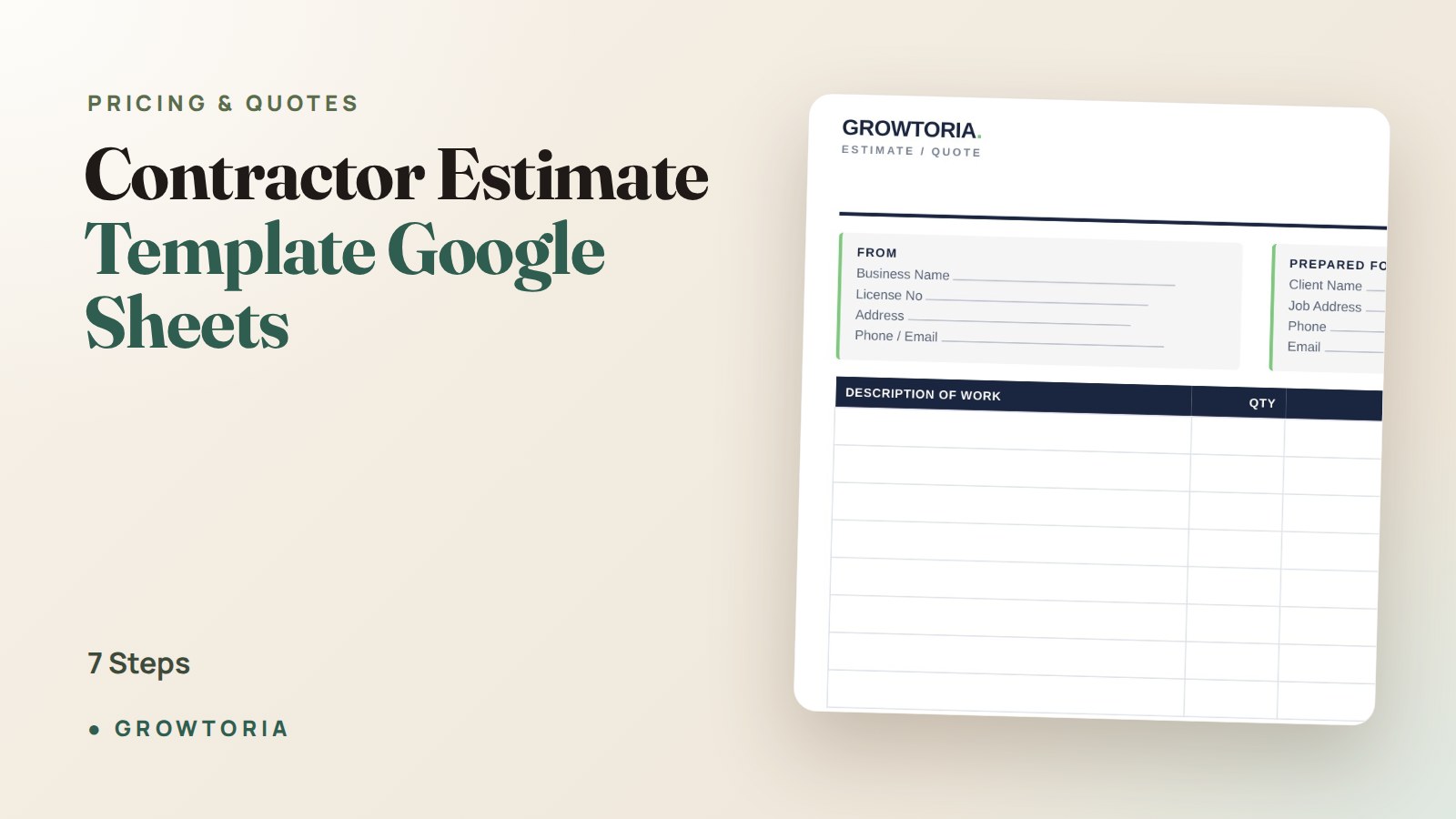
A solid contractor estimate template Google Sheets file has four working parts:
- A header with your business name, logo, and contact details.
- A client block — who it’s for, the job address, and an estimate number and date.
- A line-item table — description, quantity, unit, rate, and line total.
- A totals block — subtotal, tax, markup or contingency, and grand total.
Why use Google Sheets for contractor estimates?
Because it’s free, it lives on your phone, and it does the arithmetic so you don’t make a $400 mistake at 9pm. You can duplicate one master file for every new job in seconds.
Google Sheets also syncs automatically, so the estimate you built on a laptop is on your phone at the client’s kitchen table. And exporting to PDF for a professional-looking send is two taps. If you’d rather work in Excel, the same build translates directly — see our walkthrough on how to create an estimate template in Excel.
The trade-off: a raw spreadsheet won’t chase overdue invoices or store a client database. For a one-person crew winning jobs, that’s fine. For higher volume, you’ll eventually want a dedicated tool.
How do you build a contractor estimate template Google Sheets can auto-total?
Follow these seven steps. Build it once, save it as a template, and every future quote is a two-minute copy-and-edit.
Step 1: Set up the header and branding
In the top rows, add your company name, logo, phone, email, and license number if you carry one. Merge a few cells so it reads like letterhead, not a raw grid. This is the first thing a client sees — make it look like a business.
Step 2: Add the client and job block
Directly under the header, create fields for client name, job address, estimate number, date, and a validity window (“valid for 30 days”). Sequential estimate numbers keep your records clean and make follow-up easy.
Step 3: Build the line-item table
Create columns: Description | Qty | Unit | Rate | Line Total. Leave 12–20 blank rows. Each row is one task or material — “Demo existing deck,” “Pressure-treated 2×6, 12ft,” “Labor, framing.”
Step 4: Make the math automatic
In the first Line Total cell (say E10), enter =B10*D10 (Qty × Rate). Drag it down the column. Now every row calculates itself. For the subtotal, use =SUM(E10:E29). Google’s official function list is worth a bookmark if you want to go further.
Step 5: Add tax, markup, and contingency
Below the subtotal, add rows for tax and markup. Tax example: =Subtotal*0.08 for 8%. For markup, decide your number first — most contractors run 10–20% overhead-and-profit on top of costs. Confused about markup versus margin? Our guide on markup vs margin explained clears it up so you don’t underprice.
Step 6: Show one clean grand total
Add a final row: =Subtotal+Tax+Markup. Bold it, bump the font size, and give it a border. The client should be able to find the number they care about in under two seconds.
Step 7: Add terms and save it as a template
At the bottom, add payment terms, deposit amount, and what’s excluded (“price does not include permits”). Then go to File → Make a copy for every new job — never edit the master. That’s your reusable engine.
What should a contractor estimate include?
A complete estimate includes seven things: your business details, the client and job, itemized work, quantities and rates, a subtotal, tax and markup, and a grand total with terms. Miss any of these and you either look unprofessional or lose money.
Here’s the checklist mapped to why each item matters:
- Itemized scope — protects you from “but I thought that was included.”
- Quantities and units — makes the price defensible, not a guess.
- Markup/contingency — covers overhead and the surprises every job hides.
- Validity date — protects you when material prices jump.
- Deposit terms — funds materials and filters out tire-kickers.
New to pricing jobs at all? Start with our step-by-step on how to price a job as a tradesman, then price the whole thing to profit with a free profit margin calculator.
Google Sheets vs Excel vs PDF: which estimate format wins?
Google Sheets wins for editing and auto-math on any device; PDF wins for the final send. Most contractors build in Sheets and send a PDF. Here’s the honest comparison.
| Format | Best for | Editable | Auto-math | How you send it |
|---|---|---|---|---|
| Google Sheets | Building & editing on the go | Yes, anywhere | Yes | Export to PDF, then email |
| Excel | Desktop power users | Yes | Yes | Save as PDF or share file |
| The final, locked quote | No | No | Email or text attachment | |
| Word | Text-heavy scopes | Yes | Manual | Save as PDF |
The takeaway: edit in a spreadsheet, deliver as a PDF. A client should never receive a live, editable link to their own quote.
How do you price the job so you actually profit?
Price from real costs, not gut feel. Add up labor hours × your loaded rate, plus materials at actual supplier cost, then apply overhead and profit markup on top. The spreadsheet handles the arithmetic; you handle the inputs.
Two common mistakes sink small contractors: forgetting drive time and “soft” costs, and confusing markup with margin. A 20% markup is not a 20% profit margin. If pricing is your weak spot, the same logic that works for trades applies to cleaners and other service pros — see our cleaning business price list for a worked rate example.
The done-for-you shortcut
If you’d rather not build formulas from scratch, our Contractor Estimate Template gives you an itemized quote form with tax and totals built in, ready to fill and export as a clean PDF. It’s the 7 steps above, already done.
Quoting a high volume of jobs and want quotes, estimates, and invoices in one place? The Quote & Estimate Generator App runs fully offline with auto-tax and PDF export — no subscription. Prefer to buy through a marketplace? You can also grab our templates on our Etsy shop.
Frequently asked questions
Is Google Sheets good for contractor estimates?
Yes. Google Sheets is free, works on your phone, and auto-calculates line totals, tax, and markup once you add simple formulas. It’s ideal for solo contractors and small crews. The only real limit is that it won’t track invoices or clients — for that you’d add a dedicated app.
How do I turn a Google Sheets estimate into a PDF to send?
Open your estimate, then choose File → Download → PDF document (.pdf). Set the layout to “Fit to width” and portrait so it prints on one clean page. Attach that PDF to an email or text — never send the live editable sheet.
What’s the difference between an estimate and a quote?
An estimate is a good-faith approximation that can change if the scope or materials change. A quote is a fixed price you commit to. Contractors usually send estimates for open-ended work and firm quotes for well-defined jobs. Always label which one it is on the document.
Should contractors charge for estimates?
Most basic estimates are free, since they’re part of winning the work. But detailed estimates that require site visits, measurements, or design time are often charged — and that fee is commonly credited back if the client hires you. State your policy up front to avoid friction.
Start quoting like a pro
A contractor estimate template Google Sheets build is one of the highest-leverage hours you’ll spend this month: do it once, and every future bid is faster, more consistent, and priced to profit. Build the free version from the 7 steps above, or skip straight to a ready-made estimate template and send your next quote today. Browse the rest of our free tools while you’re at it.