Best Notion Template for Small Business: 2026 Picks
Choosing the best notion template for small business use is less about features and more about fit. A template with 12 linked databases is useless if you only need to stop losing track of clients. In this guide I’ll show you which Notion setups actually move the needle for a small team, how to compare them, and when a done-for-you template beats building your own from scratch.
Quick answer: The best Notion template for small business is one that matches how you actually work: a CRM to track clients, a project tracker for delivery, and a sales pipeline for deals. Start with one, keep it simple, and expand only when the workflow proves itself.
What makes the best notion template for small business?
The best notion template for small business solves one real bottleneck first, then scales. Good templates share four traits: they map to a workflow you already do, they load fast, they’re easy to edit, and they don’t bury you in fields you’ll never fill.
Here’s the test I use before adopting any template:
- Does it replace a messy spreadsheet or notebook you already keep? If yes, it earns its place.
- Could a new team member use it in 10 minutes? Clarity beats cleverness.
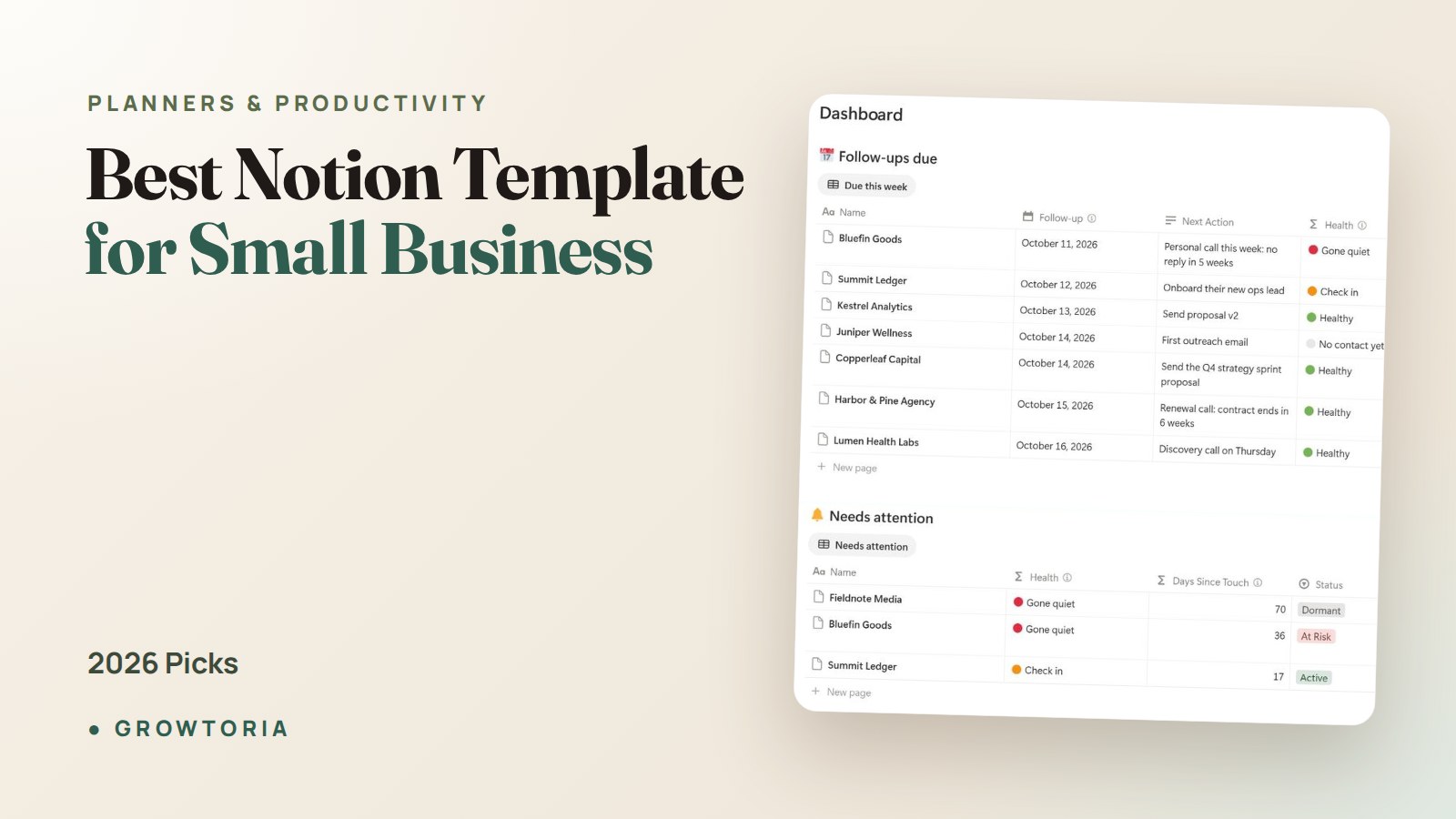
- Does it have a clear “home” dashboard? You should see what matters the moment you open it.
- Can you delete half of it and still get value? Lean templates survive; bloated ones get abandoned.
Notion’s own template gallery is a good place to see structures, but free galleries rarely include the automation, scoring, and dashboards that make a template usable past week one.
Which Notion template type fits your small business?
Match the template to your single biggest pain point. Most small businesses lose money in one of three places: forgetting to follow up with clients, losing track of project work, or letting deals go cold. Each maps to a different template.
| Template type | Best for | Core problem it solves | Skip it if |
|---|---|---|---|
| CRM / client tracker | Service businesses, freelancers, consultants | Losing follow-ups and client details | You have fewer than 5 clients total |
| Project / retainer tracker | Agencies, studios, makers with deliverables | Missed deadlines, unclear ownership | Your work is one-off, not ongoing |
| Sales pipeline | Anyone chasing leads and proposals | Deals stalling with no next step | You sell a fixed product with no pipeline |
| All-in-one workspace | Solo founders wearing every hat | Tool sprawl across 6 apps | You only need one of the above |
Notice the “skip it if” column. The most common mistake is adopting an all-in-one workspace when you only needed a client tracker. Start narrow.
If you lose track of clients: start with a CRM
A CRM is the highest-leverage Notion template for most small businesses. It holds every client, deal, and follow-up in one place so nothing slips. If you currently manage clients in your inbox or a spreadsheet, this is where you’ll feel relief fastest.
Our Notion CRM Template is built for exactly this: a client tracker and sales pipeline dashboard made for founders, agencies, and freelancers. It’s the done-for-you version of what I describe below, so you skip the two hours of database wiring.
Want to build one yourself first? Read our walkthrough on how to build a Notion CRM in 30 minutes, then decide whether to roll your own or buy the finished system.
If you deliver projects: use a project tracker
If your revenue comes from delivering work over weeks or months, a project tracker is the template that protects your margin. It shows what’s due, who owns it, and what’s overdue before a client has to ask.
The Project Management Tracker is a Notion and Google Sheets hybrid built for consultants and agencies running retainers. It answers the question every service owner dreads: “Where exactly is this project right now?”
If deals go cold: run a sales pipeline
A pipeline template fixes the quiet killer of small businesses: leads that stall because nobody owns the next step. A good one scores each deal so you focus on the ones most likely to close.
The Sales Pipeline Pro template uses an 8-stage pipeline with Fit × Intent × Engagement scoring, so you stop guessing which prospects deserve your time. It works as a lightweight CRM on its own, too.
Should you build your own Notion template or buy one?
Build your own if learning Notion is part of the goal and you have a free afternoon. Buy a done-for-you template if the hours you’d spend wiring databases are worth more running your business. For most owners, the math favors buying.
Here’s an honest trade-off I give clients:
- Building yourself costs 2–6 hours and teaches you the structure, but v1 is usually missing the dashboard and relations that make it stick.
- Buying a template costs a few dollars and gives you a tested structure in minutes — then you customize names and stages to fit.
A template is a head start, not a cage. Every setup above is fully editable: rename fields, delete databases, change pipeline stages. You can grab any of these on our site, or if you prefer, find our templates on our Etsy shop instead.
How do you set up a Notion template so it actually sticks?
Set it up in one sitting, then use it daily for a week. Templates fail not because they’re bad but because they never become a habit. Follow this sequence:
- Duplicate it into your workspace and rename it to your business name.
- Delete anything you won’t use this month. You can always add it back.
- Import real data — five clients, three projects, whatever’s live now. Empty templates feel fake and get ignored.
- Pin the dashboard to your sidebar so it’s the first thing you open.
- Review it every morning for 7 days. After a week it’s a reflex, not a chore.
If you’re also deciding whether Notion is even the right home for everything, compare it against a dedicated app. Some owners prefer an offline tool they own outright — see our roundup of small business software that works 100% offline for the no-subscription alternative.
Common mistakes with small business Notion templates
Most template regret comes from three avoidable errors. Watch for these before you commit:
- Over-structuring. If you spend more time maintaining the template than doing work, it’s too complex. Cut databases until it’s boring.
- No single source of truth. Don’t keep clients in Notion and also in a spreadsheet. Pick one.
- Treating it as documentation, not a workspace. A template you only read is dead weight. It should be where work happens.
If your bottleneck is really process rather than tracking, a template won’t fix it alone. Document the workflow first — our SOP template guide pairs well with any Notion system so the process survives even when the tool changes.
Frequently asked questions
What is the best notion template for small business beginners?
For beginners, a simple client CRM is the best notion template for small business use because it replaces the most common mess — scattered client notes and forgotten follow-ups. Start with a single CRM, learn how relations and views work, then add a pipeline or project tracker once the habit sticks.
Is Notion good for running a small business?
Yes, Notion is strong for small businesses that want flexible, connected docs, databases, and dashboards in one place. It replaces several single-purpose apps. The trade-off is that it needs internet access and a subscription for larger teams, so owners who want an offline, no-subscription tool sometimes prefer a dedicated app instead.
Are free Notion templates worth it?
Free templates are great for seeing structure and learning the basics. They often lack the dashboards, scoring, and automation that make a template usable past the first week. If a tool directly makes you money — like a CRM or pipeline — a tested paid template usually pays for itself in saved hours.
How many Notion templates does a small business need?
Most small businesses need just one to three: a CRM, a project tracker, and a sales pipeline cover the core of client work. Resist stacking more until each one is a daily habit. An all-in-one workspace only makes sense once you’re actively using all three.
Can I customize a done-for-you Notion template?
Absolutely. Every quality template is fully editable — rename fields, delete databases, and change pipeline stages to match your business. Think of a done-for-you template as a tested starting structure that saves you hours, not a fixed system you’re locked into.
The fastest path for your small business
Pick the one template that fixes your biggest bottleneck this month and set it up today. If that’s losing clients, start with the Notion CRM Template. If it’s delivery, grab the Project Management Tracker. If deals stall, the Sales Pipeline Pro is your move — on our site or over on our Etsy shop. One template, used daily, beats ten you admire and never open.