Freelance Contract Template: What to Include (2026)
A freelance contract template is the cheapest insurance you will ever buy: it costs nothing to reuse, and it decides whether you get paid on time or chase an invoice for three months. If you have ever delivered a project and then heard “can you just tweak one more thing (for free)?”, you already know why a written agreement matters more than a friendly email thread.
This guide is for working freelancers — designers, writers, developers, consultants, VAs — who want a practical, reusable document, not a law lecture. You will get the exact clauses to include, a copy-ready structure, and the step that most people skip: turning a signed contract into actual money in your account.
Quick answer: A freelance contract template is a reusable agreement that defines scope, price, payment terms, deadlines and ownership before any work starts. You fill in the client details, send it for signature, then keep a copy. It converts a vague verbal deal into an enforceable record — and that record is what gets you paid.
What should a freelance contract template include?
A solid freelance contract template covers nine things: the parties, the scope, the deliverables, the price, the payment terms, the timeline, revisions, ownership/IP, and termination. Miss any one of them and that is usually where the dispute shows up later.
Think of each clause as closing a specific loophole. Here is what each one protects and what tends to go wrong when it is missing.
| Clause | What it protects | What happens without it |
|---|---|---|
| Parties & contact | Who is legally on the hook | You can’t enforce it against a vague “the company” |
| Scope of work | Exactly what you will deliver | Endless “small” additions with no extra pay |
| Price & currency | The agreed number | Arguments over totals and exchange rates |
| Payment terms | When and how you get paid | “Net 90” surprises and silent late payers |
| Deposit | Cash before you start | You fund the client’s project for free |
| Revisions | How many rounds are included | Unlimited free rework |
| Timeline | Deadlines on both sides | Clients stall, blame you for delays |
| IP & ownership | Who owns the work, and when | Work handed over before you’re paid |
| Termination | How either side exits | No kill fee if they walk away mid-project |
The two clauses freelancers most often forget are the deposit and the kill fee. Both are about cash flow, and both are easy to add once your template exists.
Why do freelancers need a written contract at all?
Because a written contract is what makes payment enforceable — and in some places, legally required. A verbal “yeah let’s do it” is technically binding in many jurisdictions, but good luck proving the terms when there is nothing on paper.
Payment protection isn’t just good practice anymore. New York State’s Freelance Isn’t Free Act now requires a written contract for freelance work over a set threshold and gives freelancers the right to timely payment and penalties for late payers. Several US cities have similar rules, and the direction of travel is clear: put it in writing.
A contract also quietly sets the tone. Clients who balk at signing a one-page agreement are often the same clients who later “forget” to pay — the paperwork filters them out before you have done the work.
Does a freelance contract template need to be signed by a lawyer?
No. For most project work under a few thousand dollars, a clear plain-English agreement that both parties sign is enough. A lawyer becomes worth it when you are dealing with large retainers, custom IP, equity, or industries with regulatory risk. For everyday freelancing, a good template does 95% of the job.
How to fill in and send your freelance contract template
Using a freelance contract template well comes down to five steps. Do them in order and you rarely end up chasing money.
- Fill the specifics first. Names, dates, deliverables, price. Be concrete — “5 blog posts, 1,200 words each, 2 revision rounds” beats “content package”.
- Set payment terms you can live with. A common freelance structure is 50% deposit up front, 50% on delivery. For longer projects, bill in milestones.
- Add your late-payment clause. State the due window (e.g. Net 14) and a late fee. It is rarely enforced, but it anchors the conversation.
- Send for e-signature. Tools like a PDF signature or a simple e-sign link are fine. Keep it one-to-two pages so it actually gets signed.
- Store the signed copy with the project, and make sure your pricing was right before you lock it in. If you are unsure, run the numbers through our free freelance day rate calculator first.
Nail your rate before the contract goes out, not after. Our freelance day rate calculator guide walks through how to turn an income goal into a defensible number you can put in the price clause.
Where does the contract fit in your onboarding?
The contract should be the first signed thing, before any work, ideally alongside your intake questions. If you want a repeatable flow, our client onboarding checklist for freelancers shows exactly where the contract, deposit invoice and kickoff call slot in. Pair it with a digital planner for freelancers and nothing slips through the cracks.
From a signed contract to getting paid
A freelance contract template protects the deal — but it does not send the invoice for you. The moment the agreement is signed, your deposit invoice should go out the same day, and that is where most freelancers lose momentum.
Two done-for-you shortcuts close that gap:
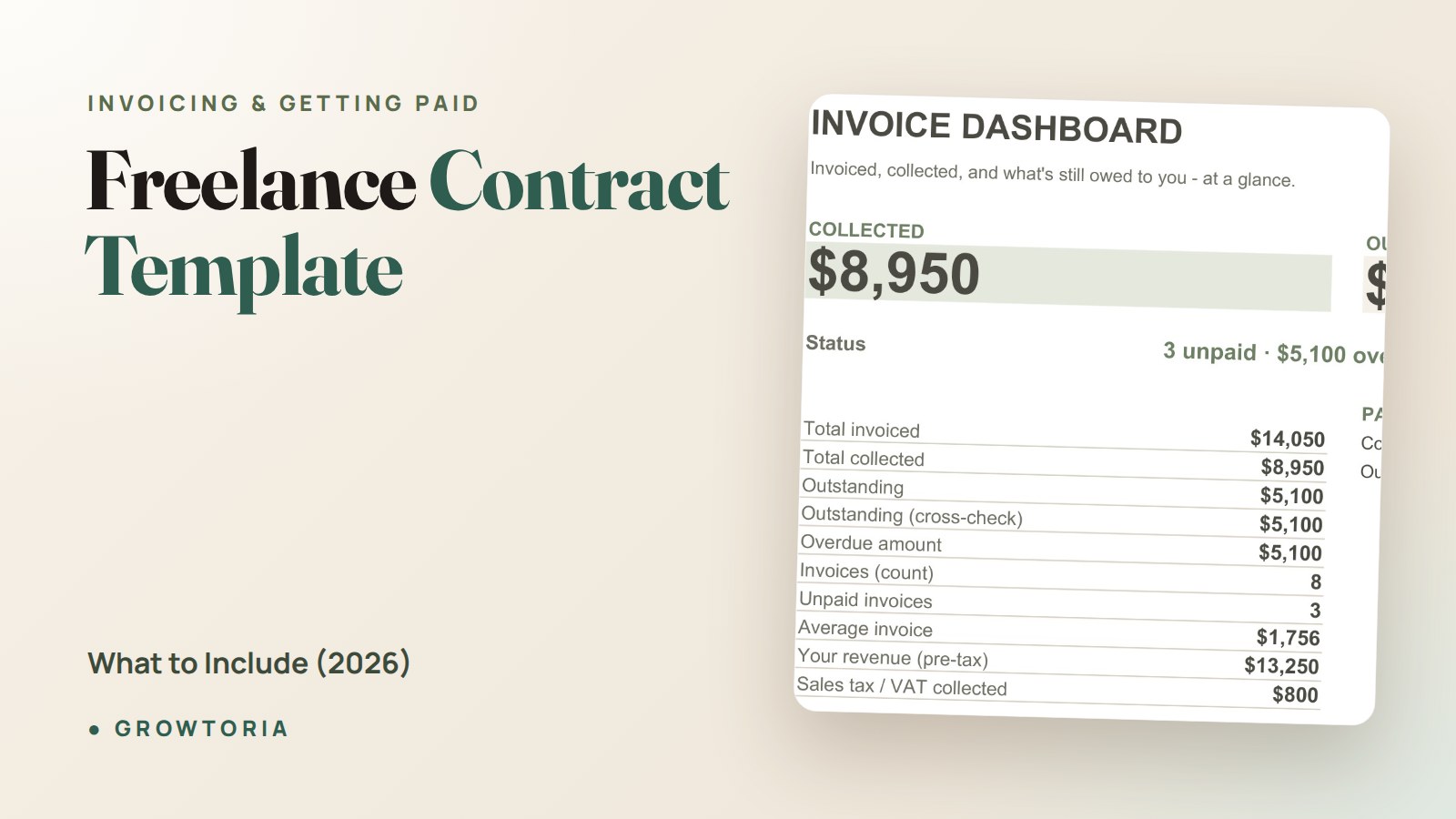
- The Freelancer Invoice Tracker is a fillable Google Sheets and Excel spreadsheet that logs every invoice, flags what is overdue, and shows you at a glance who still owes you money — the natural companion to a contract that sets payment terms.
- The Offline Invoice & Quote Generator creates clean, professional invoices and PDFs in a single file, with no subscription — perfect for sending that 50% deposit the minute the ink is dry.
Prefer to buy on a marketplace you already trust? You can also grab our tools on our Etsy shop. Either way, the point is the same: contract signed, deposit invoiced, work started — in that order.
If you also run a small business beyond solo gigs, our free invoice template for small business covers the same getting-paid basics with a slightly different setup.
How should payment terms in the contract match your invoices?
They must say the same thing. If the contract says “50% deposit, Net 14 on the balance,” your invoices need to repeat those exact terms and dates. Mismatches are the number-one excuse clients use to delay payment — so copy the language from your freelance contract template straight onto the invoice.
Common mistakes to avoid with a freelance contract template
Even a good template fails if you use it carelessly. Watch for these:
- Vague scope. “Website refresh” invites scope creep. List pages, revisions and exclusions.
- Handing over files before final payment. Tie IP transfer to payment in full — a standard, fair clause.
- No deposit. If you start without money, you are the one taking all the risk.
- Ignoring tax status. Make clear you are an independent contractor, not an employee. The IRS guidance on contractor vs employee explains why this classification matters for both sides.
- Reusing without editing. Change the names and scope every time. Templates with another client’s name attached look amateur — and can be void.
Frequently asked questions
Is a freelance contract template legally binding?
Yes, once both parties sign it and there is an exchange of value (your work for their payment), a freelance contract template is generally legally binding. E-signatures are valid in most countries, including the US under the ESIGN Act. The key is clear terms and a dated signature from someone authorized to agree.
What payment terms should a freelancer use?
The most common and safest structure is a 50% deposit before work begins and the remaining 50% on delivery, with a short payment window like Net 7 or Net 14. For projects over a month, bill in milestones so you are never more than one payment behind the work you have already done.
Can I write my own freelance contract instead of using a template?
You can, but a template saves hours and stops you from forgetting critical clauses like IP transfer, revisions and termination. Starting from a proven freelance contract template and editing the specifics is faster, safer, and looks more professional to clients than a document written from scratch each time.
How do I get a client to actually sign?
Keep it to one or two pages, send it as a ready-to-sign PDF or e-sign link, and attach the deposit invoice at the same time. Frame it as “here’s the agreement so we can get started” rather than a legal hurdle. Short, clear contracts get signed; long, dense ones get ignored.
What’s the difference between a contract and an invoice?
A contract is agreed and signed before the work and sets the terms; an invoice is sent during or after the work to request the specific payment those terms promised. You need both — the contract defines the deal, and a tool like the Freelancer Invoice Tracker makes sure every payment it promised actually lands.
Set up your freelance contract template once, pair it with a deposit invoice, and you remove the single biggest source of freelance stress: not knowing when — or whether — you will get paid.