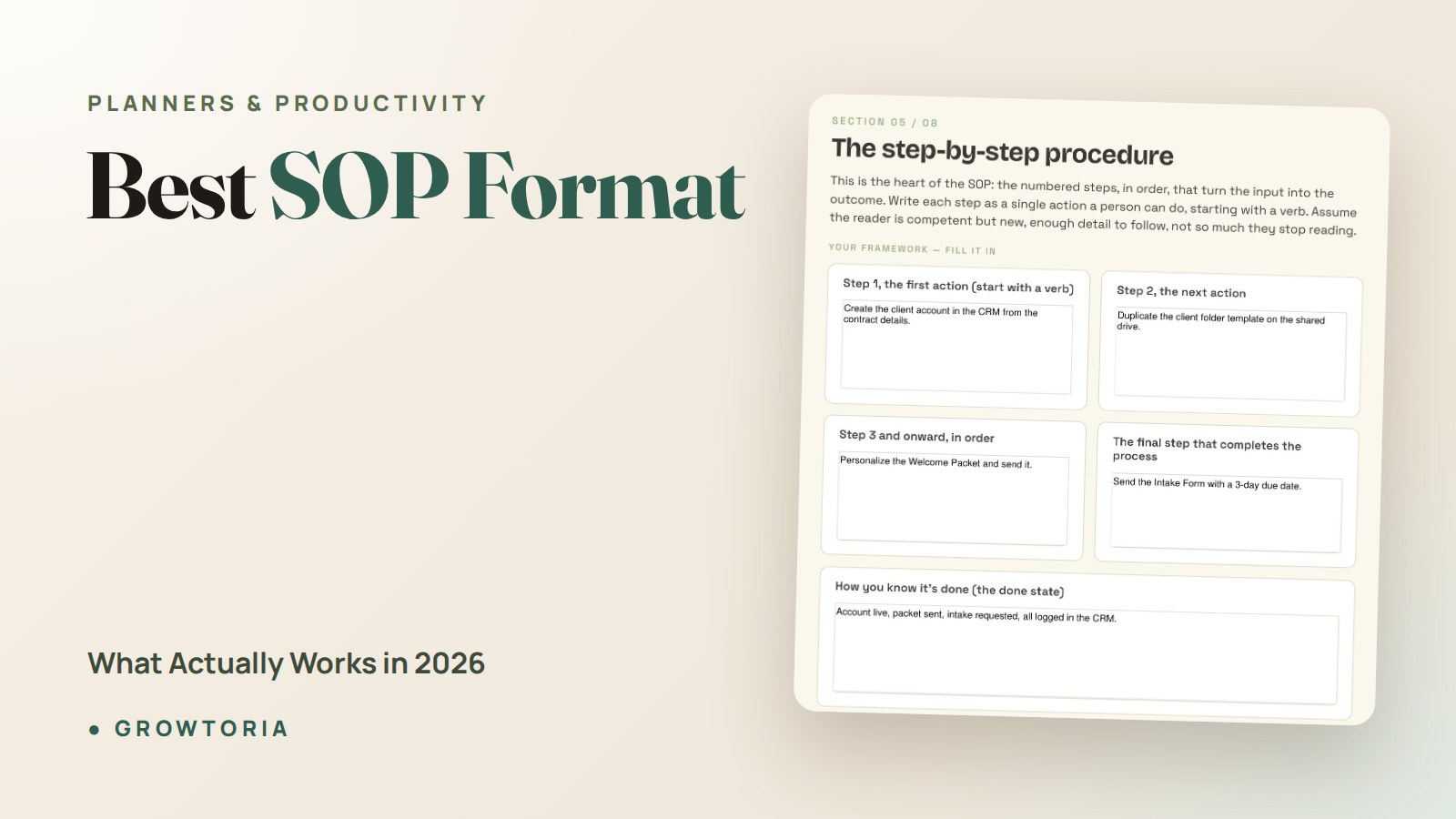
Best SOP Format: What Actually Works in 2026
Choosing the best SOP format is the difference between a document people actually follow and one that quietly dies in a shared drive. After helping dozens of small teams document how they work, I’ve learned the format matters more than the wording — a perfect procedure in the wrong layout still gets ignored. This guide shows you the formats that work, when to use each, and how to lay them out so a new hire can follow along on day one.
Quick answer: The best SOP format is the simplest one your team will actually use — a numbered step-by-step for linear tasks, a checklist for routine recurring jobs, and a flowchart for decision-heavy work. Whichever you pick, add a short header (purpose, scope, owner, date) and keep every step to a single, concrete action.
What is the best SOP format for a small business?
For most small businesses, the best SOP format is a numbered step-by-step document with a one-line header block. It’s fast to write, easy to scan, and works for roughly 80% of the tasks you’ll ever document — onboarding a client, closing the shop, processing a refund, publishing a post.
A standard operating procedure (SOP) is just written instructions for doing a recurring task the same way every time. The “best” format is whichever one makes the steps impossible to misunderstand. That almost always means plain language, one action per line, and no jargon a new hire wouldn’t know.
Resist the urge to over-engineer. I’ve seen owners build 20-page SOPs with branded cover pages that nobody opens. A single scannable page beats a polished binder every time.
The 4 main SOP formats compared
There isn’t one universal layout — there are four, and each fits a different kind of task. Here’s how they stack up so you can match the format to the job instead of forcing everything into one mold.
| SOP format | Best for | Example task | Time to write |
|---|---|---|---|
| Step-by-step (numbered) | Linear tasks with a clear start and end | Onboarding a new client | Low |
| Checklist | Routine, repeatable jobs where nothing can be skipped | Opening/closing checklist | Very low |
| Flowchart | Decision points and “if this, then that” branches | Handling a customer complaint | Medium |
| Hierarchical | Complex, multi-stage processes with sub-steps | Month-end bookkeeping close | High |
Step-by-step (numbered) format
This is the default for a reason. You number each action in order, and the reader follows top to bottom. Use it whenever a task has a clear sequence and few decisions. If you only ever learn one SOP format, make it this one.
Checklist format
A checklist is a step-by-step stripped to its bones — each line is a box to tick. It’s perfect for high-frequency tasks where the risk is skipping a step, not doing it wrong. Opening a café, shipping an order, or a pre-publish content check all live here.
Flowchart format
When a task depends on “it depends,” a flowchart wins. It maps decisions and branches visually, so the reader can see where a path splits. Use it for refunds, escalations, and support triage — anywhere the next step changes based on an answer.
Hierarchical format
For long, multi-stage processes, a hierarchical SOP groups steps under numbered headings (1, 1.1, 1.2). It handles complexity without becoming a wall of text, but it’s the slowest to write — reserve it for genuinely involved processes like a bookkeeping close or a product launch.
What header does every SOP format need?
No matter which layout you choose, every SOP needs the same short header block at the top. This is the part most people skip — and it’s why their documents go stale. Include these five fields:
- Title — name the task plainly (“How to onboard a new cleaning client”).
- Purpose — one sentence on why this SOP exists.
- Scope — who and what it covers (and what it doesn’t).
- Owner — the person responsible for keeping it current.
- Last updated — a date, so readers know it’s still trusted.
That header turns a loose set of instructions into a document people can rely on. The U.S. Environmental Protection Agency’s guidance for preparing standard operating procedures recommends the same core elements — purpose, scope, and version control — which is a good signal you’re on solid ground.
How do you choose the best SOP format for each task?
Match the format to the shape of the task, not to a house style. Ask three quick questions before you write a single step:
- Is the task linear? If it runs start-to-finish with no branches, use step-by-step.
- Does it repeat often with no room to skip a step? Use a checklist.
- Does the next step depend on a decision? Use a flowchart.
You can mix formats inside one document, too. A client-onboarding SOP might open with a checklist of what to collect, then switch to numbered steps for setup. The goal is comprehension, not consistency for its own sake.
Write every step so it starts with a verb and names one action: “Email the welcome packet,” not “The welcome packet should be sent.” Active, direct steps are easier to follow and harder to misread. If you want a deeper walkthrough of the writing process itself, our 7-step SOP template guide covers how to draft, test, and roll out a procedure.
What are the most common SOP format mistakes?
The best SOP format fails if you make these errors, so watch for them:
- Cramming multiple actions into one step. “Log in, pull the report, and email it” is three steps, not one.
- Writing for yourself, not a beginner. Assume the reader has never done the task. Spell out logins, locations, and tool names.
- No owner or date. An undated SOP is one nobody trusts after six months.
- Burying it where no one looks. Store SOPs where the work happens, not in a forgotten folder.
- Making it too long. If a procedure runs past two pages, split it or switch to a hierarchical format.
Standardising how you document work is also the backbone of a quality system — the ISO 9001 quality management standard is built almost entirely on repeatable, documented processes, which is exactly what good SOPs deliver at small scale.
The done-for-you shortcut: a ready-made SOP template
You don’t have to design the layout from scratch. If you’d rather fill in the blanks than build a format, our SOP Template for small business gives you a clean, editable structure with the header block, numbered steps, and space for checklists already set up. It’s the fastest way to turn “the way we do it” into a document anyone can follow — and you can also grab it on our Etsy shop if that’s where you prefer to buy.
Once your procedures live somewhere central, pair them with the rest of your toolkit. Many owners keep SOPs alongside offline small business software or a Notion workspace so the whole team works from one source of truth. The format gets the words right; the system makes sure they’re used.
Frequently asked questions
What is the best SOP format for beginners?
The numbered step-by-step format is best for beginners. It needs no special tools, reads top to bottom, and works for most tasks. Add a short header with purpose, owner, and date, keep each step to one action, and you have a professional SOP without any design skills.
Should an SOP be a document, a checklist, or a flowchart?
It depends on the task. Use a document (numbered steps) for linear processes, a checklist for routine jobs where skipping a step is the main risk, and a flowchart for tasks with decision points. Many SOPs combine two — a checklist up front, steps below.
How long should an SOP be?
Keep it to one or two pages wherever possible. If a procedure runs longer, it usually means the task should be split into separate SOPs or restructured into a hierarchical format with numbered sub-sections. Shorter documents get read; long ones get ignored.
How often should you update an SOP?
Review each SOP at least once a year, and immediately whenever the underlying process, tool, or team changes. The “last updated” date in your header makes stale documents obvious at a glance, which is why every good SOP format includes it.
What tools do I need to create an SOP?
None beyond a word processor or a template. Google Docs, Word, or a fill-in-the-blank file like our SOP Template is enough to produce the best SOP format for almost any small business task. Fancy software is optional; a clear structure is not.