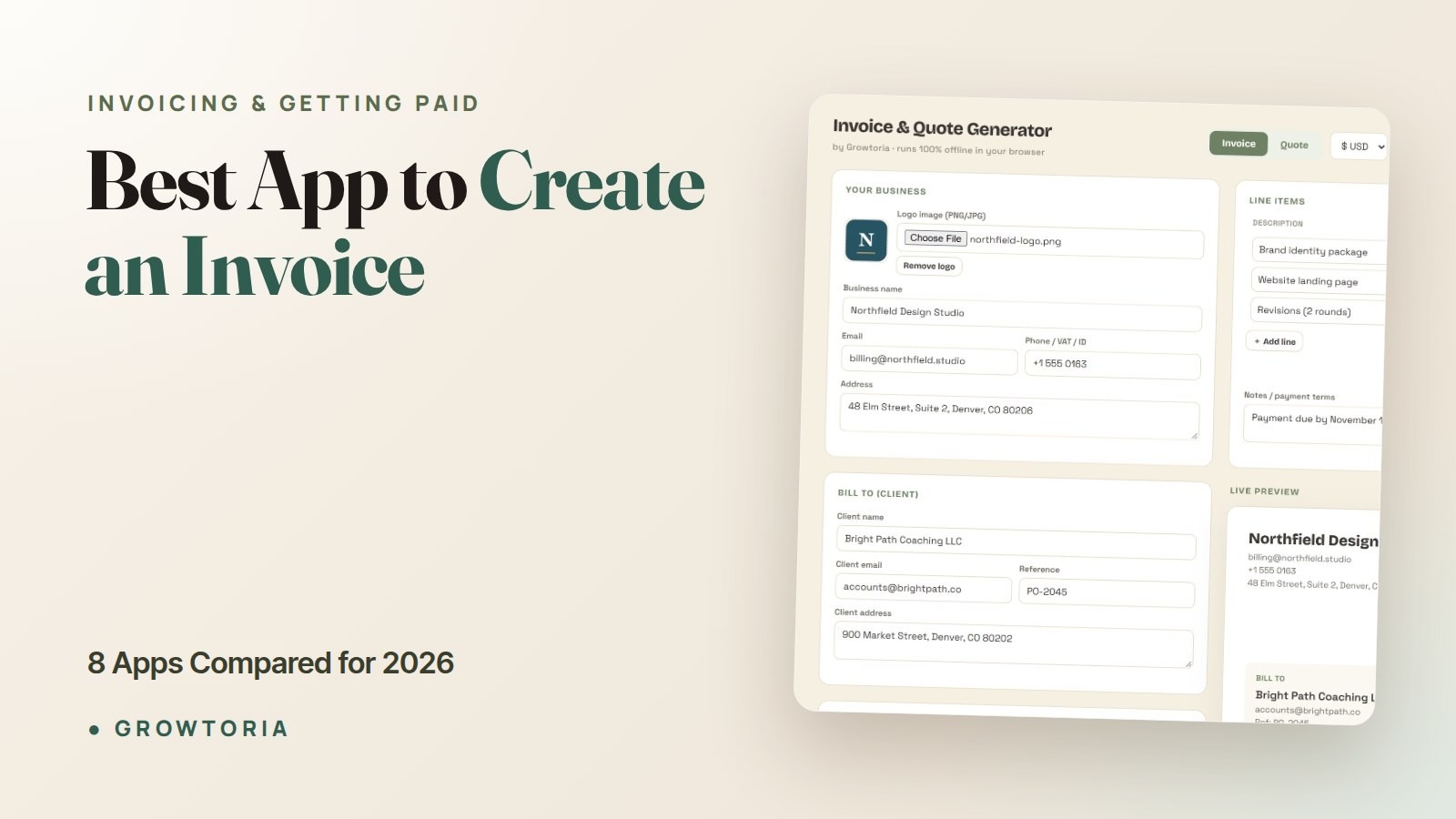
Best App to Create an Invoice: 8 Apps Compared for 2026
Looking for the best invoice maker app to send a professional bill fast? Whether you want an online invoice app you can open in a browser or an offline create-invoice app that works without a login, the right tool does the same core job: you fill in a few fields, it auto-calculates tax and totals, and it exports a clean PDF in minutes. The best app to create an invoice isn’t the one with the most buttons — it’s the one that gets a correct, branded bill out the door before your coffee goes cold.
If you’re a freelancer, contractor, or small shop owner, you don’t need enterprise accounting. You need to add line items, apply tax, export a PDF, and get paid. This 2026 guide compares eight real invoicing apps and shows you exactly what to look for.
Quick answer: For most freelancers and small businesses, the best free app to create an invoice is Zoho Invoice (free for up to 500 invoices a year) or Wave (free, unlimited invoices). Choose Square or PayPal if your clients pay by card, FreshBooks if you bill time and projects, and QuickBooks Online if you need full accounting. If you want no account and no subscription, an offline invoice app or a spreadsheet template does the job.
What is the best invoice maker app?
The best invoice maker app is a lightweight tool that lets you add your branding, enter line items, auto-calculate tax, and export a PDF in under five minutes — without a monthly subscription. For most freelancers and small businesses, a one-time offline invoice maker beats a bulky accounting suite.
When you shortlist an invoice maker app, weigh three things above everything else: how fast it is to send your first bill, whether it remembers your clients and branding, and whether it locks you into a recurring fee. A good maker app wins on all three. Growtoria’s Offline Invoice & Quote Generator is a single-file invoice maker built for exactly that — no login, no monthly cost, just real invoicing with auto tax and PDF export.
Avoid the trap of picking the “most powerful” option. The more a maker app can do, the more it asks you to set up before you can send anything. A five-minute job shouldn’t need an hour of onboarding.
What is the best app to create an invoice for freelancers and small businesses?
For most freelancers and small businesses, the best app to create an invoice is a lightweight, offline-friendly tool that handles line items, tax, and PDF export without a monthly subscription. Full accounting platforms like QuickBooks are overkill if you send fewer than 20 invoices a month.
Here’s the honest trade-off nobody tells you: the more “powerful” the app, the more setup it demands before you can send a single invoice. A five-minute job shouldn’t require an hour of onboarding.
Before you commit, decide what you actually need. Most people fall into one of three buckets:
- Occasional biller (1–10 invoices/month): a template or single-file app is plenty.
- Regular freelancer (10–40/month): you want saved clients, reusable line items, and a tracker for who has paid.
- Growing business (40+/month): now recurring billing and full accounting start to earn their keep.
What should the best invoice app actually do?
The best app to create an invoice covers seven essentials — miss any of these and you’ll lose time or look unprofessional. Use this as your checklist when you test any tool.
- Your branding: logo, business name, and contact details at the top.
- Clear line items: description, quantity, rate, and line total.
- Automatic math: subtotal, tax, discounts, and grand total calculated for you.
- Invoice number + dates: a unique number, issue date, and due date on every bill.
- Payment terms: “Net 15,” “Net 30,” or “due on receipt,” plus how to pay.
- Clean PDF export: a single-page file you can email or print.
- Records: a copy you keep for your books and taxes.
That last point matters more than people think. The IRS requires you to keep supporting documents — including invoices — that back up the income and deductions on your return. See the IRS recordkeeping guidance for what counts. An app that saves a clean copy protects you if you’re ever asked to prove a number.
Best app to create an invoice: 8 apps compared
We checked each app’s official US pricing page in October 2026. Prices and promotions change often, so confirm on the vendor’s site before you sign up. Card fees are the standard rates each vendor publishes for invoice payments.
| App | Free plan | Paid plans from | Card fee on invoices | Needs an account | Best for |
|---|---|---|---|---|---|
| Zoho Invoice | Yes, up to 500 invoices a year | No paid plan | No Zoho fee (gateway rate, e.g. 2.9% + 30¢) | Yes | Free invoicing for a small team |
| Wave | Yes, unlimited invoices | Pro, $19/month | 2.9% + 60¢ | Yes | Free invoicing plus basic bookkeeping |
| Square Invoices | Yes, $0/month | Plus, $49/month per location | 3.3% + 30¢ on the free plan | Yes | Businesses already using Square |
| PayPal Invoicing | Yes, with a business account | Not required | 2.99% + 49¢ (cards) | Yes | Clients who pay with PayPal or Venmo |
| FreshBooks | No (30-day free trial) | Lite, $23/month | 2.9% + 30¢ | Yes | Billing clients for time and projects |
| QuickBooks Online | Yes, 2 invoices a month | Simple Start, $38/month (regular price) | 2.99% | Yes | Invoicing inside full accounting |
| Invoice Simple | No (14-day trial on mobile) | Essentials, $6.99/month | Up to 3.49% + 49¢ | Yes | Sending a few invoices from your phone |
| Offline Invoice & Quote Generator (ours) | No | $16 one-time | None (no built-in payments) | No | No account, no subscription, works offline |
Zoho Invoice: the most generous free plan
Zoho Invoice is free for up to 500 invoices a year, 2 users and 2 organizations, with no paid tier to upgrade into. Zoho takes no cut of online payments: you only pay your payment gateway (through Zoho Payments in the US, 2.9% + 30¢ for domestic cards). It runs on the web, iOS, Android and Mac, and it needs an internet connection.
Wave: free invoicing plus simple bookkeeping
Wave’s free Starter plan includes unlimited invoices and estimates alongside basic bookkeeping. On the free plan you share a link or a PDF yourself; emailing invoices from Wave needs the Pro plan ($19/month) or online payments turned on. Card payments cost 2.9% + 60¢ (3.4% + 60¢ for Amex) and bank payments 1%, with a $1 minimum.
Square Invoices: best if you already use Square
Square’s free plan has no monthly fee and covers invoices, recurring invoices and estimates. You pay per transaction instead: 3.3% + 30¢ when a client pays an invoice by card on the free plan, or 2.9% + 30¢ on Square Plus ($49/month per location). It makes the most sense if you already take in-person payments with Square.
PayPal Invoicing: easiest when clients already have PayPal
Creating and sending invoices is included with a PayPal business account, with no monthly fee. The cost sits in the fees: 2.99% + 49¢ when a client pays by card, and 3.49% + 49¢ when they pay with PayPal or Venmo. It is convenient for small amounts and gets expensive on large invoices.
FreshBooks: built for billing time and projects
FreshBooks has no free plan, but it offers a 30-day free trial with no card required. The Lite plan lists at $23/month for up to 5 billable clients, and new customers are often offered a discount for the first months. Card payments are 2.9% + 30¢. It suits service freelancers who bill clients for time and projects.
QuickBooks Online: invoicing inside full accounting
QuickBooks has a free plan limited to 2 invoices a month (more if you turn on QuickBooks Payments), for 1 user and without the mobile app. Simple Start lists at $38/month after an introductory discount. Invoice card payments are 2.99%. Choose it when you also want full bookkeeping; for a few invoices a month it is more than you need.
Invoice Simple: mobile-first, priced by volume
Invoice Simple is built for sending invoices from your phone, on iOS, Android and the web. There is no free plan (a 14-day trial on mobile). Essentials costs $6.99/month for 3 invoices a month, Plus $14.99/month for 10, and unlimited invoices start with Premium at $21.99/month. Card fees go up to 3.49% + 49¢.
Offline Invoice & Quote Generator: no account, no subscription
Full disclosure: this one is ours. The Offline Invoice & Quote Generator is a single HTML file you open in your browser. It works without an account or an internet connection, calculates tax and totals, and exports a PDF. It costs $16 once. The trade-off is that it has no built-in payment link, so clients pay by bank transfer or whatever method you put on the invoice.
No app at all: spreadsheet templates and quote-first tools
If you already work in Google Sheets or Excel, a template with built-in formulas is enough for a few invoices a month. The Freelancer Invoice Tracker adds a fillable invoice and shows which invoices are paid, due or overdue. If you quote before you bill, the Quote & Estimate Generator App turns an accepted quote into an invoice, and the Invoice & Pricing Calculator Bundle pairs invoicing with pricing.
How to choose in 30 seconds
- Free and unlimited: Zoho Invoice or Wave.
- Clients pay by card: Square, or PayPal if they already use it.
- You bill time and projects: FreshBooks.
- You need full accounting: QuickBooks Online.
- A few invoices a month from your phone: Invoice Simple.
- No account, no subscription, works offline: an offline app or a spreadsheet template.
How do I create an invoice step by step?
To create an invoice, add your business details, list the work with quantities and rates, apply tax, set a due date, and export a PDF. The whole process takes under five minutes with the right app. Here’s the exact sequence:
- Header: add your logo, business name, address, and email.
- Client block: enter who you’re billing and their contact info.
- Invoice number & dates: use a sequential number (e.g. 2026-014), issue date, and due date.
- Line items: one row per task or product — description, quantity, unit price.
- Totals: let the app calculate subtotal, tax, and grand total.
- Payment terms: state the due date and how to pay (bank transfer, link, etc.).
- Export & send: save the PDF, keep a copy, and email it.
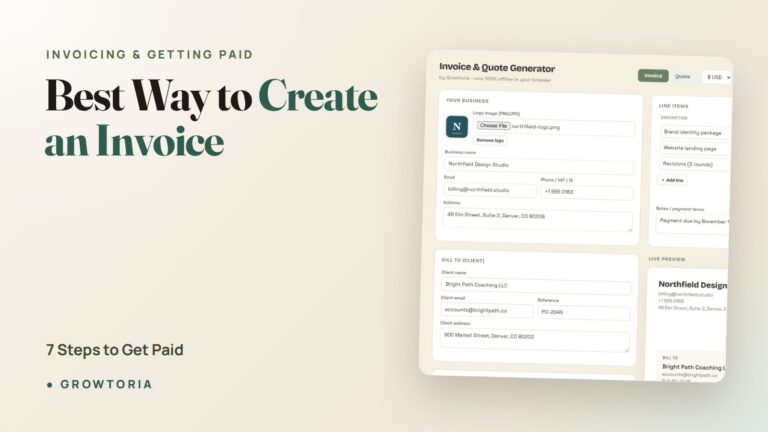
Want the long version with screenshots described in plain words? Our full walkthrough on the best way to create an invoice covers each field in detail, and the free invoice template for small business gives you a starting point you can copy today.
Create invoice app: how do you make an invoice from scratch?
With a create-invoice app you open a new invoice, add your business and client details, list each item with its quantity and rate, let the app calculate tax and totals, then export the PDF and send it. The whole flow is the seven steps above — a good app just automates the math and remembers your branding so the next one is even faster.
The difference between a create-invoice app and a blank document is memory. A document makes you retype your logo, terms, and client every time; an app saves them. On a repeat client, that drops a five-minute job to about two minutes. When the invoice is paid, you can follow up with a matching receipt from the Sales Receipt Generator App, so your paper trail stays consistent from quote to payment.
Online invoice app: do you need an internet connection?
An online invoice app runs in your browser and saves your data to the cloud, which is convenient across devices but requires a connection and usually a login. If you bill from job sites, planes, or anywhere with weak signal, an offline invoice app is the more reliable pick because everything lives on your device.
Both styles create the same professional PDF, so the real question is where you work and how you feel about accounts. Choose an online invoice app if you switch between a laptop and phone all day and want automatic cloud backup. Choose an offline app like the Offline Invoice & Quote Generator if you want zero logins, no monthly fee, and no client data leaving your machine. Many solo freelancers keep an offline app as their main tool and simply back up their saved file to the cloud for peace of mind.
Free vs paid: is the best app to create an invoice worth paying for?
A free tool is fine for one-off invoices, but a low-cost one-time app pays for itself the moment it saves your clients, line items, and branding. The real cost isn’t the software — it’s the ten minutes you re-type the same details on every bill.
Think of it this way: if you bill $50/hour and a paid app saves you 15 minutes a week, that’s over $600 of your time back in a year. Compare that to a one-time purchase and the math is obvious.
Two situations where free is genuinely the right call:
- You send fewer than one invoice a month.
- You’re testing whether invoicing is even part of your workflow yet.
Should I take a deposit before I invoice the full amount?
Yes — for larger jobs, a deposit invoice protects your cash flow and filters out clients who were never serious. Bill a percentage upfront (often 25–50%), then invoice the balance on completion.
If deposits are part of your work, learn the mechanics in our guide to the deposit invoice template, and if you quote before you bill, the best way to quote a job walks through winning the work first.
Which invoice app should you actually pick?
If you send a handful of invoices and hate subscriptions, go with a one-time offline app. If you quote first, pick a quote-to-invoice tool. If you’re running full books, a monthly accounting suite earns its keep. Match the tool to your volume — not to a feature list you’ll never touch.
Ready to send your next one? Grab the Offline Invoice & Quote Generator — a real invoicing app in a single file, no subscription — or grab it on our Etsy shop if you prefer to buy there. Want to browse first? Everything’s on our free tools hub.
Frequently asked questions
What is the best free app to create an invoice?
Zoho Invoice and Wave both have free plans: Zoho Invoice is free for up to 500 invoices a year, and Wave’s free Starter plan includes unlimited invoices. Square and PayPal also let you send invoices at no monthly cost and charge a fee only when a client pays by card. For a true one-off, a spreadsheet template works too.
Is there an invoice maker app that works without a subscription?
Yes. A one-time offline invoice maker app lets you create unlimited invoices with no recurring fee. You pay once, the app saves your branding and clients, and it exports professional PDFs — no monthly billing and no account to manage. That’s the sweet spot for freelancers who dislike subscriptions.
Can I create an invoice without accounting software?
Absolutely. You don’t need QuickBooks or Xero to bill a client. An offline invoice app, a Google Sheets or Excel template, or even a well-built PDF will create a professional, complete invoice. Accounting software only becomes worth it once you’re reconciling bank transactions and running full books.
What information is legally required on an invoice?
At minimum: your business name and contact details, the client’s details, a unique invoice number, the issue date, an itemized description of goods or services, the total due, and applicable tax. Keeping a copy is essential for your records — tax authorities expect you to substantiate reported income.
How fast should creating an invoice really take?
With saved clients and reusable line items, a repeat invoice should take two to three minutes. A brand-new client might take five. If your tool takes longer than that regularly, it’s the wrong app for your volume — switch to something simpler.
Is an offline invoice app safe to use?
Yes — an offline single-file app is arguably safer than cloud tools because your client data never leaves your device. There’s no account to breach and no subscription to lapse. Just keep a backup of your saved file and exported PDFs.