MCP Integration Pack — Connect Claude Desktop to Your Notion Workspace
$29.00
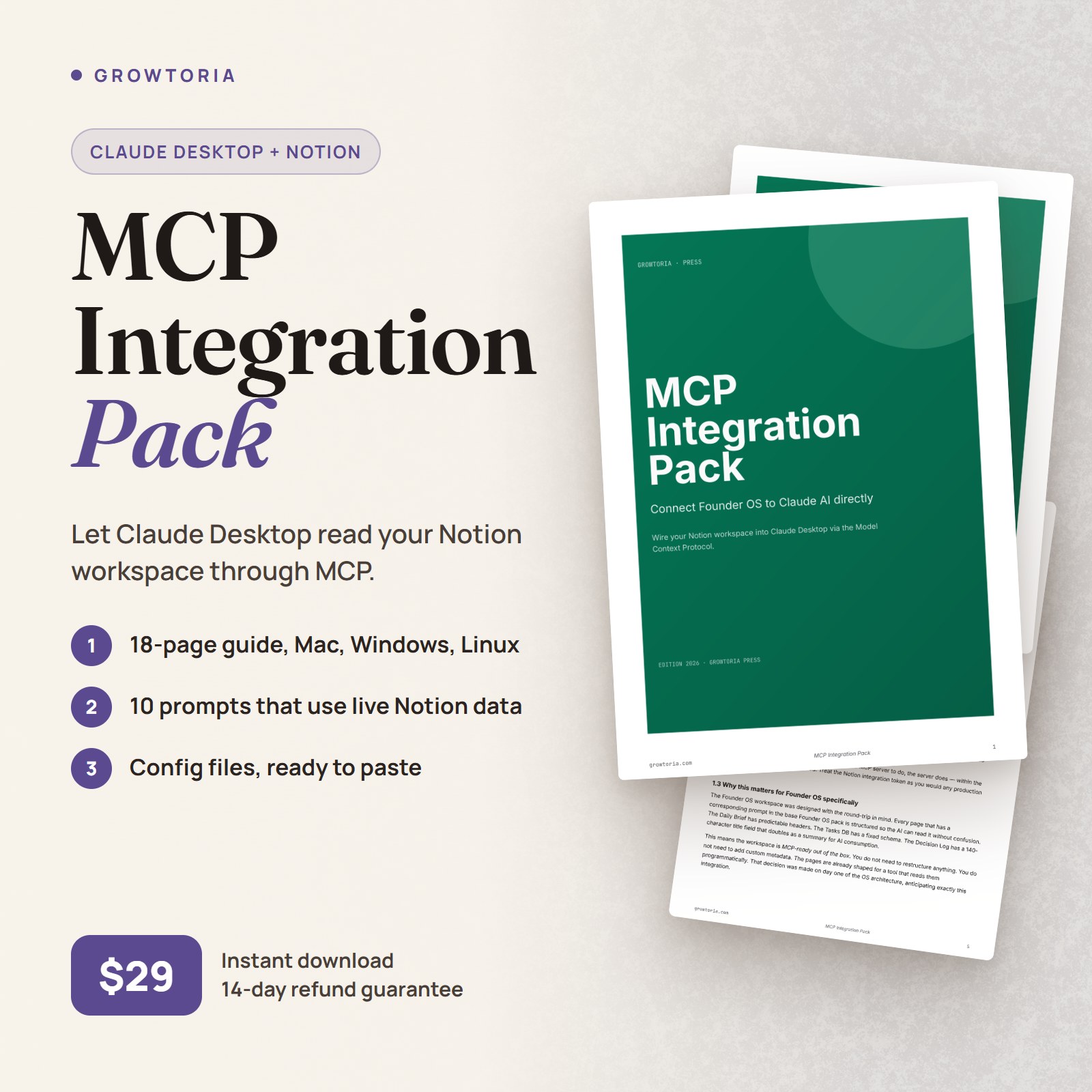
Wire your Founder OS Notion workspace into Claude Desktop via Anthropic’s open Model Context Protocol. Claude reads, queries, and writes back to your workspace directly. 10 MCP-optimized prompts, complete setup guide, $29.
Description
The Founder OS workspace works without this Claude Desktop Notion MCP pack. Most operators run their daily and weekly loops by copy-pasting prompts into Claude — that round-trip takes thirty seconds and produces ninety percent of the value the OS delivers.
This pack is for the ten percent who want the round-trip to disappear. Anthropic’s Model Context Protocol — MCP — lets Claude Desktop talk to your Notion workspace as a live tool. Read your Daily Brief without pasting. Query your Tasks DB in conversation. Draft Decision Log entries the AI writes back into Notion directly.
It’s the upgrade path most operators reach for around month two — once the manual flow has become muscle memory and the friction step is the only friction left.
Why founders use this
- The morning paste step disappears. Open Claude Desktop, ask “what’s on my Daily Brief?” — Claude calls the Notion MCP server’s read_page tool, returns the contents, answers grounded in your actual workspace. You did not paste.
- Weekly review becomes a single conversation. Claude can read every Decision Log entry from the last seven days, query every Project that crossed the 30-day mark, and grade them in one pass. The synthesis is grounded in real data, not in what you remembered to paste.
- Writing back is now possible. Approve a Tasks DB draft, Claude writes the entries directly. Approve a Content Pieces DB derivative chain, Claude creates the records. The AI moves from advisor to co-operator.
What’s inside
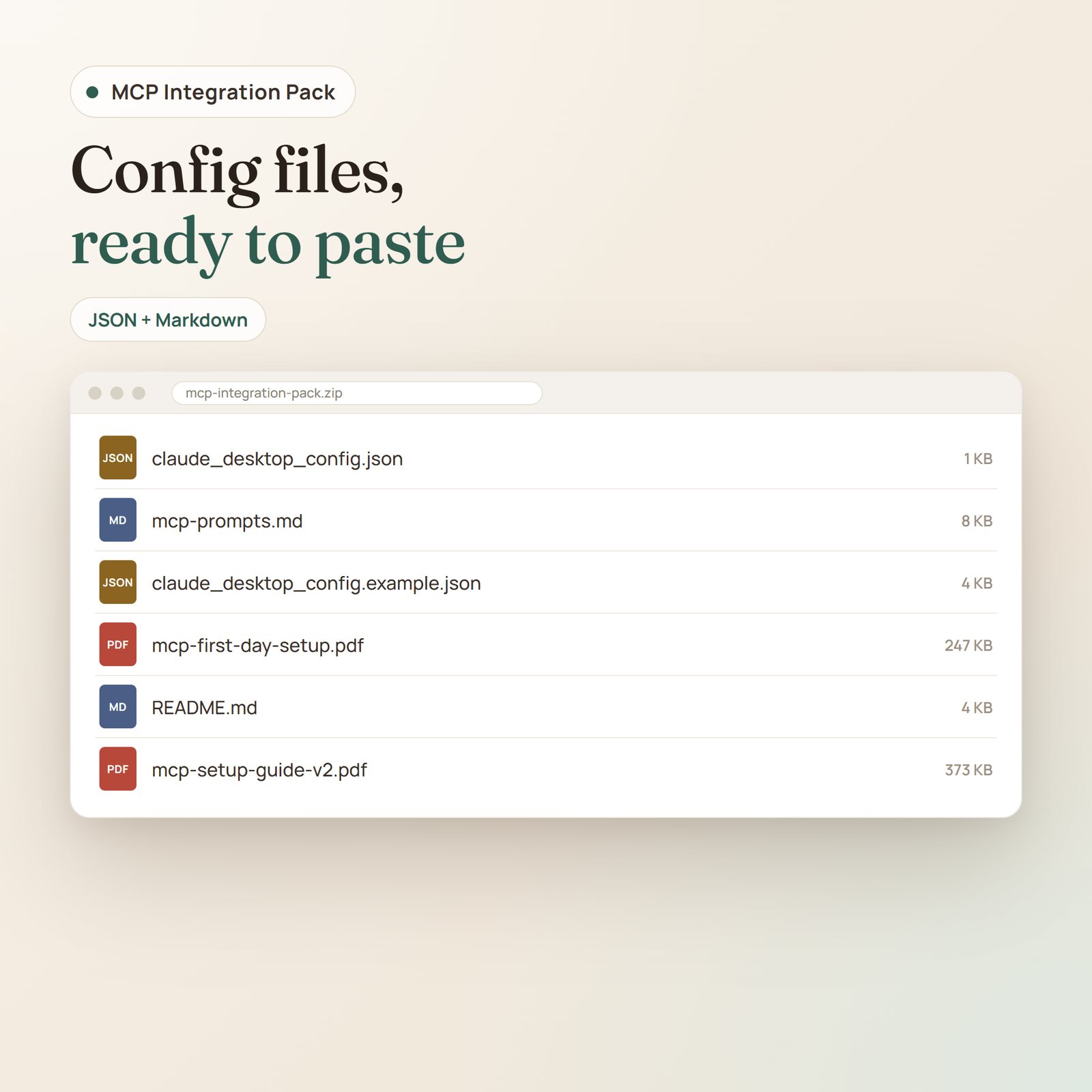
- MCP Setup Guide PDF — 25 pages, editorial typography matching the base Founder OS guide. Walks through Claude Desktop install, Notion integration token generation, MCP server configuration, smoke tests, and a troubleshooting playbook for the four common failure modes.
- claude_desktop_config.json template — the configuration file with one placeholder for your Notion token. Drop into Claude Desktop’s config directory, restart, done.
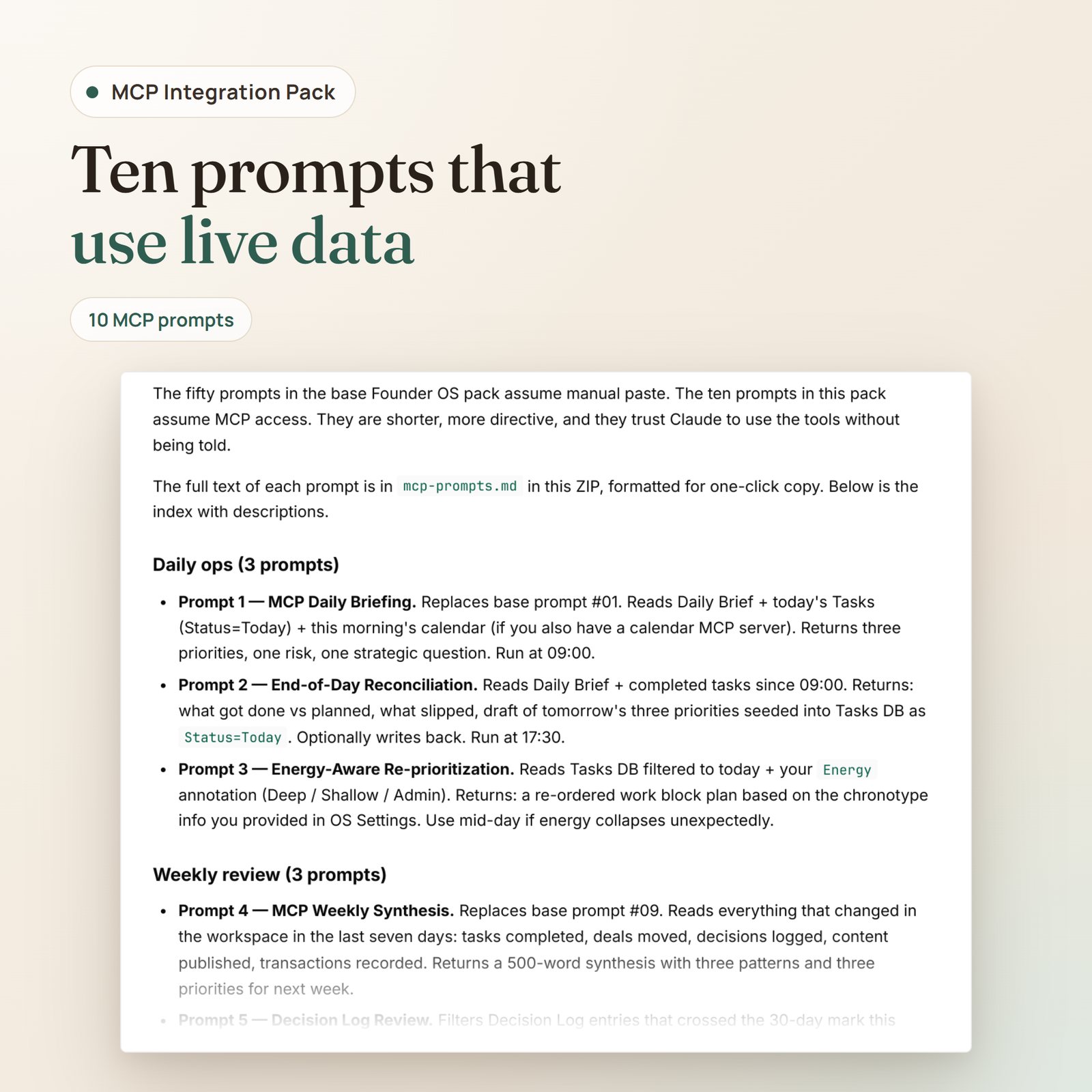
- 10 MCP-optimized prompts — calibrated for tool-based reads and writes (not text pastes). Categorized: 3 daily ops, 3 weekly review, 2 content creation, 2 strategic. Shorter than the 50 base prompts because the AI has hands and trust them to use the tools.
- Default workspace pinning snippet — paste at the top of new Claude conversations to give the AI baseline context about your Founder OS structure. The lightweight contract that prevents Claude from hallucinating database schemas.
Built for
- Founder OS owners already running daily and weekly loops consistently for at least two weeks
- Claude Pro subscribers using Claude Desktop on Mac, Windows, or Linux (not the web app — MCP requires desktop)
- Tech-comfortable operators who can install Node.js and edit a JSON file (the guide assumes zero deeper technical background)
- Privacy-conscious founders who want their workspace data to flow through their machine, not through a third-party SaaS layer
How it works
- Buy → instant download. Signed link to the ZIP arrives in your inbox the moment payment clears.
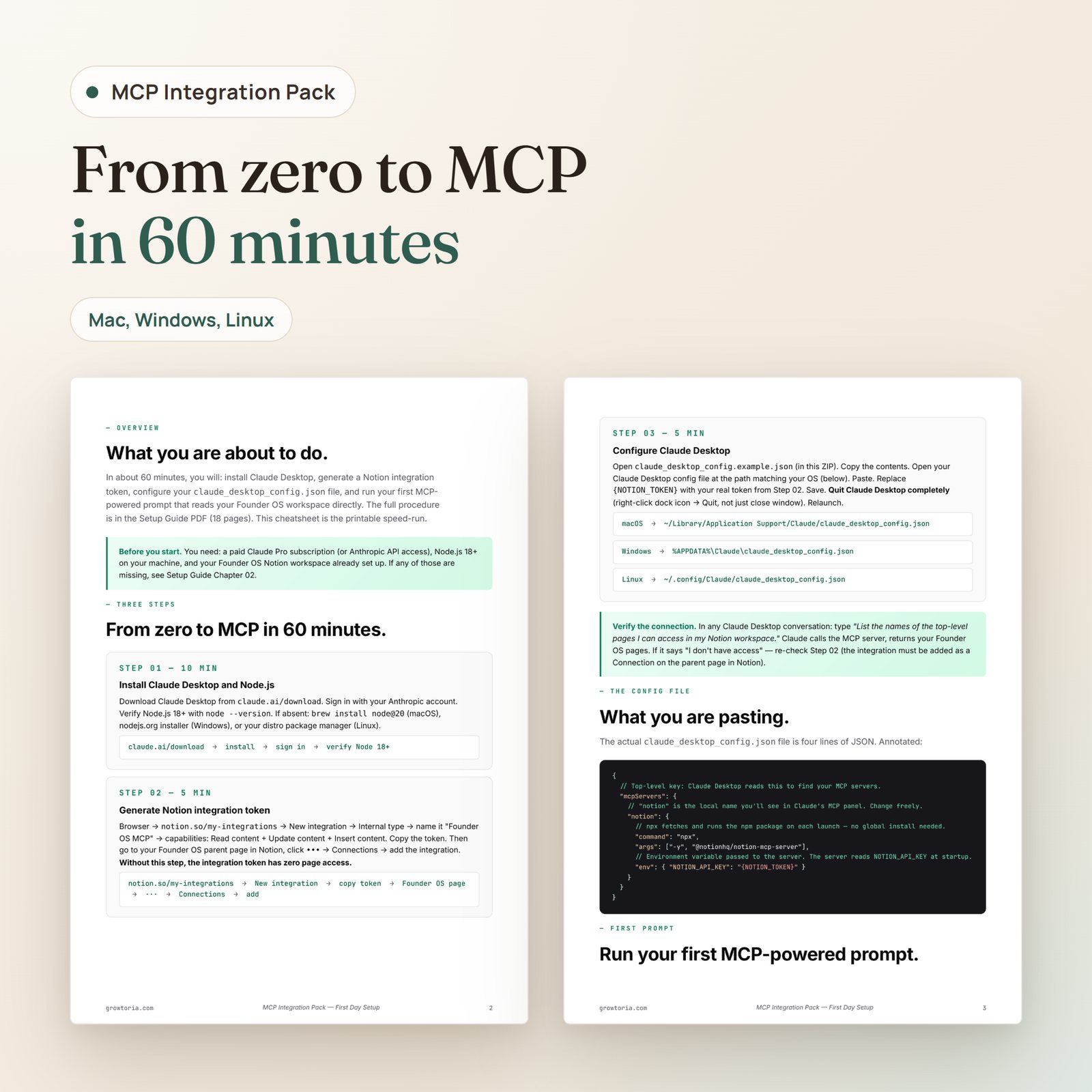
- Read the Setup Guide PDF (20 minutes). Walks through Claude Desktop install, Notion integration token generation, MCP server install via npx.
- Edit claude_desktop_config.json (2 minutes). Paste the template, replace the token placeholder, save, restart Claude Desktop.
- Test the connection (1 minute). Ask Claude “list the top-level pages in my Notion workspace” — if it returns your Founder OS pages, you’re wired. Move on to the 10 prompts.
What you’ll do differently
- Before: Daily Brief at 09:00, copy prompt #01, paste, paste page contents, run, paste response back. After: Type “run my daily brief” in Claude Desktop. Done.
- Before: Decision Log entries you forgot to log because the friction was too high. After: “Claude, log this decision: I’m pausing the Q3 hire.” Claude drafts the entry, you approve, written.
- Before: Weekly review = 45 minutes of pasting + reading + thinking. After: Weekly review = 30 minutes because the pasting overhead is gone. The thinking budget grows.
FAQ
How do I install the Claude Desktop Notion MCP Integration Pack?▾
The ZIP contains six files. Open them in this order:
- MCP First Day Setup PDF (5 pages, printable) — three labeled steps with annotated screenshots. Start here if you’ve never set up MCP before.
- claude_desktop_config.example.json — heavily commented config template. The comments explain what each field does, where to get the value, and what it costs you.
Only logged in customers who have purchased this product may leave a review.


Reviews
There are no reviews yet.