C2 Content Calendar Master
$39.00
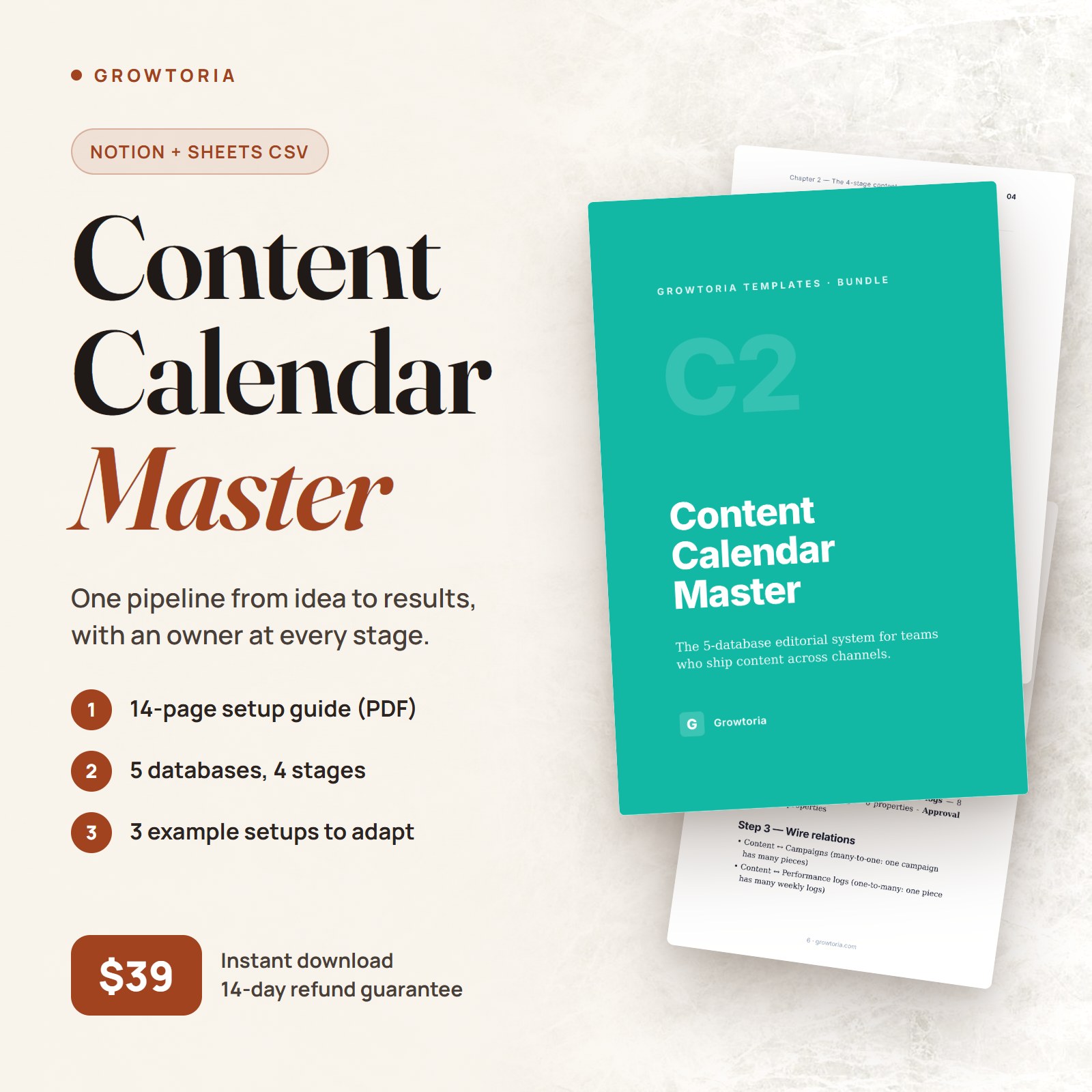
A 5-database editorial system for teams who ship content across channels. Idea → Draft → Publish → Measure. PDF guide + 3 export formats.
Description
The C2 Content Calendar Master is a structured content calendar template built for teams who treat editorial as a system, not a spreadsheet. Many content calendars stall because they only track titles and dates, while content operations is really six connected steps: idea capture, drafting, approval, scheduling, publishing, and measurement. This content calendar template gives all six one connected structure in Notion or Airtable, with a Google Sheets fallback, so pieces are less likely to slip through the cracks between idea and reporting.
What’s included
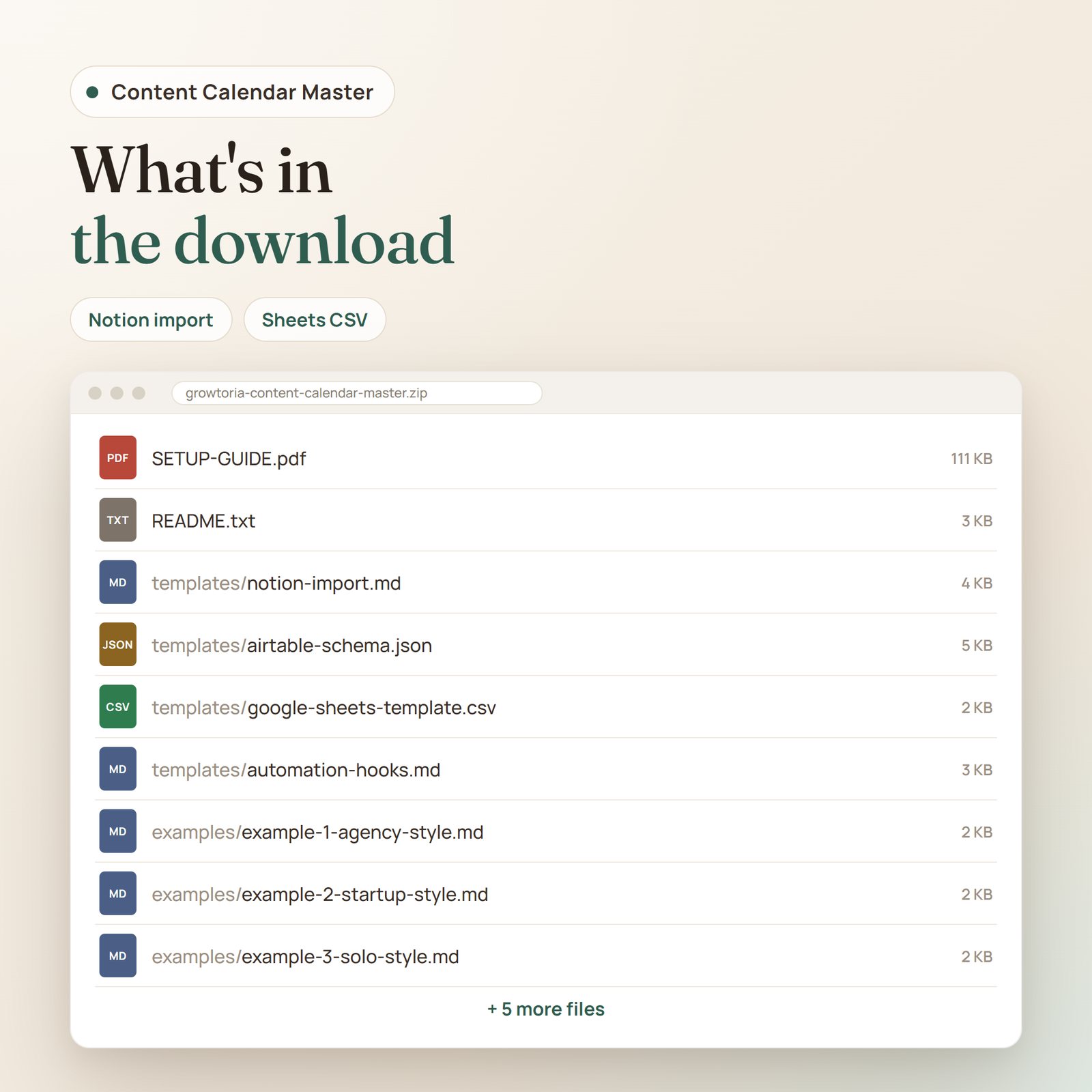
- Notion markdown import — 5-database scaffold (Content, Campaigns, Performance logs, Ideas backlog, Approval queue) as copy-paste property tables, 7 view definitions, and a content page template (hook, body, CTA, assets, checklist). You convert the tables into databases and wire the relations yourself, following the guide
- Airtable schema JSON — a field-by-field reference for the 5 tables (field types, select options, linked records, 6 views) to build the base by hand; there is no one-click import
- Google Sheets version — one CSV file with 5 stacked sections mirroring the databases, with sample rows, to split into sheet tabs for a lightweight, no-login option
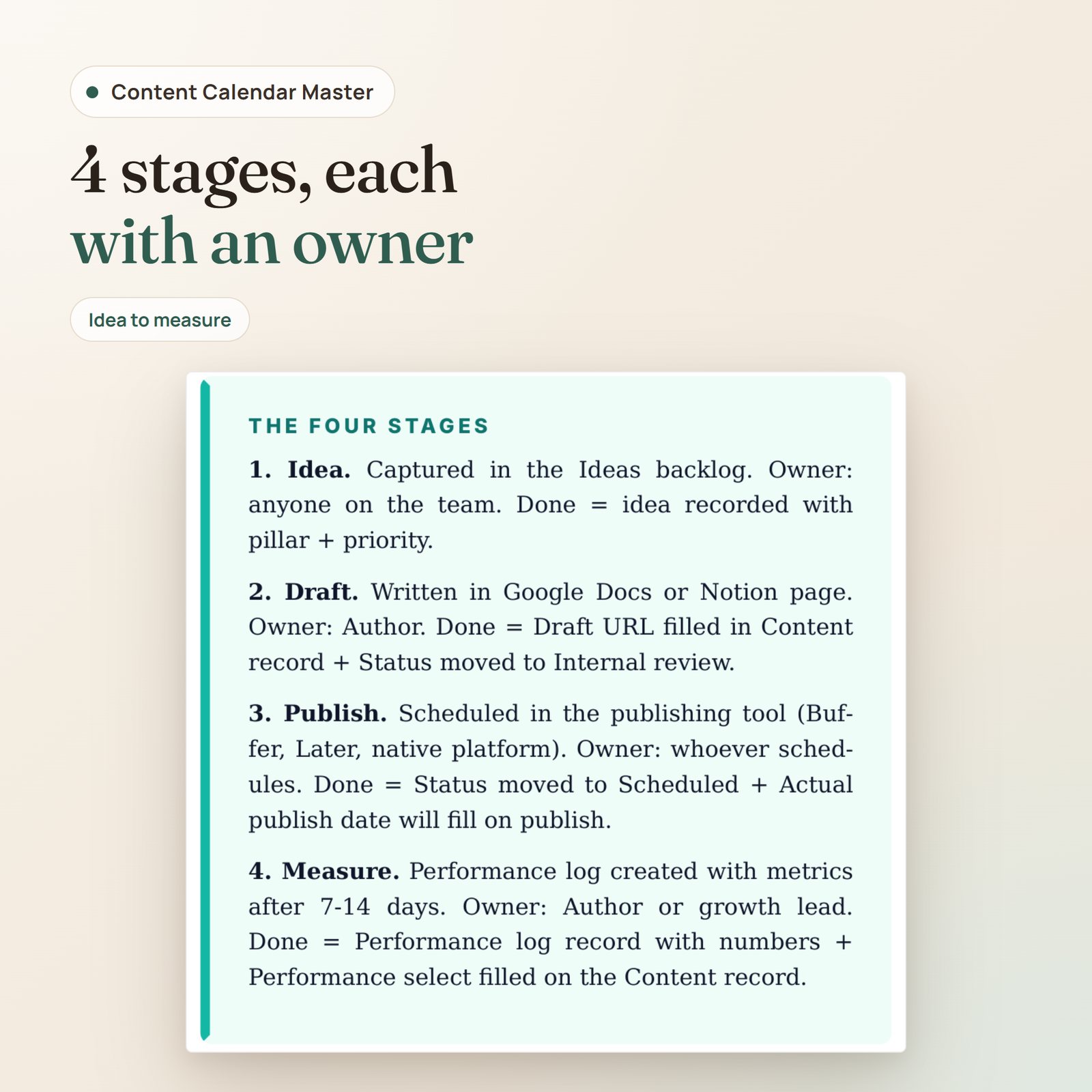
- 14-page setup guide (PDF) — the 4-stage workflow (Idea, Draft, Publish, Measure), a setup walkthrough, adaptation notes, cross-channel orchestration, performance review rituals, and common pitfalls
- 7 automation recipes — written trigger/action steps in a Markdown file (with a config sketch for recipe 1 and a Slack message template) to build in n8n, Zapier or Make: performance log on publish, Monday schedule digest, approver notification, content-debt alert, pillar scoring, idea-to-content scaffold, and repurpose reminders. They are recipes, not importable workflow files
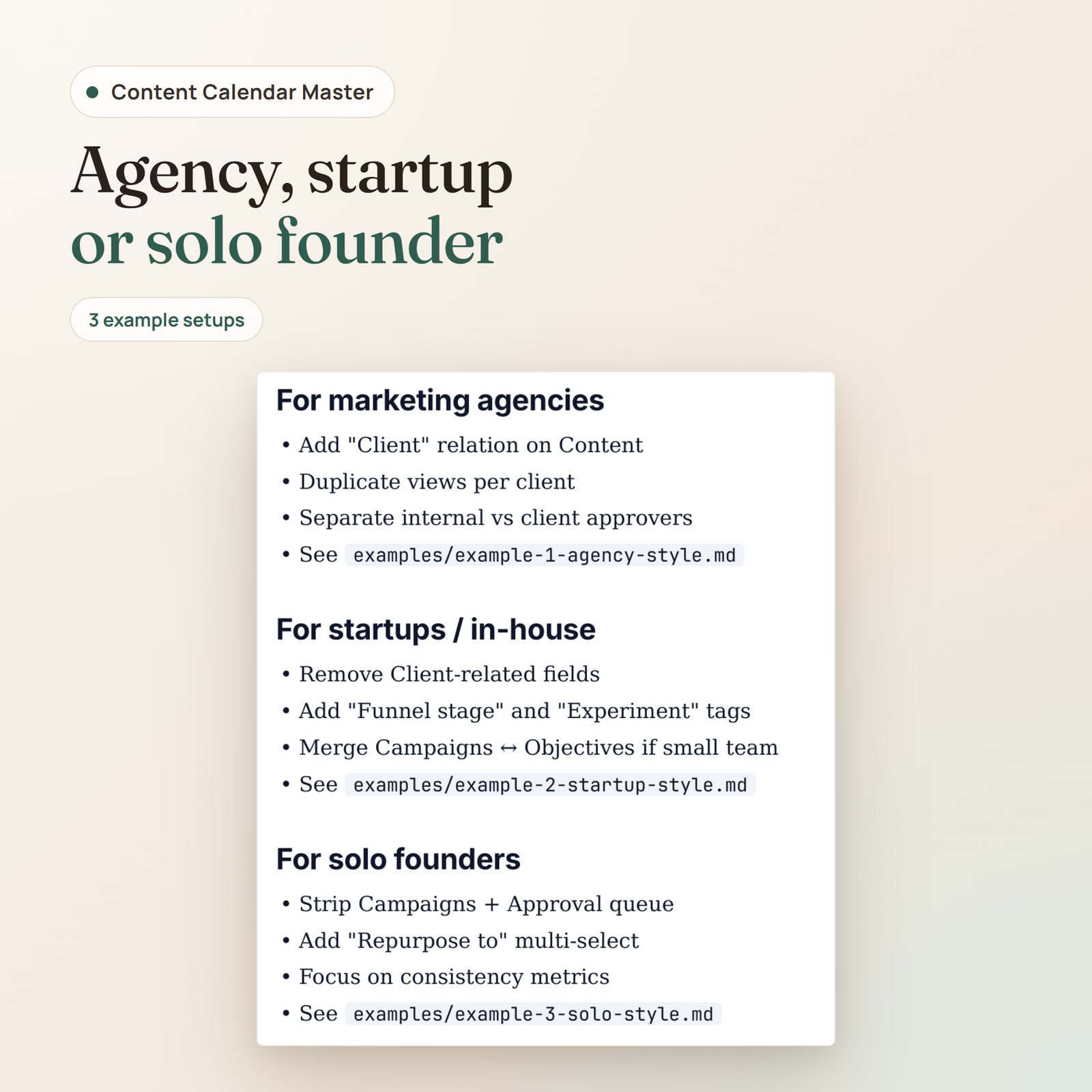
- 3 adaptation guides — Markdown notes for marketing agencies, in-house teams, and solo founders
- 4 schematic SVG illustrations — mockups of the pipeline Kanban, a content record with performance logs, and a mobile view, plus a diagram of the 4-stage workflow. They are not screenshots of Notion or Airtable
- Pillar and channel fields so every piece traces back to a strategic theme instead of a random idea
- README and changelog — quickstart overview and version history
Who this is for
- Marketing agencies juggling multiple client editorial calendars in one workspace
- In-house content teams at startups (1–5 people) who need structure without hiring an ops manager
- Solo founders publishing across 2–3 channels who want to stop reinventing their workflow every Monday
How it works
Unlike a generic content calendar template, this system puts ideas, drafts, approvals, schedules, and performance logs in one connected workspace — so writers can see what’s next, editors can see what’s waiting, and leadership can check performance without asking. The pipeline view, approval queue, and content-debt filter make stuck pieces visible early, and the Pillar field keeps each piece tied to a theme.
Format
Instant download. ZIP (~130 KB) with 14 files: README.txt, SETUP-GUIDE.pdf, 5 template files (Notion .md, Airtable .json, Google Sheets .csv, automation recipes .md, changelog .txt), 3 example .md files, and 4 SVG illustrations. Lifetime access, including future updates.
Pairs well with
- B5 Personal Branding for Founders on LinkedIn — the 5-pillar framework this content calendar template’s Pillar field uses
- D2 Content Machine — bundles 8 content-related products for 18% savings
Only logged in customers who have purchased this product may leave a review.


Reviews
There are no reviews yet.