Founder OS — A connected Notion workspace with 50 AI prompts wired in
$49.00
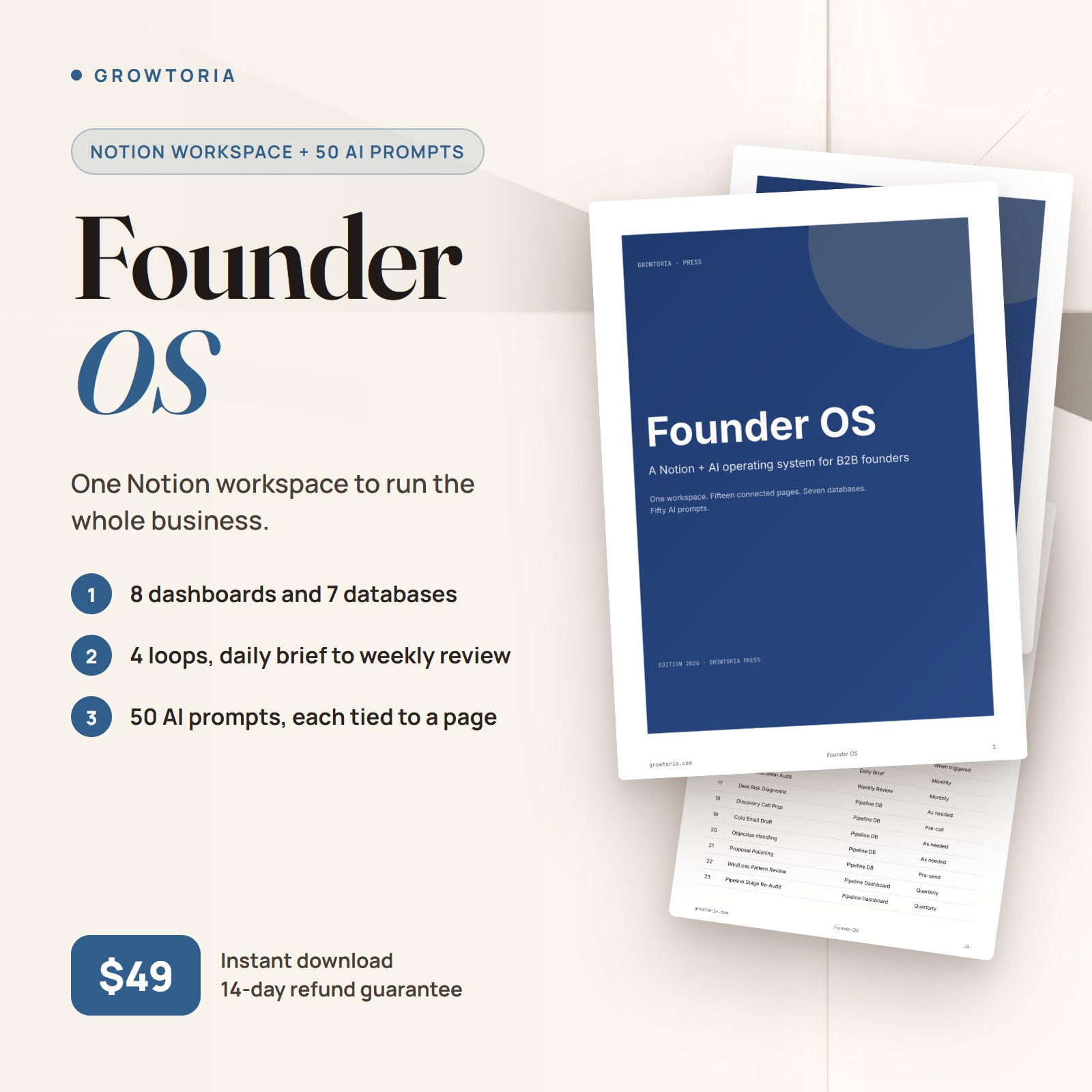
Stop juggling 12 disconnected Notion templates. Founder OS is the complete operating system for B2B solopreneurs: 15 connected pages, 7 wired databases, 50 AI prompts ready to fire. Built by founders, for founders who ship.
Description
If you’ve hunted for a Notion template for founders, you’ve probably ended up with eight of them duplicated across eight workspaces. A Kanban here, a CRM there, a content calendar somewhere else, a personal CRM nobody updates. None of them connect. The AI assistant doesn’t know which page it’s looking at because the operator is feeding it disjointed text.
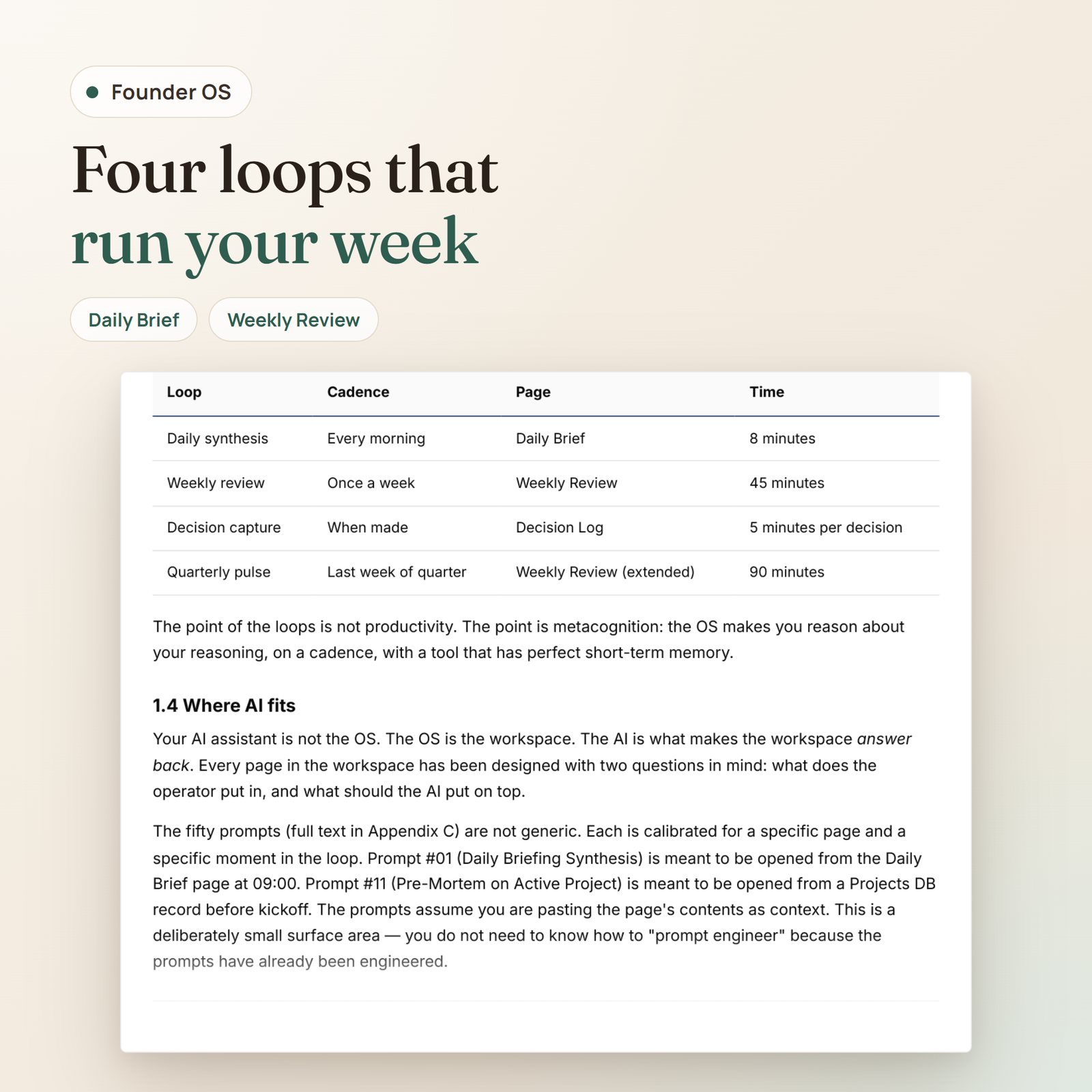
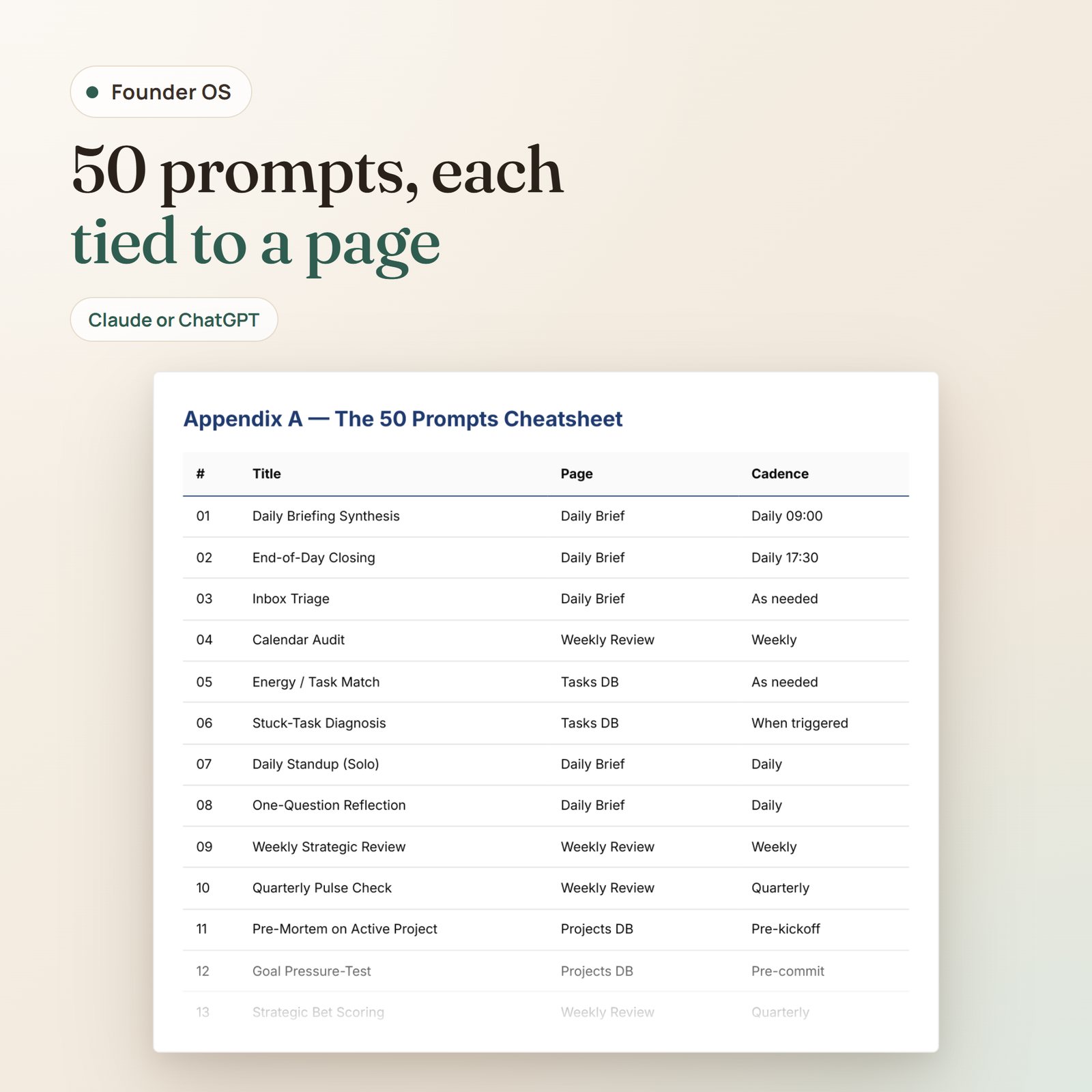
Founder OS is the antidote to that pattern. One workspace. Fifteen connected pages. Seven databases that actually reference each other. Fifty AI prompts calibrated for the moments that matter — daily synthesis at 09:00, weekly review on Sunday, decision capture in the moment, quarterly pulse on the last week of the quarter.
It’s not another Notion template for founders. It’s the operating layer.
Why founders use this
- One place to start the day. Open Daily Brief at 09:00, run prompt #01, get three priorities back from your AI assistant in twenty seconds. Close the page. Go ship.
- Decisions stop disappearing. The Decision Log captures the why behind each call in 140 characters. Thirty days later, the Weekly Review has you grade it. Compounding self-awareness over a year is the most underrated dividend in the OS.
- Your AI assistant earns its keep. Every prompt assumes you paste the actual page contents below it. No prompt engineering required. The work was done in the prompt design.
What’s inside
- PDF Setup Guide — 50 pages, editorial typography, the same brand voice as this page. Walks you from zero to running daily loops in thirty minutes. Includes the full text of all 50 prompts, the workspace architecture (every database property), the cross-link map, and the daily and weekly flows.
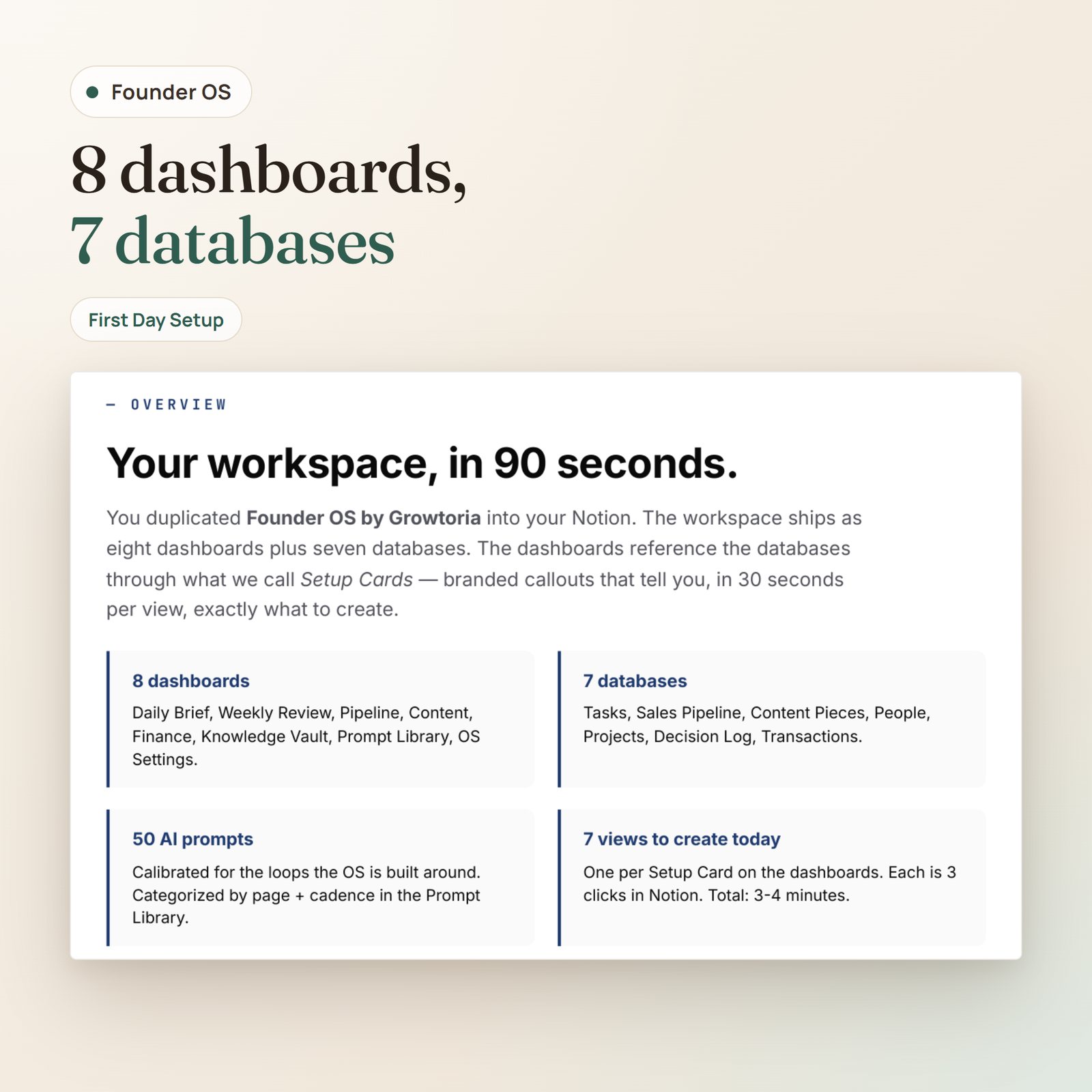
- Notion Workspace Template — 15 pages organized as 5 dashboards (Daily Brief, Weekly Review, Pipeline, Content, Finance), 7 operating databases (Tasks, Sales Pipeline, Content Pieces, People, Projects, Decision Log, Transactions), and 3 system pages (Knowledge Vault, Prompt Library, OS Settings). Every database ships with three example records. One-click duplicate to your own Notion.
- 50 AI Prompts — categorized: 8 daily operations, 8 weekly & strategic, 8 sales & pipeline, 8 content & marketing, 6 finance & metrics, 4 people & hiring, 4 knowledge & reading, 4 decision making. Full text in the Setup Guide. Model-agnostic. Works with Claude, ChatGPT, or Notion AI out of the box.
- Cross-link map — the architectural diagram of how the pages and databases connect (Appendix D of the guide). The thing nobody hands you when they sell you a stack of templates.
Built for
- B2B solo founders running sub-10-person companies who don’t have a chief of staff to filter their inbox
- Agency owners juggling client ops alongside their own studio operations
- Indie creators building products who want one operating layer instead of seven SaaS subscriptions
- Tech operators who already live in Notion and want their AI assistant to actually pull weight
How it works
- Buy → instant download. WooCommerce sends a signed download link to your inbox the moment payment clears.
- Click the Notion duplicate link. One click drops the entire workspace — fifteen pages, seven databases, all the cross-references — into your personal Notion.
- Customize for your stack. Fill the Daily Brief status block (North Star Goal, quarter, operating hours, energy), then set your model preference and review reminders on the OS Settings page. Five minutes.
- Run daily and weekly with the prompts. Open Daily Brief at 09:00, copy prompt #01, paste alongside the page contents, get your three priorities. The flow is designed to fade into the background by week two.
What you’ll do differently
- Before: Eight Notion tabs, three of them stale, none of them connected. After: One workspace, opened first thing in the morning, where decisions and tasks reference each other.
- Before: Copy-pasting prompts from a Notion AI listicle into ChatGPT and getting generic answers. After: Calibrated prompts that assume your page is the context. Output is specific because input was specific.
- Before: Decisions made on Tuesday, regretted on Friday, forgotten by the next quarter. After: Decision Log entries graded at +30 days. Compounding judgment over a year.
FAQ
How do I install the Notion workspace?▾
Your purchase contains three files: a setup guide PDF, a First Day Setup Cheatsheet PDF (4-page printable walkthrough for the seven dashboard views), and an HTML launcher (Open-Founder-OS-Workspace.html).
Quick start (3 minutes):
- Open the HTML launcher in any browser → click “Open Founder OS in Notion” → click Duplicate in Notion top-right.
- Open the First Day Setup Cheatsheet PDF — it walks you through creating the seven dashboard vie
Only logged in customers who have purchased this product may leave a review.


Reviews
There are no reviews yet.