30 Case Study Writer Prompts
$19.00
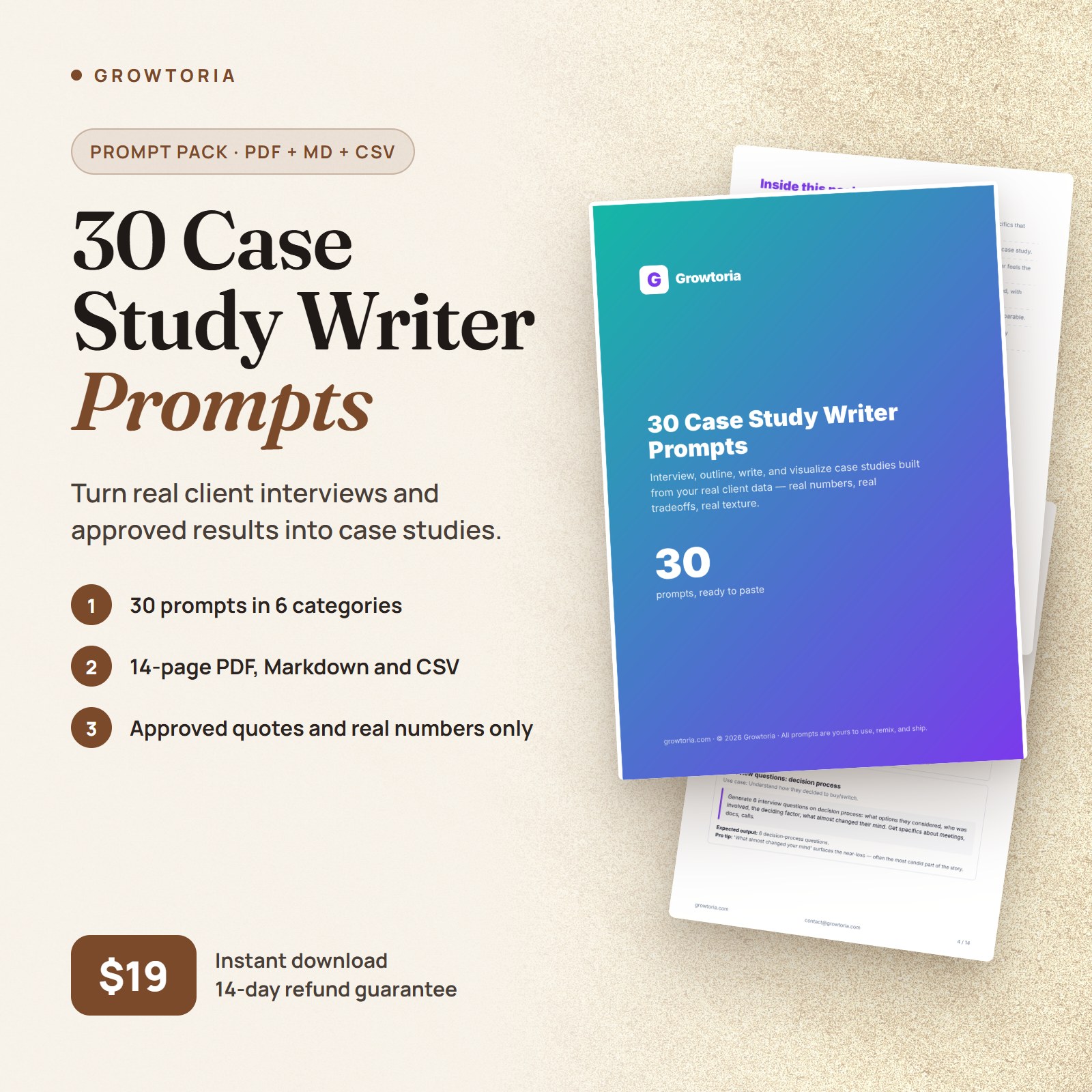
30 prompts to turn real client interviews and approved results into case studies: interview guides, outlines, challenge, approach, outcomes and pull quotes. $19.
Description
The problem this solves
Every quarter you mean to write case studies, and every quarter you don’t. The interview is usually the blocker: there’s no time to run it and no script that gets the client to share specifics you’re allowed to publish. Meanwhile your site shows "trusted by" logos and no proof. These case study prompts give you the interview guide, the structure, and section-by-section drafting prompts that work only from your client’s real facts, numbers, and approved quotes.
Who this is for
- Agency heads who need a steady supply of case studies for sales conversations
- B2B marketers building a library of customer stories with approved quotes
- Product marketers producing customer proof to support launches
- Founders who want written proof ready when prospects ask for references
What’s inside
30 case study prompts that take you from client interview to published story — interview guides, outlines, challenge and approach sections, outcomes, pull quotes, and visuals. Every prompt that writes publishable content works from your interview notes, project data, and approved quotes, and marks missing facts [TO CONFIRM].
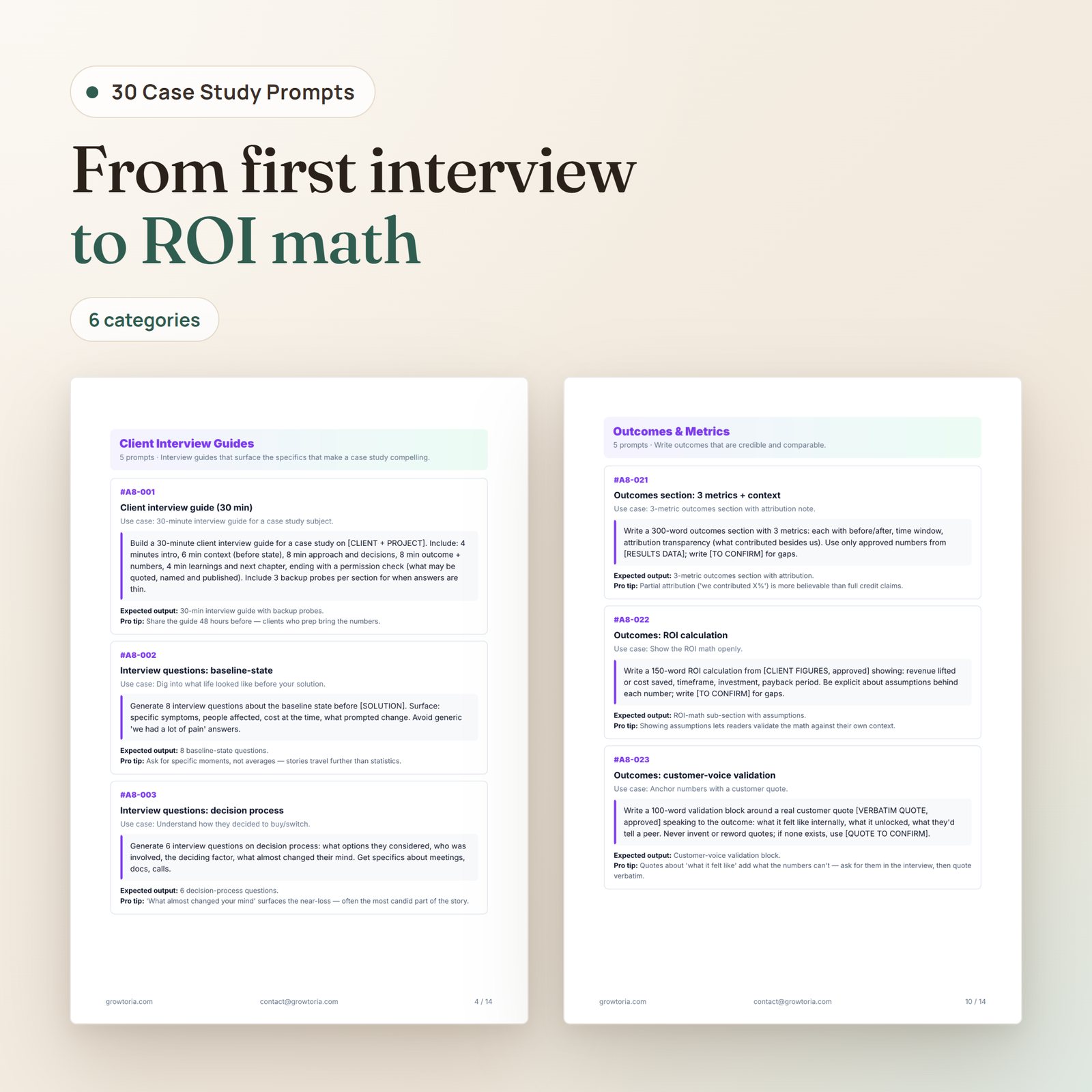
- Client Interview Guides — 5 prompts: a 30-minute interview guide that ends with a permission check, plus question sets on the baseline, the decision process, implementation, and outcome numbers
- Outline & Structure — 5 prompts for classic, failure-first, metrics-first, long-form B2B, and 500-word short-form outlines
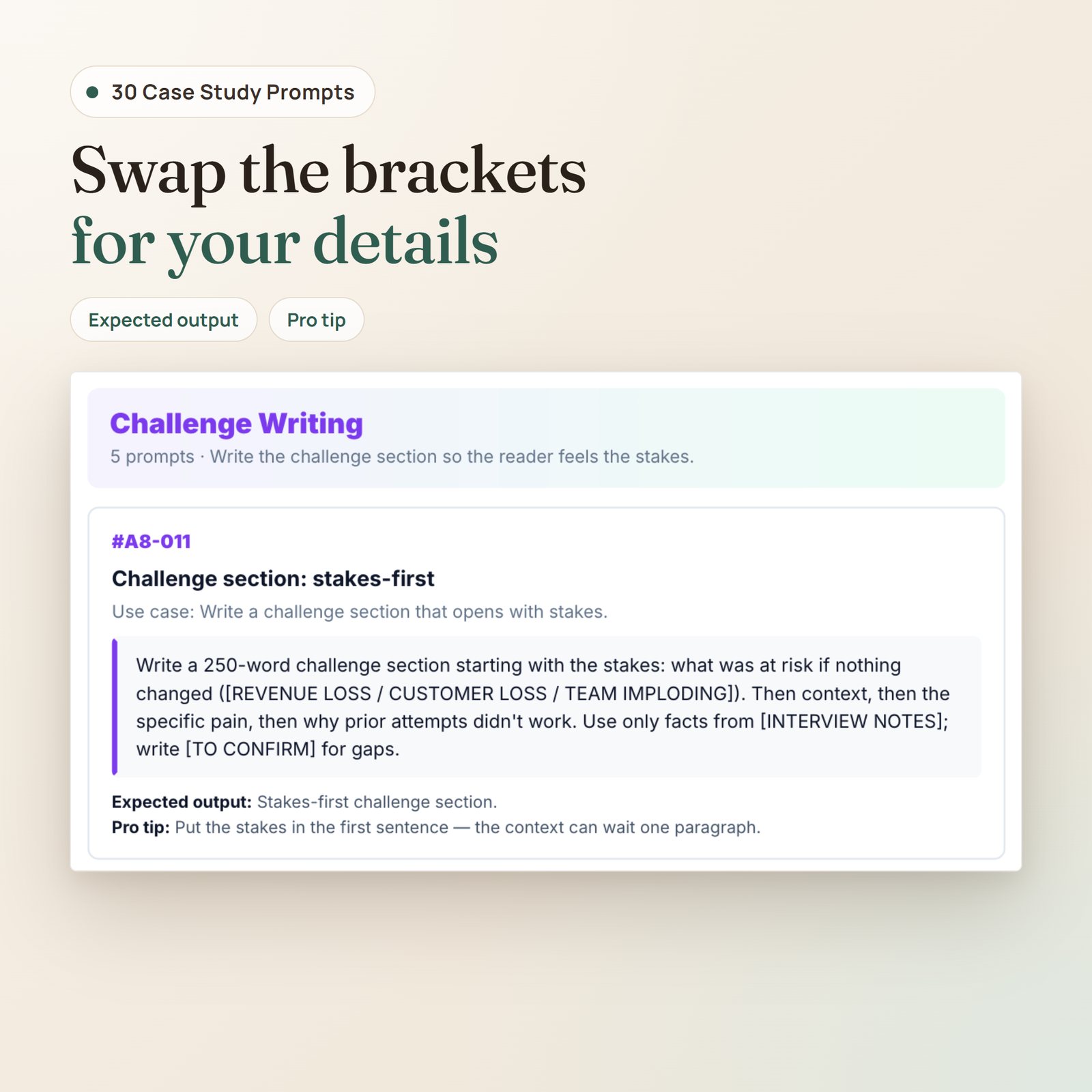
- Challenge Writing — 5 prompts for the "before" story: stakes, customer voice, baseline numbers, prior attempts, and human texture — without trashing competitors
- Approach & Actions — 5 prompts for phases, key decisions, what you tried and dropped, tools, and team structure
- Outcomes & Metrics — 5 prompts for metrics with attribution, ROI math with stated assumptions, customer-voice validation, non-metric wins, and limitations
- Pull Quotes & Visuals — 5 prompts for pull quotes, charts, screenshots, an on-camera shoot brief with a consent step, and a social repurposing plan
What you’ll be able to do
- Run a structured 30-minute client interview that ends with a clear record of what you may quote, name, and publish
- Pick a case study structure that fits the story and the channel, from a 500-word embed to a long-form B2B deep-dive
- Draft each section from your own interview notes and project data, with every missing fact flagged [TO CONFIRM]
- Present results with before/after numbers, time windows, attribution, and the assumptions behind any ROI figure
- Turn a finished case study into pull quotes, simple charts, and social posts without adding new claims
What you get (instant download)
- Designed PDF (14 pages) — cover, how-to-use, full prompts, outro. Readable on mobile and desktop.
- Markdown file — copy-paste ready for GitHub, Notion, Obsidian, or any text-based tool.
- CSV — one row per prompt with
id,category,title,use_case,prompt_text,expected_output, andpro_tip. Drop it straight into Airtable or Notion. - README.txt — a short guide to the files in the download.
- Free lifetime updates — when the pack is updated, the same download link gives you the new version.
Works with any modern AI assistant, such as Claude, ChatGPT or Gemini.
Frequently asked questions
Do I need advanced prompting skills to use this pack?
No. Every prompt comes with a plain-language use case, the expected output, and a pro tip. You replace the [BRACKETED] inputs with your own material and paste the prompt into your AI assistant.
Which AI model should I run these case study prompts on?
Any modern AI assistant, such as Claude, ChatGPT or Gemini. The prompts are plain text and don’t depend on a specific model. Results vary with the model and with the quality of your interview notes, so review every draft before you publish.
Will the AI make up results, quotes, or client names?
No prompt in this pack asks it to. The drafting prompts take your interview notes, project data, and approved quotes, tell the AI to use only those, and mark gaps [TO CONFIRM]. AI assistants can still make mistakes, so check every draft against your sources and get your client’s sign-off on quotes, names, and numbers before publishing.
Can I customize the prompts for my niche?
Yes. The bracketed inputs — [CLIENT + PROJECT], [INTERVIEW NOTES], [PROJECT NOTES], [RESULTS DATA] and so on — are where your project goes. The CSV makes bulk-customizing straightforward in Airtable or Notion.
Is this a one-time purchase?
Yes. One-time payment, lifetime access and free updates: when the pack is updated, the same download link gives you the new version.
What if the pack doesn’t work for me?
Email [email protected] with your order number within 14 days of your purchase and we refund you in full. No forms, no reason needed, and you keep the file. Full details in our Refund Policy.
Our promise
Every Growtoria pack is meant to be used, not skimmed: practical prompts, shipped in three formats, written to work from your real data instead of inventing it, with a full refund within 14 days if it doesn’t help you.
— Team Growtoria


