PHP Security Update October 2026: What WordPress Site Owners Should Check
On October 21, 2026, the PHP project released fixes for two critical vulnerabilities, CVE-2026-109618 and CVE-2026-109619. Both can allow remote code execution without logging in, both are rated 9.2 out of 10 on the CVSS v4.0 scale, and the PHP project says a working exploit has been demonstrated against Apache mod_php setups. PHP is the software that runs almost every WordPress site, so this concerns you even if you never touch your server.
The good news: checking takes about a minute, and the fix comes down to a version number. Here’s what to look at and what to do.
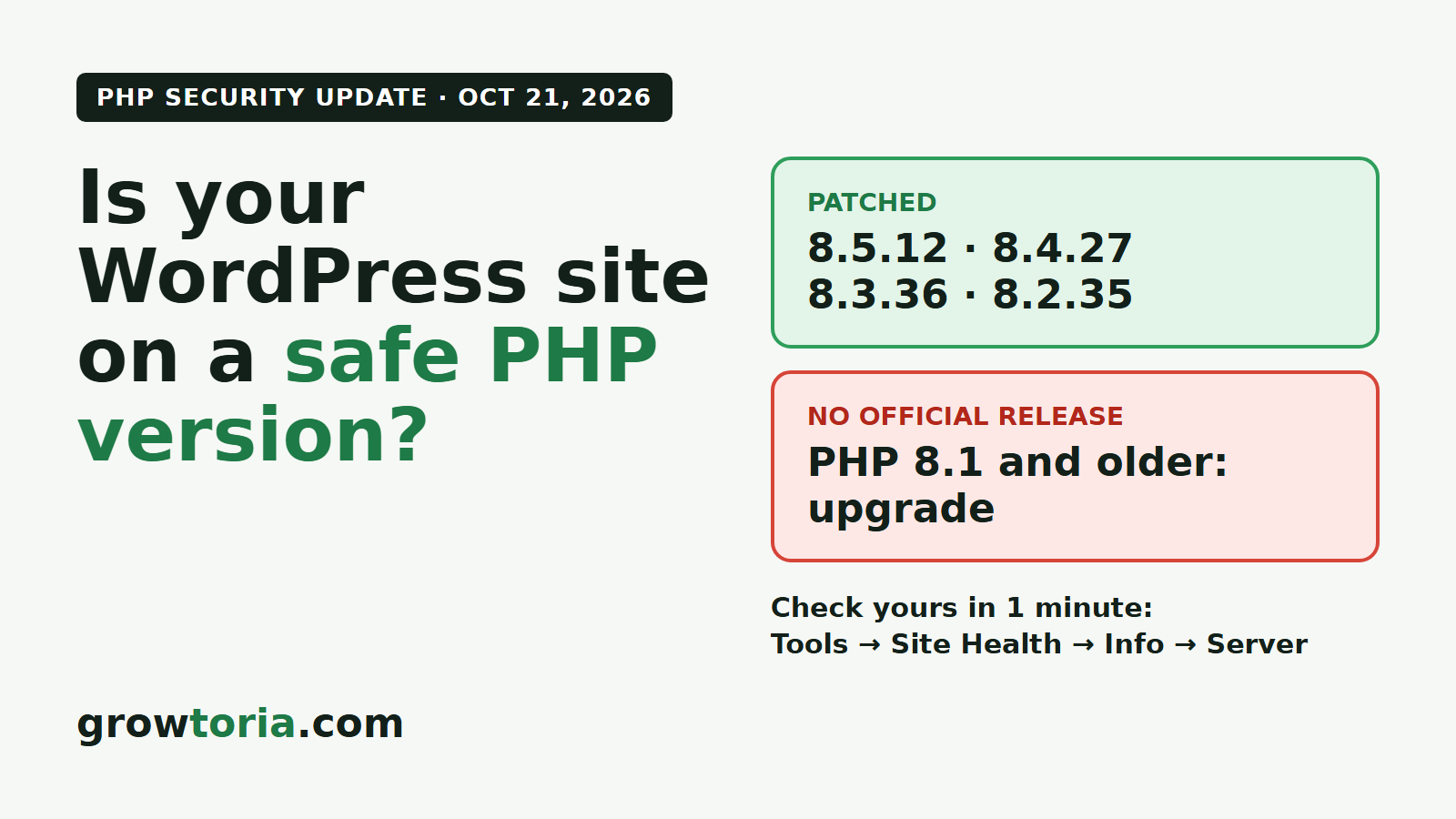
Quick answer: Your site is on a patched version if it runs PHP 8.5.12, 8.4.27, 8.3.36 or 8.2.35, or a newer release in the same branch. PHP 8.1 and older won’t get a new official release, so unless your host or Linux distribution ships its own patched build, those sites need to move to a supported version, ideally PHP 8.3 or 8.4.
What happened
CVE-2026-109618 involves memory corruption when PHP runs out of memory partway through a request. CVE-2026-109619 involves internal data left over from one request and reused by the next one. You don’t need the technical details to protect your site. What matters is that the PHP project rates both critical, says every installation that serves web pages is at risk (PHP-FPM, Apache with mod_php, php-cgi, FrankenPHP and LiteSpeed), and asks everyone to update as soon as possible. The full details are in the official PHP announcement.
Which PHP versions are safe
| PHP branch | Patched from | What to do |
|---|---|---|
| 8.5 | 8.5.12 | Update within the branch |
| 8.4 | 8.4.27 | Update within the branch |
| 8.3 | 8.3.36 | Update within the branch |
| 8.2 | 8.2.35 | Update now, and plan a move to 8.3 or 8.4 (8.2 reaches end of life on December 31, 2026) |
| 8.1 and older | No official release | Upgrade to a supported version, unless your host or distribution provides a patched build |
Look at the last number. “PHP 8.3” on its own tells you nothing: 8.3.30 is vulnerable, 8.3.36 is patched.
How to check your PHP version in WordPress
- Log in to your WordPress dashboard.
- Go to Tools → Site Health and open the Info tab.
- Expand the Server section. The “PHP version” line shows the exact version, for example 8.3.36.
Your hosting control panel shows it too, usually under “PHP settings” or “Select PHP version”.
What to do, depending on how your site is hosted
Shared or managed WordPress hosting
Your host controls PHP and normally rolls out the patched builds itself. Check the exact version in Site Health over the next day or two. If it still shows an unpatched version, contact your host’s support and ask when they will apply the October 21 PHP security release. If your account is set to PHP 8.1 or older, you’ll need to switch it to 8.3 in the control panel, but only after the steps in the section below.
VPS, cloud server or Docker
Here, you’re the one who updates. Install the patched packages from your Linux distribution, or pull the updated official image if your site runs in Docker. Then restart PHP-FPM or Apache so that every worker loads the new version, and confirm the version your web server actually uses, not just the one the command line reports. If you can’t update right away, the PHP announcement lists interim measures, but it’s clear that they only reduce the risk. Updating is the only complete fix.
If you’re still on PHP 8.1, 8.0 or 7.4
These versions are past end of life, so the PHP project won’t publish a new release for them. Its security team has shared source-code patches for 7.4, 8.0 and 8.1, and some Linux distributions patch their own packages, but on most hosting plans you can’t apply either yourself. Ask your host first. If they don’t provide a patched build, moving to PHP 8.3 is the safe route, but older plugins and themes can break on a newer PHP version. Do it in this order:
- Take a full backup of your files and database.
- Update WordPress, your theme and every plugin first.
- Test the new PHP version on a staging copy if your host offers one.
- Switch the live site, then check your homepage, a product page, the cart, the checkout and the admin.
- Keep the backup until you’ve watched the site for a few days.
What we learned updating our own sites
We updated the sites we run on the evening the fix came out, and two lessons are worth passing on. First, the official Docker images were rebuilt a few hours after the announcement, so “update now” can mean “update as soon as the patched build exists”. Second, rebuilding a server can quietly remove tools that were added by hand: one of ours lost its WordPress command-line tool until we put it back. Before you rebuild, list what’s custom on your server, and compare your key pages before and after the update.
Need a hand?
If you’d rather not do this yourself, our team can check your PHP version, update or upgrade it with a backup taken first, and test your key pages afterwards. The price is fixed before we start, and the job is fixed or refunded.
- WordPress Maintenance, from $45: updates and checks on shared or managed hosting.
- Hosting & cPanel, from $140: changing the PHP version in your hosting panel.
- Server Management, from $160: VPS, cloud and Docker servers.
- WordPress Bug Fix, from $75: if something broke after a PHP update.
Questions first? Message us on WhatsApp (+33 7 49 18 65 12, chat only).
FAQ
Is my site hacked if it runs an old PHP version?
Not necessarily. An unpatched version means the site is exposed, not that it has been attacked. Update first, then look for warning signs such as unknown admin users, files you didn’t add or unexpected redirects.
Does a WordPress update fix this?
No. The flaw is in PHP, the software your server uses to run WordPress. Keeping WordPress and plugins up to date is still a good idea, but only a PHP update closes these two vulnerabilities.
Will changing the PHP version break my site?
A patch update within the same branch, such as 8.3.30 to 8.3.36, very rarely breaks anything. A jump from 7.4 or 8.1 to 8.3 can, which is why the backup, the plugin updates and the test come first.
How fast should I act?
Both flaws are rated critical and a working exploit has been demonstrated, so treat it as this week’s job, not this month’s.