C4 Client Onboarding System
$79.00
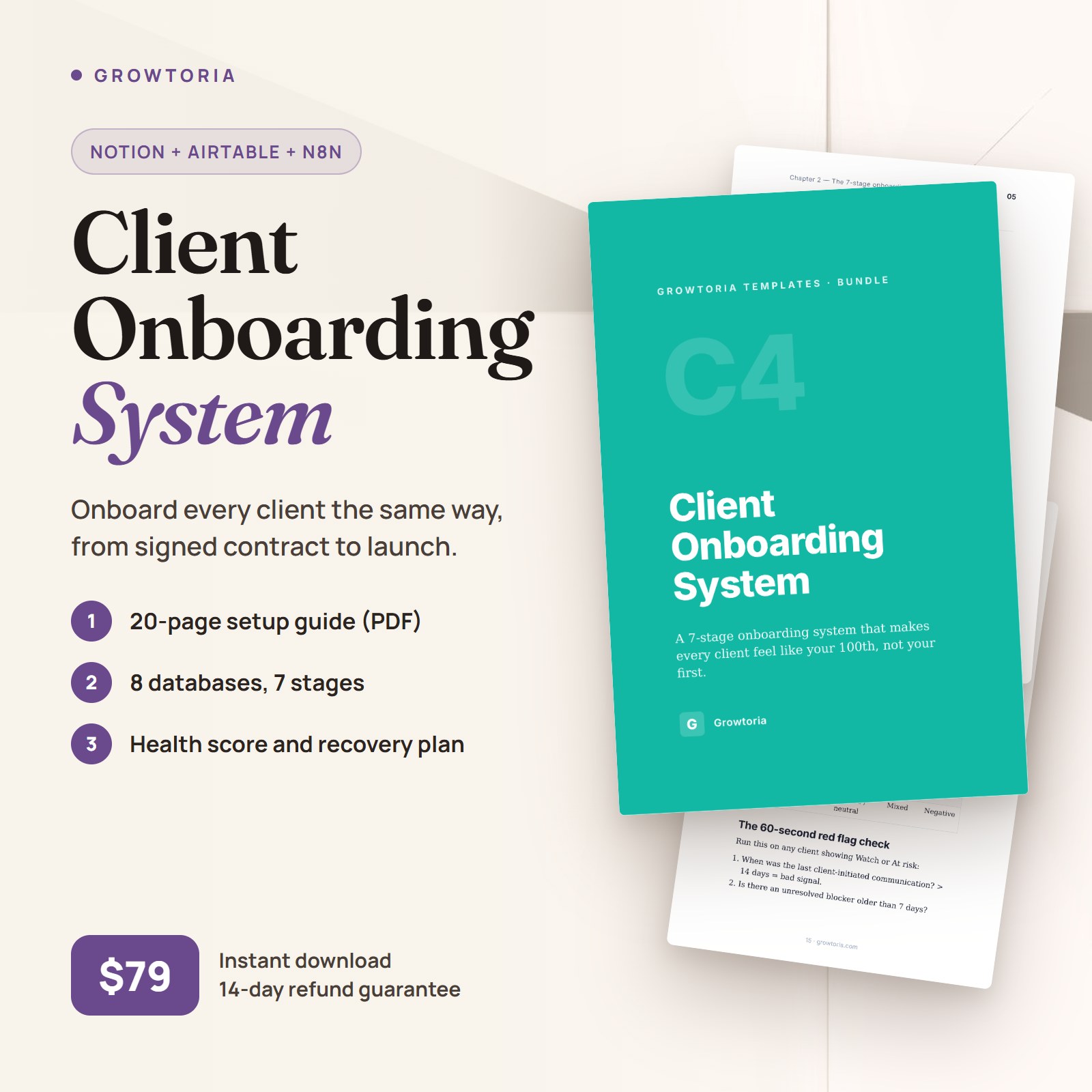
A 7-stage onboarding operating system with health scoring and automation hooks. Makes every client feel like your 100th, not your first.
Description
Win the first 90 days with a structured client onboarding template
This client onboarding template exists because plenty of B2B services clients leave in year 1 — often not because the service is bad, but because the first 90 days felt amateur. Welcome emails arrived late. Kickoff had no agenda. Deliverables slipped. The C4 system replaces that chaos with a repeatable 7-stage process your clients can see from day one — and your team can run without reinventing the wheel for every new account.
What’s included
- 8-database Notion scaffold (Clients, Contacts, Onboarding tasks, Documents, Meetings, Communications, Deliverables, Milestones) as copy-paste tables. Once you convert them and wire the relations, a single client view surfaces every task, doc, and touchpoint
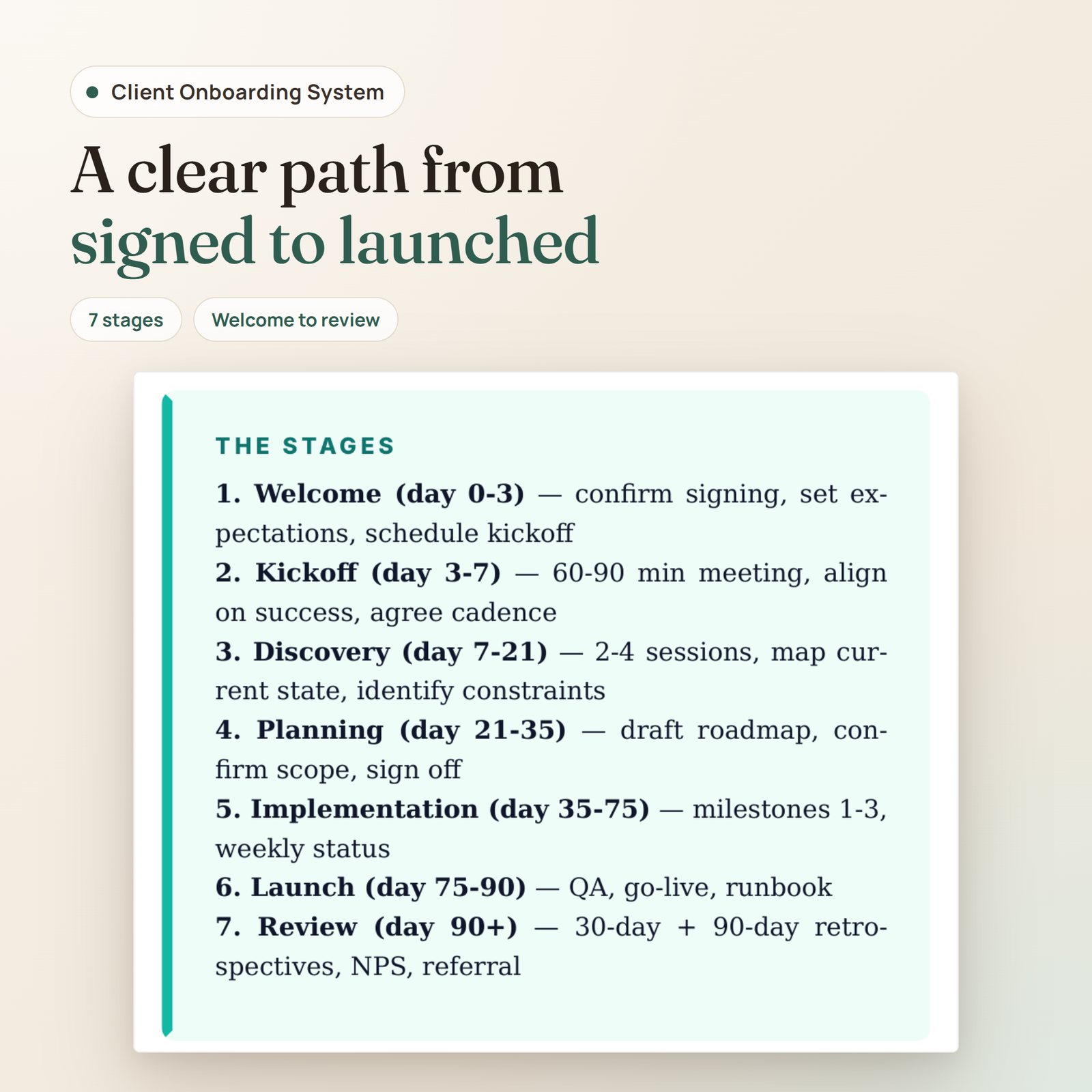
- 7-stage framework: Welcome → Kickoff → Discovery → Planning → Implementation → Launch → Review
- 7-stage task checklist (4–6 tasks per stage) kept as a master set you duplicate for each new client (or create with automation recipe 1), so steps don’t get forgotten
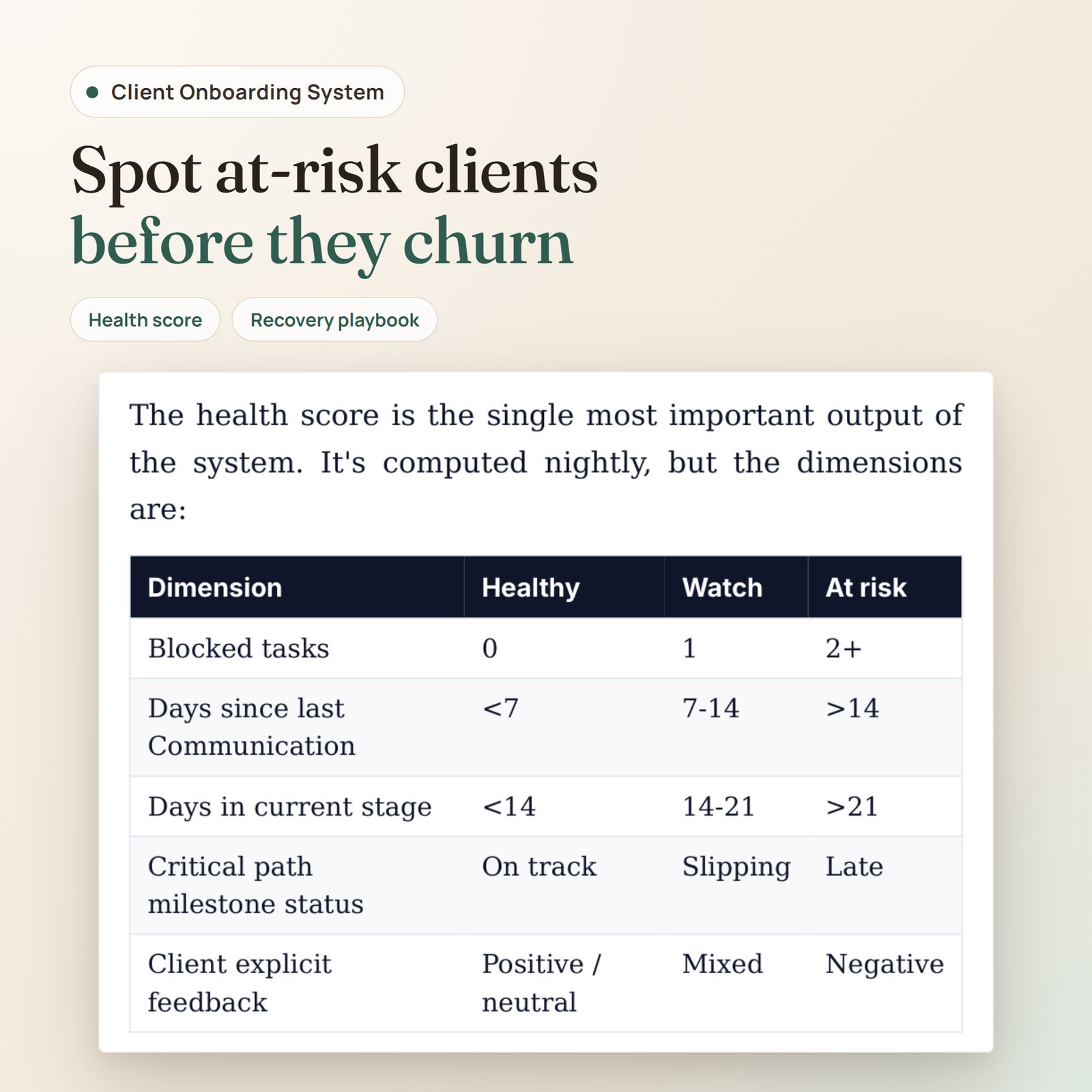
- Health scoring model: Healthy / Watch / At risk / Unknown, set by hand or recomputed nightly once you build automation recipe 4 — flags at-risk accounts early
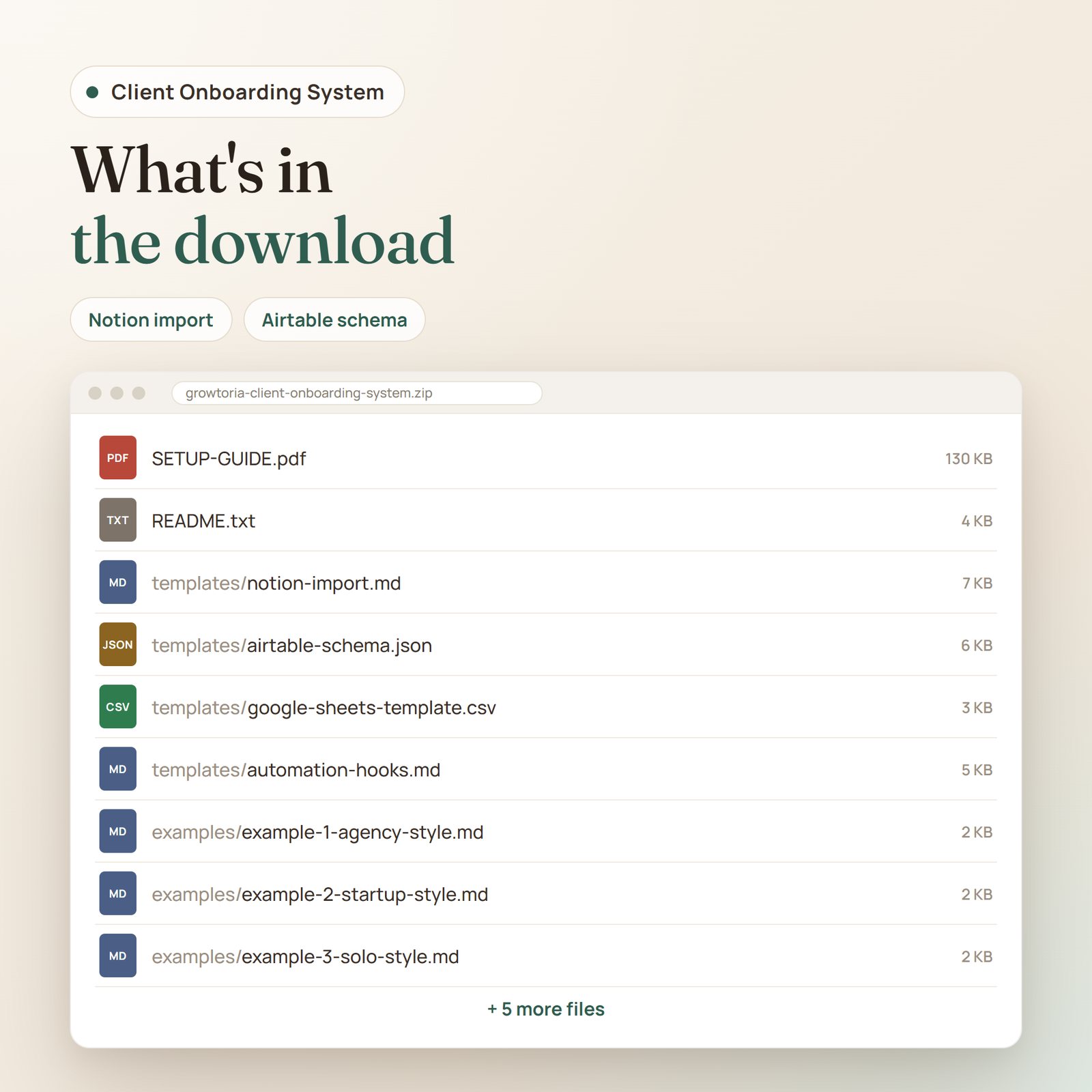
- Airtable schema JSON — a field-by-field reference for all 8 tables, to build the base by hand
- Google Sheets version — one CSV file with 5 stacked sections (Clients, Onboarding tasks, Meetings, Deliverables, Milestones) and sample rows, for lightweight or free-tier setups
- 20-page setup guide (PDF) — includes welcome email, kickoff agenda, and weekly status templates you can copy-paste and send today, plus health scoring, a recovery playbook, and an off-boarding checklist
- 8 automation recipes — written trigger/action steps in a Markdown file, to build in n8n, Zapier, or Make: welcome packet and task scaffold, stage-change digest, stuck client alerts, health recompute, communication-gap warning, document follow-up, 30-day check-ins, off-boarding triggers. The same file holds an n8n workflow sketch (JSON) for recipe 1, with the task-cloning step left as a stub; there is no separate workflow file
- 3 adaptation guides — services agency, B2B SaaS/CS team, solo consultant
- 4 schematic SVG illustrations — mockups of the active-onboardings dashboard, a client record with health signals, and a mobile view, plus a diagram of the 7-stage framework. They are not screenshots of Notion or Airtable
- README and changelog — quickstart overview and version history
Who this client onboarding template is for
- Services agencies onboarding 5-20 clients/month who need consistency across account managers
- B2B SaaS CS teams handling enterprise onboardings where a stalled rollout puts expansion revenue at risk
- Solo consultants who want to stop winging the first 30 days and look enterprise-grade from day one
- Anyone who wants a more consistent first 90 days with every new client
Format
Instant download. ZIP (~150 KB) with 14 files: README.txt, SETUP-GUIDE.pdf, 5 template files (Notion .md, Airtable .json, Google Sheets .csv, automation recipes .md, changelog .txt), 3 example .md files, and 4 SVG illustrations. Lifetime access, including future updates.
Pairs well with
- C1 Agency Project Tracker — the delivery-side companion once onboarding completes
- C3 Sales Pipeline Pro — the sales-side predecessor (deals that close become clients that need onboarding)
- B1 Launch Your AI Agency in 2026 — the strategic playbook this client onboarding template operationalizes
- D1 Agency Starter Kit — bundle of 5 agency-focused products
Only logged in customers who have purchased this product may leave a review.


Reviews
There are no reviews yet.