C1 Project Tracker for Freelancers
$49.00
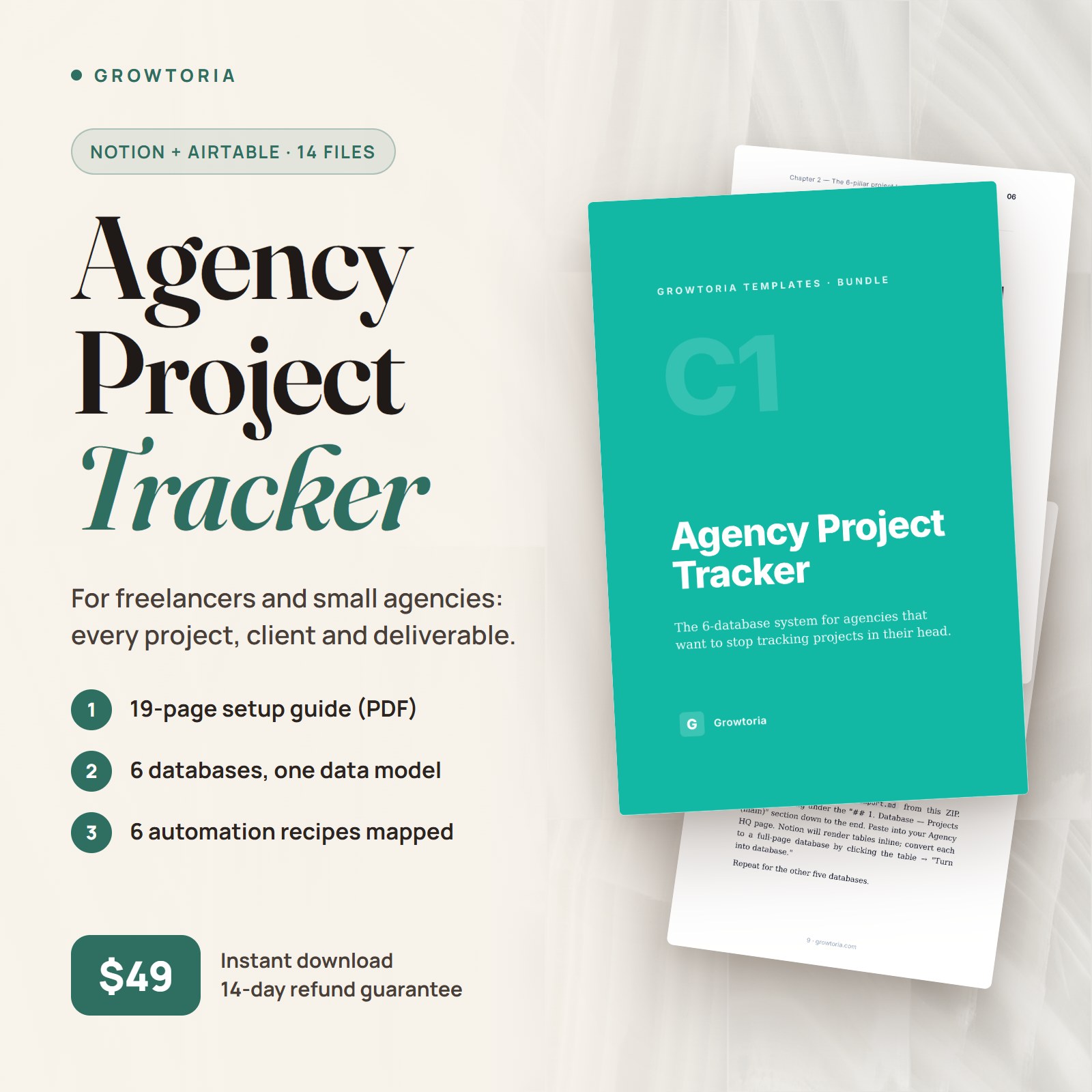
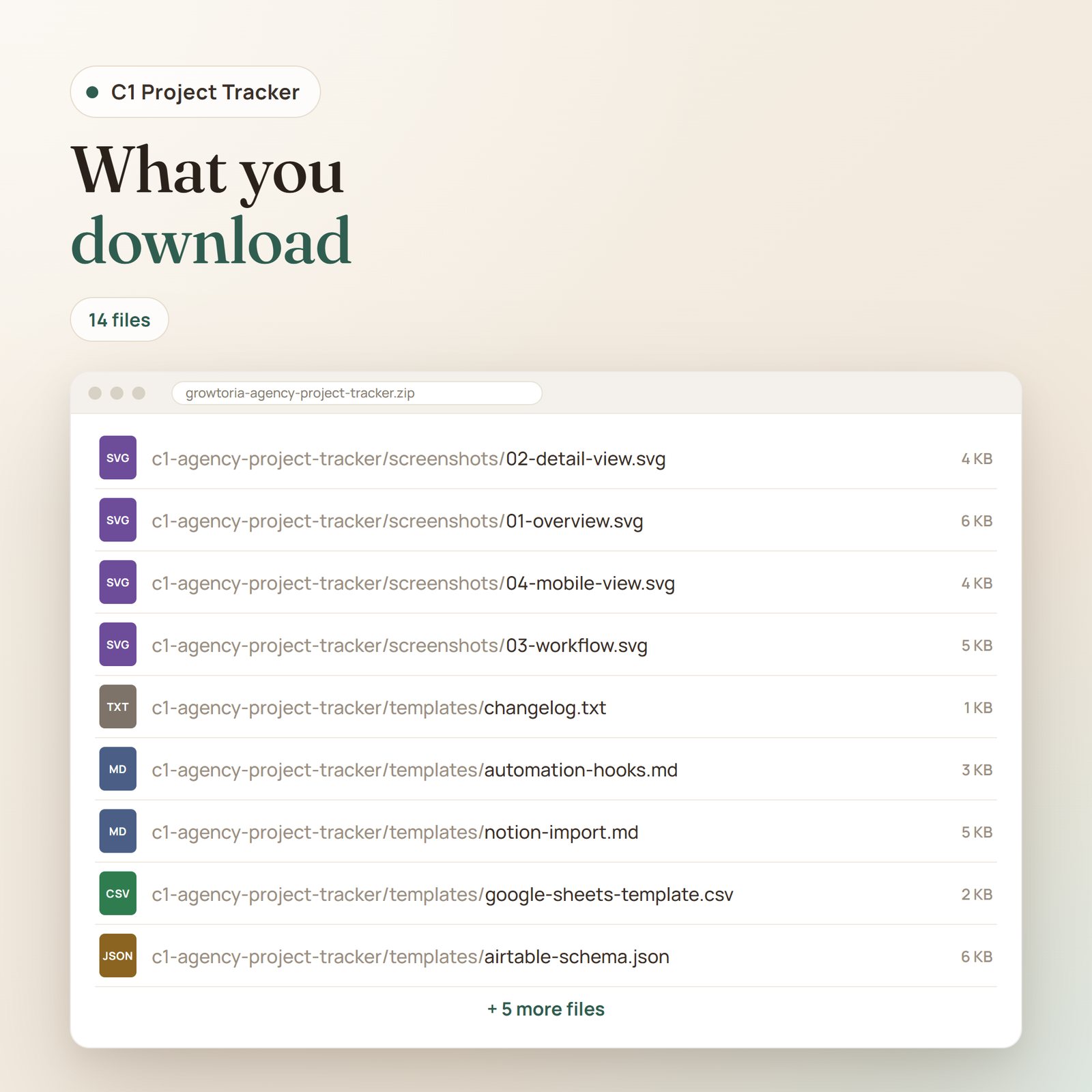
A 6-database Notion system with Airtable and Google Sheets versions, a 19-page setup guide, 3 adaptation guides and 4 illustrations.
Description
The C1 freelancer project tracker replaces the tangle of Google Sheets, Slack threads, and founder’s-head notes that many small studios rely on with a single Notion or Airtable system: 6 interconnected databases, so client work moves from briefing to delivered in one place. Built for teams who are past spreadsheets but not ready for enterprise PM software, it turns scattered project work into one calm, queryable source of truth.
What’s inside the download
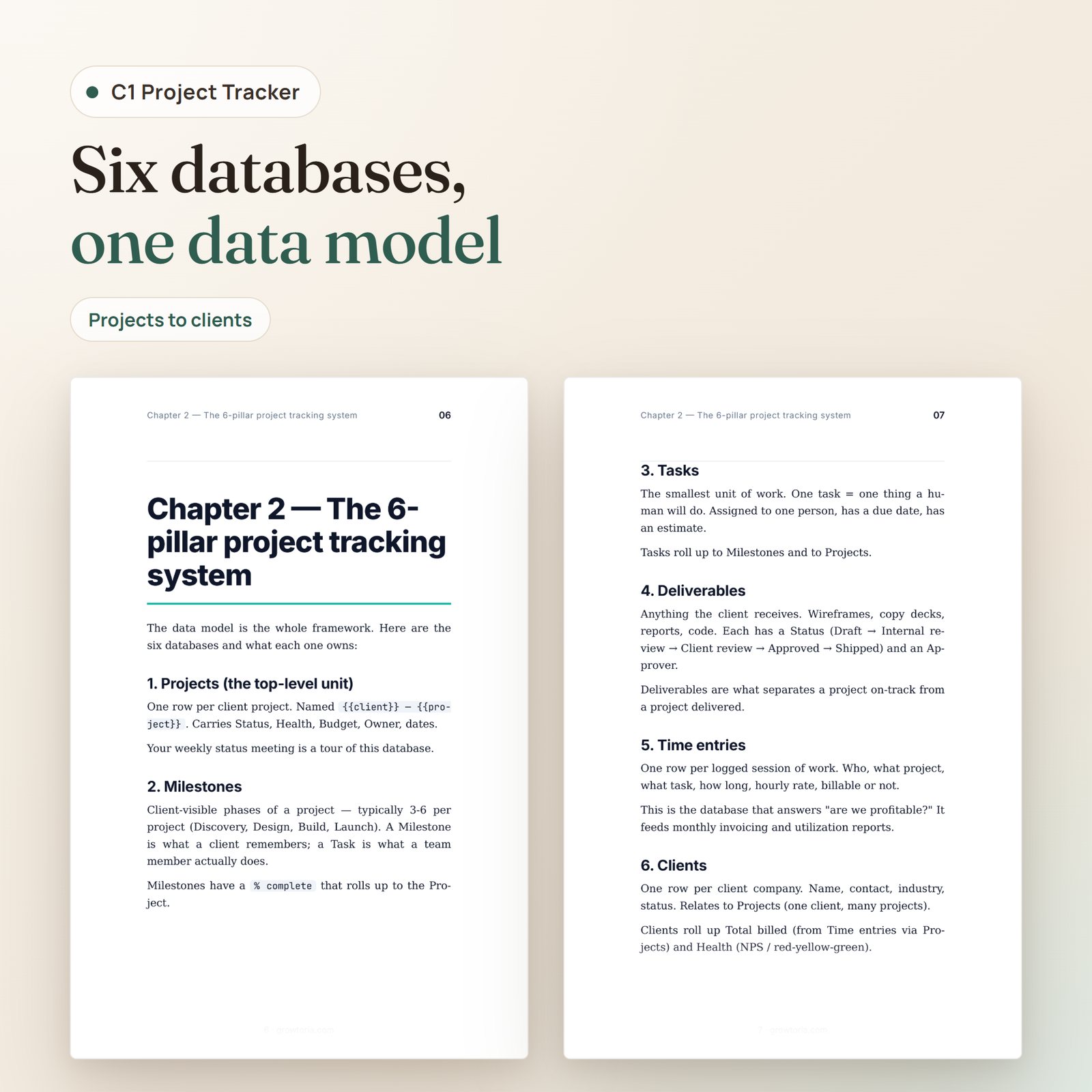
- Notion markdown import — copy-paste scaffold for all 6 databases (Projects, Milestones, Tasks, Deliverables, Time entries, Clients): property tables, view definitions, rollup and formula specs, status pipelines, and a project page template. You turn the tables into databases and wire the relations yourself, step by step with the guide
- Airtable schema JSON — a field-by-field reference (tables, field types, options, linked records, views) for building the base by hand in Airtable; there is no one-click schema import
- Google Sheets version — one CSV file with 6 stacked sections (one per database) and sample rows, to split into sheet tabs when you just need something working today
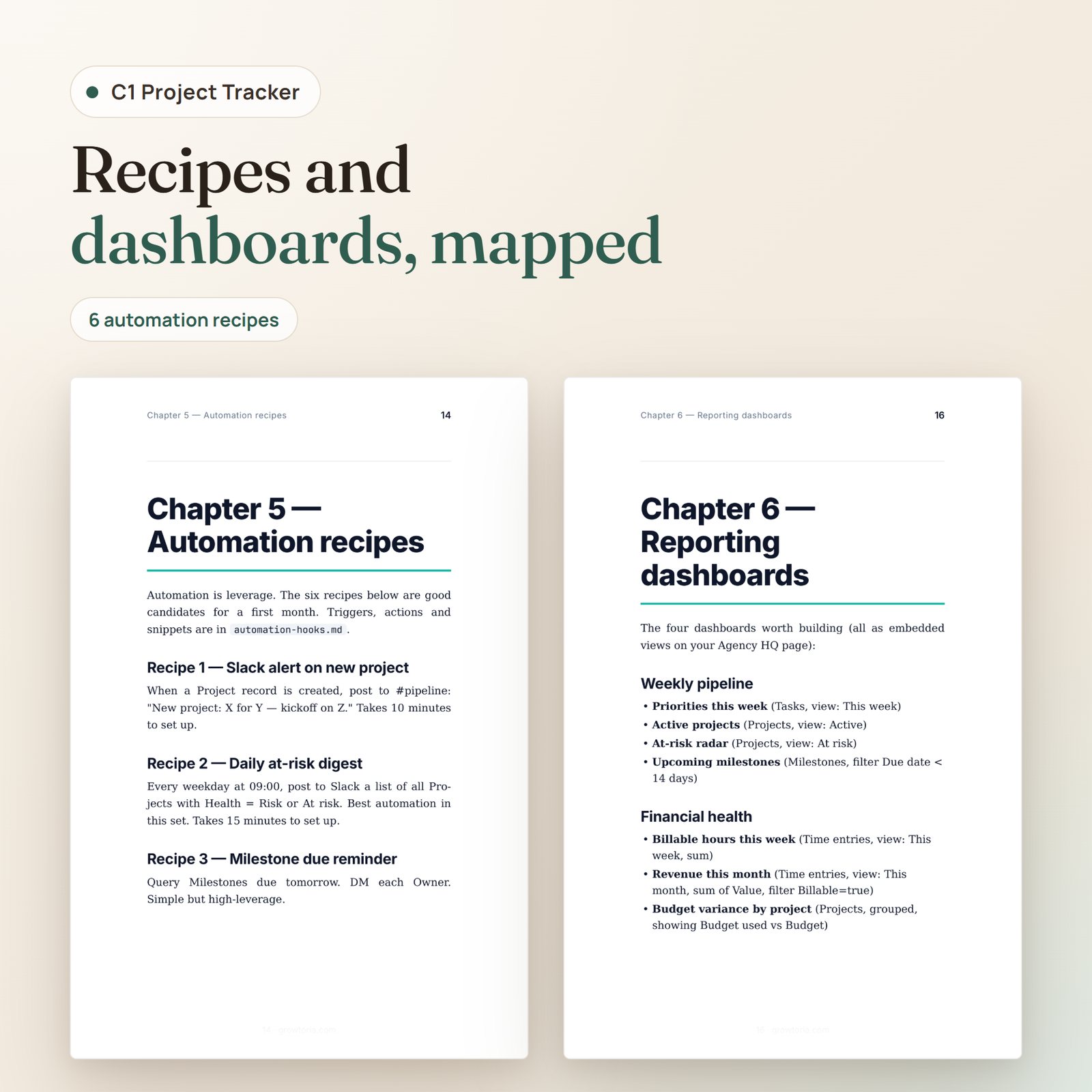
- 19-page setup guide (PDF) covering setup, relations, views, adaptation, automation recipes, reporting dashboards, common pitfalls, and a 30-day ramp
- 6 automation recipes — written out in a Markdown file (trigger, actions, filters, message templates, and one n8n node snippet) for you to build in n8n, Zapier or Make: new-project Slack alert, daily at-risk digest, milestone due reminder, overdue-task escalation, monthly invoice draft from logged time, and a bridge to C4. They are recipes, not importable workflow files
- 3 adaptation guides (Markdown) for agencies (5–15 people), in-house startup teams, and solo consultants: fields to add or hide, views, weekly rhythm, metrics to watch, and anti-patterns
- 4 schematic SVG illustrations — mockups of the active-projects overview, a single project record, and a mobile view, plus one data-model diagram of the rollup chain. They show what each view is for; they are not screenshots of Notion or Airtable
- README and changelog — quickstart steps and version history
Who it’s for
- Agency founders (5–20 people) juggling multiple concurrent client projects and losing hours to status-chasing
- In-house project managers at startups who need structure without an enterprise PM tool contract
- Solo consultants who need a real freelancer project tracker rather than a graveyard of scattered Google Docs and half-updated Trello boards
Format & access
Instant download. ZIP (~150 KB) with 14 files: README.txt, SETUP-GUIDE.pdf, 5 template files (Notion .md, Airtable .json, Google Sheets .csv, automation recipes .md, changelog .txt), 3 example .md files, and 4 SVG illustrations. Lifetime access, free future updates, no subscription — one freelancer project tracker you own for good.
Pairs well with
- C4 Client Onboarding System — the pre-delivery companion that feeds into your project pipeline
- D1 Agency Starter Kit — bundles B1 + A2 + A4 + A7 + B4 for agency founders building the full ops stack
Only logged in customers who have purchased this product may leave a review.


Reviews
There are no reviews yet.