FOR AMBITIOUS BUILDERS · LIFETIME ACCESS

Operate your business like a pro founder,
in 30 minutes a day.

A connected Notion workspace with 50 AI prompts wired in. One place to operate from. No more stitching twelve templates together.

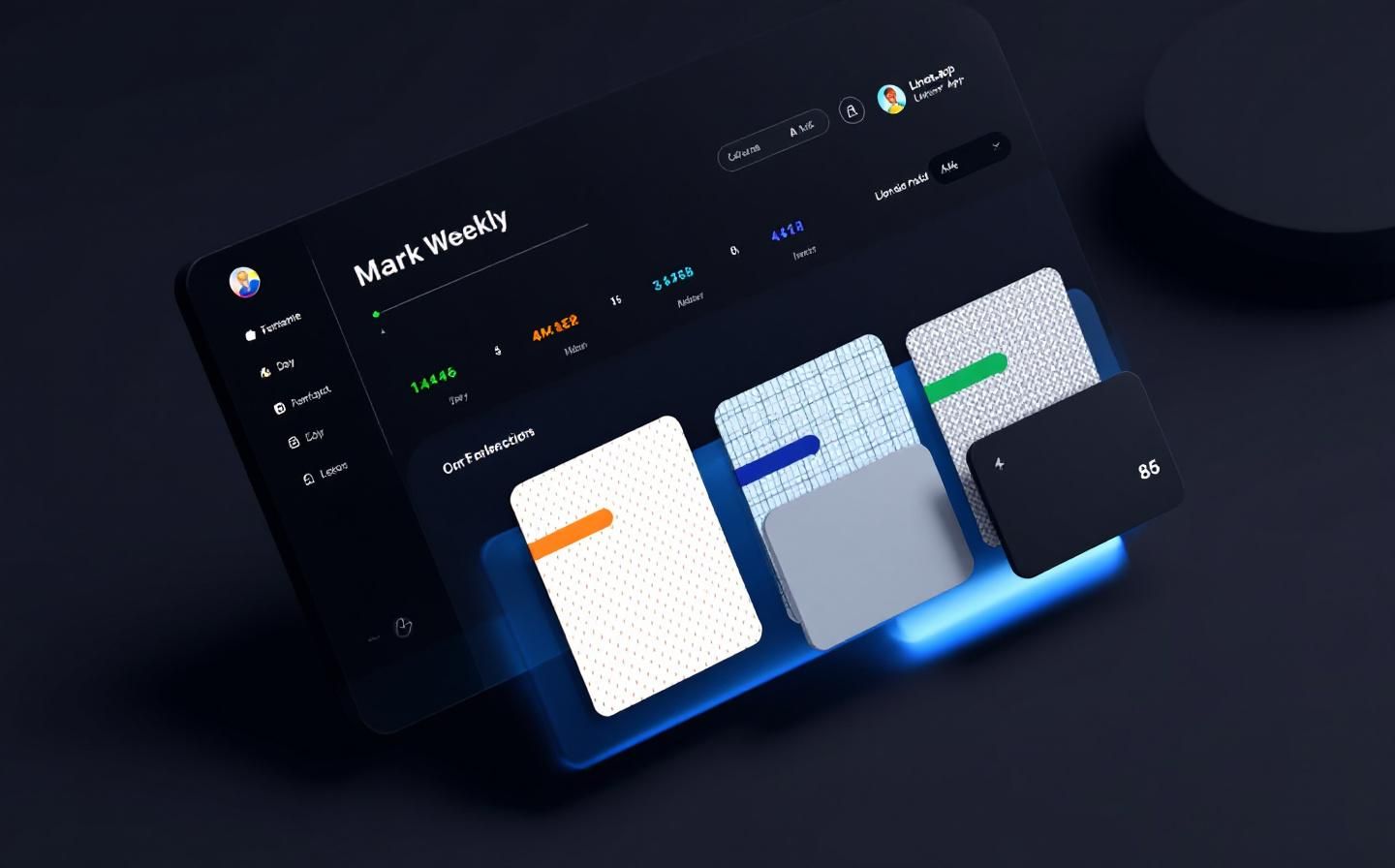
Founder OS — isometric workspace mockup

3D isometric render of three connected dashboards. To be replaced with rendered PNG before launch.

INSTANT NOTION DUPLICATE · 30-DAY MONEY BACK

USED BY OPERATORS AT

Solo SaaS Boutique Agencies Indie Builders Consultancies Newsletter Operators

THE NOTION TEMPLATE TRAP

You don't need another template.
You need an operating system.

Every founder hits the same wall by month three. The workspace becomes a graveyard of disconnected templates, and the AI assistant has no idea which page it's looking at.

12 templates that don't talk

CRM here, content calendar there, project tracker elsewhere. Nothing connects. The same person is logged three times in three places.

AI has no context

You copy from Notion to ChatGPT, paste back, lose half the context. The AI never knows your goal, your pipeline, or what you decided last Tuesday.

22 tabs open by 11 AM

Slack, Linear, Notion, Gmail, Stripe dashboard, three Notion databases, Calendar, Claude, ChatGPT, your CRM, two newsletters. None of them is the source of truth.

No weekly rhythm

You meant to do a weekly review. You didn't. You drift for a quarter, then wonder why nothing compounds.

Decisions vanish

You make a non-trivial call on Tuesday. By Friday it's gone — no record of what you considered, why you chose, what you predicted.

Prompts are generic

You copy a prompt off Twitter. It's vague. The output is vague. You give up and write the email yourself.

INTRODUCING

Founder OS.
One workspace. One rhythm.

Fifteen connected pages. Seven databases. Fifty AI prompts that already know which page they're looking at. Built for the operator who runs the whole thing alone.

01 · DAILY BRIEF

The single page you open at 09:00.

Yesterday's done. Today's calendar. Overnight inbox. Your AI assistant returns three priorities, one risk to watch, one strategic question. Eight minutes from open to action.

  • Auto-rollups from Tasks, Pipeline, Content
  • AI sees your North Star, tunes output to it
  • 17:30 closing prompt compares plan vs ship
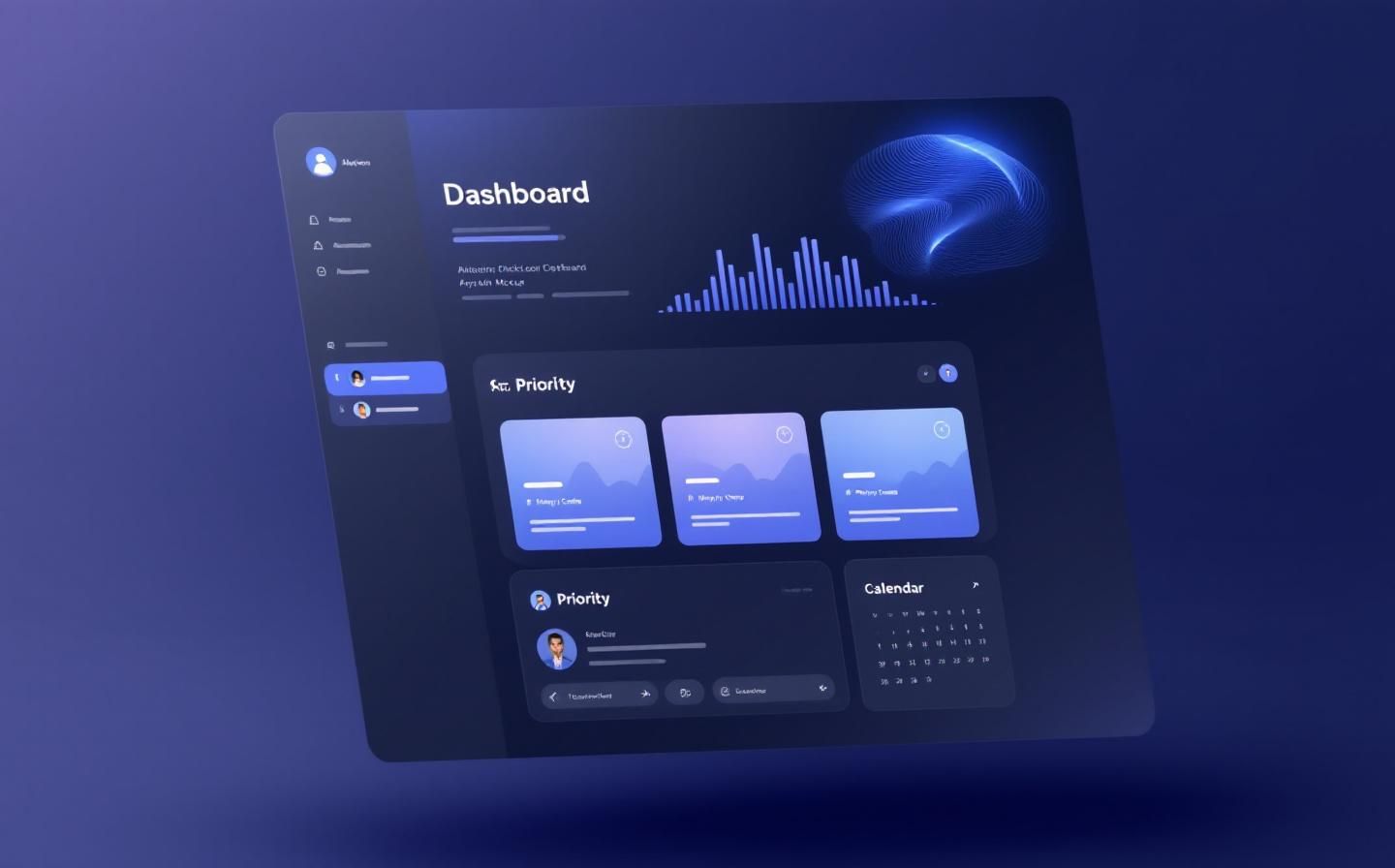
Daily Brief dashboard mockup

02 · WEEKLY REVIEW

The 45 minutes that compound for a quarter.

Sunday or Monday. Auto-rollup pulls the week. AI synthesises three patterns — one positive, one neutral, one warning. The warning is the high-leverage output. Read it twice.

  • Pattern detection across 7-day window
  • Decision Log post-mortem at T+30
  • Quarterly Pulse extends to 90-day view
Weekly Review mockup

03 · DECISION LOG

Your judgment, audited monthly.

Capture a decision in five minutes. Set a kill criterion. Review it 30 days later with an AI post-mortem. After a quarter you have graded thirteen of your own decisions — more rigor than most operators apply in a career.

  • Structured capture (context · alternatives · prediction · kill)
  • AI prompt grades the call at T+30
  • Surfaces second-order lessons, not surface fixes
Decision Log / Knowledge Vault mockup

WHAT'S INSIDE

Everything wired up. Nothing to assemble.

15

Connected Pages

Dashboards, databases, system pages — all cross-linked, no copy-paste between them.

7

Operating Databases

Tasks, Pipeline, Content, People, Projects, Decisions, Transactions. Schemas tuned for B2B operators.

50

AI Prompts

Pre-engineered for Claude, ChatGPT, or Notion AI. Each calibrated to a specific page and moment.

5

Setup Videos

10–15 minutes each. Walks through architecture, daily flow, weekly review, power workflows, scaling.

12mo

Free Updates

Including coverage of any successor model that ships. Push-updated via the Notion duplicate link.

Direct Author Access

Reply to any email in the cadence, you reach me. Not a support inbox. Not a ticket queue.

HOW IT WORKS

Three steps. 30 minutes. You're operating.

01

Duplicate

Click the link in your purchase email. Notion drops the full workspace into your account. Three minutes.

02

Customize

Set your North Star, current quarter, and operating hours at the top of Daily Brief. Add your first real record to each database. Twenty-two minutes.

03

Operate

09:00 daily, 45 minutes weekly. The OS becomes the substrate. Every other tab loses priority.

FROM EARLY OPERATORS

What founders say after week three.

By week three I stopped opening eleven other tabs in the morning. The Daily Brief became the only one. That's the difference between a productivity tool and an operating system.

Founder

$1.2M ARR · B2B SAAS

The Decision Log is the most underrated part. Six weeks in I had graded twelve of my own calls. Half of them I would have rationalized differently if not forced to write the kill criterion at the start.

Solo Operator

7-FIGURE CONSULTANCY

The 50 prompts are the actual product. I had a stack of GPT prompts I'd saved from Twitter — none of them survived the first paste. These ones do because they assume page context. That's it. That's the moat.

Indie Builder

2 PRODUCTS · NEWSLETTER 18K

Quotes from beta testers · names withheld at their request · permanent testimonials added post-launch

PRICING

One product. One price.

No tiers, no upgrades, no annual nag. Pay once, own it.

30-DAY GUARANTEE

Try Founder OS for 30 days. No questions asked.

If the OS isn’t worth $49 to you after a month of real use, reply to any post-purchase email — we refund you in one click. No forms, no friction. We’d rather you have a full month to actually try it than gate the refund on a complicated process.

WHAT FOUNDERS SAY

Five operators, one system.

Quotes from early access customers. Initials used for privacy.

"Cut my morning standup from 25 minutes to 3. The Daily Brief is the only ritual that actually stuck for a full quarter."

M.K.
M.K.
Solo founder · B2B SaaS

"Replaced four different Notion templates with one connected system. The Decision Log alone was worth the price."

J.R.
J.R.
Agency owner

"The 50 AI prompts are calibrated. Not a single one feels generic. Coming from a folder full of generic ChatGPT prompts, this is night and day."

S.L.
S.L.
Indie maker

"Most templates collapse by month two. Founder OS is the only one I still open every morning at 90 days. The architecture decision was right."

T.B.
T.B.
B2B consultant

"MCP integration is the future. Glad I got in early. The pack pays for itself the first time you stop pasting page contents into Claude."

P.M.
P.M.
Tech operator · sub-10 team

FAQ

Questions worth asking.

Do I need a paid Notion plan? +
No. The full OS works on the Notion free tier. You only need a paid Notion plan if you want guests beyond the free limit, or unlimited file uploads. Everything in the workspace itself is free-tier compatible.
Which AI assistant works best? +
All 50 prompts are model-agnostic. They work on Claude (free tier sufficient for most operators), ChatGPT (free tier sufficient), or Notion AI ($10/month inside Notion). Pick whichever you already pay for. The optional MCP Pack adds direct integration with Claude Desktop.
How is this different from the templates I see on Gumroad? +
Most Gumroad templates are visual — they look impressive on day one and decay by day 90. Founder OS is built for day 90: fewer pages, deeper interconnection, AI prompts that already know what page they're looking at. Strip out the chrome, what's left is the operating layer. The 50 prompts alone justify the price; the workspace makes them executable in two clicks.
How long does setup actually take? +
Thirty minutes if you do it in the morning with focus. Sixty minutes if you do it tired at night with distractions. The Setup Guide walks you through it step by step. Day 2 you're operating; week 3 it's automatic.
Can I share it with my team or co-founder? +
License covers your personal workspace plus one company workspace. The OS is designed for the single operator — most founders should resist sharing it until headcount > 5. If you want a team-scale variant, contact us for an enterprise license.
What if a model I rely on shuts down? +
The prompts are written to be model-agnostic. If your assistant of choice changes, the prompts still work in any modern alternative. The 12 months of free updates explicitly cover successor models — when a major release ships, the prompt library is reviewed and any updates are pushed via the Notion duplicate link.
Is the optional MCP Pack worth $29? +
Yes — but only after you have used the manual flow for at least a week. The pack removes the copy-paste step from the daily ritual. If you have not yet hit your stride with the manual flow, the friction is doing useful pattern-matching work. Buy the pack when the manual paste starts feeling like ceremony.
What's the refund policy? +
30 days, no questions. Reply to any email in your post-purchase sequence and we refund you in one click. We'd rather you have a full month to actually try it than gate the refund on a complicated process.
Is this affiliated with Notion? +
No. Founder OS is an independent template and prompt library. Not affiliated with, endorsed by, or sponsored by Notion Labs, Inc., Anthropic, OpenAI, or any other model provider.
Who built this and why? +
Built by Growtoria after watching too many operators stitch twelve Notion templates together every twelve months. The OS is the workspace pattern Growtoria runs internally, packaged. The reply-to on every post-purchase email is monitored — questions reach the team that designed it.
Ready to operate like a pro founder?

Stop stitching templates. Start running the operating layer your business deserves.

Get Founder OS — $49

30-DAY MONEY BACK · INSTANT NOTION DUPLICATE · DIRECT AUTHOR ACCESS